
How to Choose a Wyze Smart Lock: Lock Bolt v2, Palm Lock or Lever Lock
A research-based comparison of official Wyze Lock Bolt v2, Palm Lock, and Lever Lock specs, door-fit notes, and prices shown on wyze.com on November 27, 2026.
Disclosure: This page may contain affiliate links. They do not influence our editorial conclusions. Read the disclosure.
Our pick
- See price at Wyze
Top pick
Wyze
Wyze (Wyze Labs, Inc.) sells smart home cameras, video doorbells, locks, lighting, and related devices on its official U.S. store, wyze.com. Official pages chec...
What this guide covers
How to Choose a Wyze Smart Lock: Lock Bolt v2, Palm Lock or Lever Lock
Wyze’s official U.S. store currently sells three smart locks: Lock Bolt v2, Palm Lock, and Lever Lock. This research-based guide compares the official specification tables, FAQs, and pack prices shown on wyze.com on November 27, 2026. It is not a hands-on test, and it does not invent door-fit results beyond the measurements Wyze publishes.
You can open the official catalog through our Wyze tracking link. For shipping, returns, and warranty — including official pages that disagree — see the Wyze shopping guide. If you are also adding a door camera, the doorbell comparison and the camera chooser are the closer reads. The Wyze brand page collects these articles.

Start with the lock style, not the price
The official listings describe three different mechanisms:
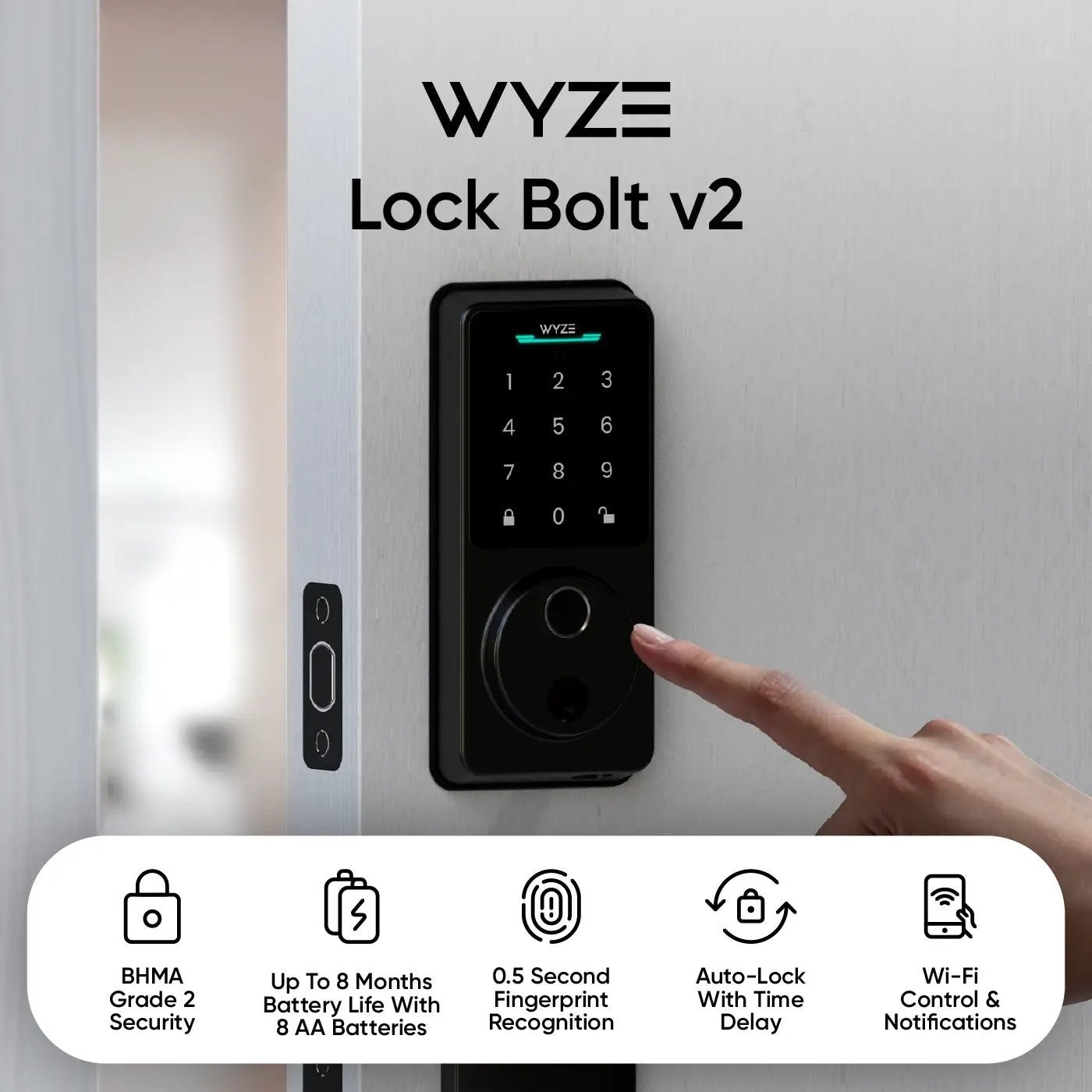
- Lock Bolt v2 is a fingerprint deadbolt that replaces a standard single-cylinder deadbolt. The product copy highlights an AI self-learning fingerprint scanner, Wi-Fi control, auto lock, and a “BHMA® Certified Grade 2” line. The official FAQ lists five unlock methods: fingerprint, a PIN on the touchscreen, the Wyze app, Alexa and Google Assistant, or an included physical key.
- Palm Lock is also a deadbolt replacement, but the official page says it uses palm-vein recognition for contact-free access, plus a person-detecting radar, a keypad, and Wi-Fi with Alexa and Google built in.
- Lever Lock is not a deadbolt. Official copy calls it a smart lever lock that “brings fingerprint access right to your door handle, letting you unlock your door with just your grip.” Feature bullets include auto-lock and tamper alarms, a backlit keypad with Anti-Peep, voice assistance, and a physical key.
If your door already uses a standard single-cylinder deadbolt and you want to keep a separate handle, Bolt v2 or Palm Lock is the official deadbolt path. If you want fingerprint access on the handle itself, Lever Lock is the official option. This guide does not invent a way to mix a lever lock and a Wyze deadbolt on the same latch.
Official prices on November 27, 2026
All three locks were marked available on the official listings we opened that day:
- Lock Bolt v2: $79.98 (compare-at $79.98)
- Palm Lock, black: $99.98 (compare-at $129.98)
- Lever Lock, black: $99.98 (no compare-at figure was shown)
Those are the USD amounts on the live product pages, not a standing catalog. Recheck the page before you buy. Shipping and return rules for a wyze.com order are in the shopping guide.
How each lock identifies you
Lock Bolt v2 is the fingerprint deadbolt. Official marketing also calls out “BHMA® Certified Grade 2.” The spec table lists certifications as “FCC, IC, TSCA, CA65, ANSI-BHMA” and does not repeat the grade number. This guide records both statements rather than collapsing them.
Palm Lock’s official FAQ says it scans a vein pattern with infrared light, stores it locally, and unlocks when the scan matches a saved pattern. It tells you to hold your hand 3–7 inches from the lock screen, pointed directly at the screen. Marketing copy on the same product page says the lock “works with wet, dirty, or gloved-off winter hands.” The FAQ is narrower: if your palm is slightly injured or scarred, the lock can still recognize the vein pattern, but “if your hand is covered or you’re wearing gloves, simply remove the gloves to use the lock normally.” You can also unlock with the Wyze app, a PIN, or the included keys. Those official statements are not identical, and this guide does not merge them.
Lever Lock’s official feature list is “AI-Powered Fingerprint Unlock,” with a backlit keypad that includes Anti-Peep, plus app and key access as described on the page. The product description does not publish a palm-vein option.
All three official spec tables list a 1-year warranty line. The store’s limited-warranty terms still describe 18 months for wyze.com purchases made on or after January 1, 2026. That conflict is covered in the shopping guide.

Batteries, weather ratings, and auto-lock
Official power and weather figures differ in ways that matter for outdoor-facing doors:
- Lock Bolt v2: eight AA batteries included; “up to 8 months with normal use (10-20 lock/unlock per day).” USB-C emergency power (cable not included). Weather resistance IP53. Outdoor keypad operating range -4°F to 122°F; indoor assembly 32°F to 122°F.
- Palm Lock: a Wyze Removable Battery Pack plus a backup battery; “up to 6 months with normal use (10-20 lock/unlock per day).” Marketing also mentions a “2-week backup battery” and USB-C emergency charge (cable not included). Weather resistance IP53. Exterior -4°F to 122°F; interior 32°F to 122°F.
- Lever Lock: eight AA batteries (included in the box list); “up to 12 months with normal use (10-20 lock/unlock per day).” USB-C emergency power (cable not included). Weather resistance IP54 — a different official rating from the two deadbolts. The same temperature ranges are listed: exterior -4°F to 122°F; interior 32°F to 122°F.
Auto-lock is not the same feature on every model. Lock Bolt v2’s FAQ describes an auto-lock timer: after you set a timer and unlock, the lock counts down and extends the bolt when the timer hits zero. “The lock does not detect whether the door is closed, so please ensure the door is fully shut before the time is up.” Palm Lock’s FAQ describes a gyroscope that “detects the position of the door and automatically locks the door when it’s closed,” and “ensures that the deadbolt is only extended when the door is completely closed.” If you want the official closed-door check, that language sits on the Palm Lock page, not on the Bolt v2 timer FAQ.
Door fit and what’s in the box
Lock Bolt v2 publishes the most detailed official door-fit list. It is for a standard single-cylinder deadbolt on wooden exterior doors, “not for glass or sliding doors,” and it “does not support Mortise or multi-point locks.” Official measurements include door thickness 1-3/8" to 2-11/64" (35–55 mm), a cross-bore of 2-1/8" (54 mm) or 1-1/2" (38 mm), a 1" edge/latch hole, and a backset of 2-3/8" or 2-3/4" (adjustable). It also asks for at least 2-9/16" (65 mm) between the deadbolt center and the adjacent handle. Palm Lock’s spec table is shorter: “Compatible with most standard US doors. Replaces existing single-cylinder deadbolt.” This guide does not copy Bolt v2’s millimeter list onto Palm Lock or Lever Lock.
Official sizes:
- Lock Bolt v2, model WLCKB2: external assembly 6.2 × 2.8 × 0.7 in; internal 7.1 × 2.9 × 1.4 in; 2.15 lb including batteries.
- Palm Lock, model WPLCK1: external 6.14 × 2.89 × 1.28 in; internal 7.16 × 2.93 × 1.18 in; 4 lb. Frame is aluminum alloy and steel, with a tempered-glass panel.
- Lever Lock, model WLCKL1: external assembly 5.9 × 2.8 × 1 in; internal 6.5 × 2.8 × 1.3 in; handle 5.2 × 1.7 × 1 in; 4 lb. Frame is aluminum alloy and steel; the handle is listed as metal and plastic, and the panel as plastic.
A Bolt v2 box includes the exterior and interior assemblies, mounting plate, screw kits, deadbolt, eight AA batteries, strike plate, dust box, mechanical keys, and a quick start guide. Palm Lock includes exterior and interior assemblies, mounting plate, deadbolt, strike plate, dust box, main and backup batteries, silicone plug, drilling template, two mechanical keys, screw kits, and a quick start guide. Lever Lock’s official box list includes the exterior and interior assemblies, a mounting plate with silicone pad, eight AA batteries, two keys, a latch, a dust box, and the listed screw kits.

Connectivity
All three official tables list 2.4 GHz Wi-Fi. Lock Bolt v2 lists Bluetooth 5.0 and Wi-Fi 4/5/6. Palm Lock lists Bluetooth 5.0 and Wi-Fi 6. Lever Lock lists Bluetooth 5.3 and Wi-Fi 6. App requirements are Wyze app 3.8+ for Bolt v2, 3.7+ for Palm Lock, and Android 10.0+ or iOS 16.0+ on the tables we opened. Bolt v2’s page also says it is compatible with Wyze Battery Video Doorbell, Video Doorbell v2, Video Doorbell Pro, and Duo Cam Doorbell.
Which lock should you buy?
- Choose Lock Bolt v2 if you want a fingerprint deadbolt at the lowest listed official price that day ($79.98), you can follow the published door-fit measurements, and you are comfortable with a timer-based auto-lock that the FAQ says does not detect a closed door.
- Choose Palm Lock if official contact-free palm-vein unlocking and a gyroscope that locks only after the door is closed are the reasons you are stepping up, and you have accepted the official $99.98 price and the 6-month main-battery figure.
- Choose Lever Lock if you need a lever-handle lock with fingerprint access, the official 12-month battery figure, and IP54 — not a deadbolt.
Then recheck today’s listing and the shopping guide before checkout. You can also return to the official catalog through our Wyze tracking link.
References
- Wyze Lock Bolt v2 official product page, specs, prices, and FAQ, accessed November 27, 2026: https://www.wyze.com/products/wyze-lock-bolt-v2
- Wyze Palm Lock official product page, specs, prices, and FAQ, accessed November 27, 2026: https://www.wyze.com/products/wyze-palm-lock
- Wyze Lever Lock official product page, specs, prices, and box list, accessed November 27, 2026: https://www.wyze.com/products/wyze-lever-lock
- Wyze, “Return Policy and Limited Warranty Terms,” effective June 12, 2026: https://www.wyze.com/policies/refund-policy
Meet your guide
Lipeiguan
author
What to read next
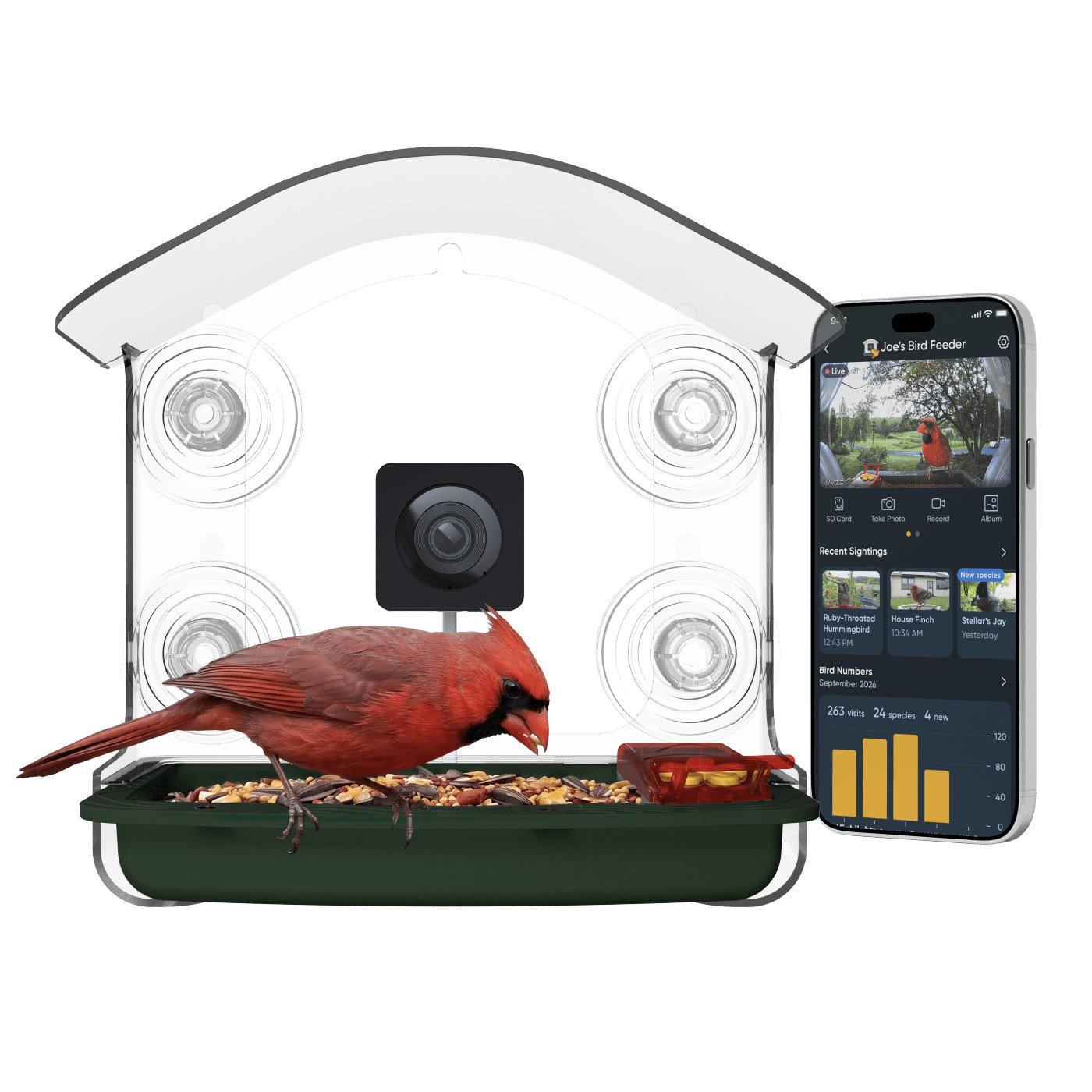 Wyze Window Bird Cam Launches at $69.98 With a Three-Month Bird Watch Trial Wyze's official November 24, 2026 blog post names that date as launch day for the Window Bird Cam at an MSRP of $69.98. The official product page, checked 2026-11-29T01:38:19Z, lis... How to Set Up the Wyze Window Bird Cam and Bird Watch Official Wyze Window Bird Cam setup steps, box contents, and the difference between free camera features and the Bird Watch plan. The official product page, checked 2026-11-29T01:3...
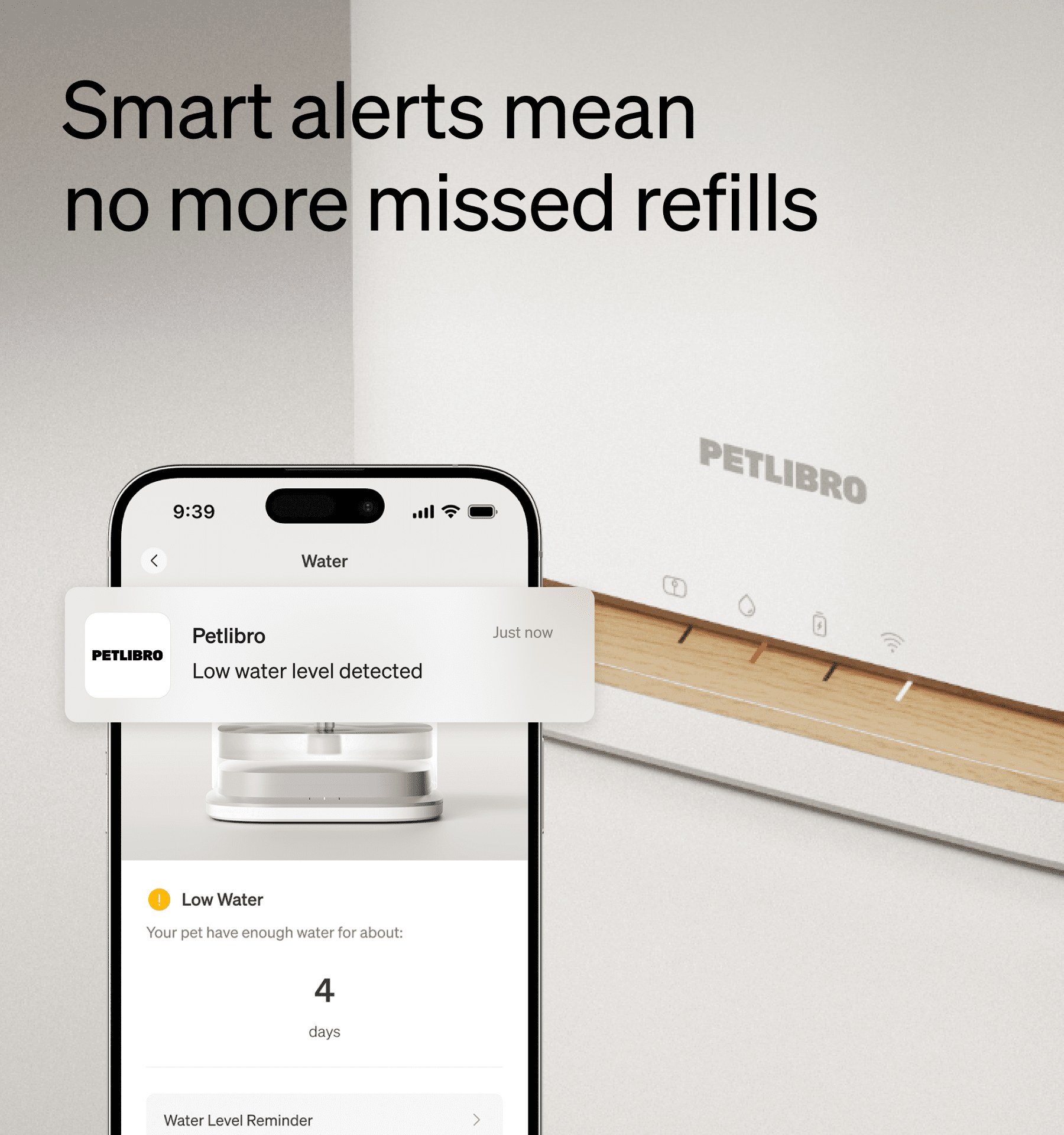 Best Petlibro Fountains (2026): Dockstream 2, Dockstream RFID and Stainless Steel Official prices and specs for Petlibro's Dockstream 2, Dockstream RFID, and stainless-steel fountains, compared from U.S. store listings on November 27, 2026.