
Sleep Number Bed FAQ: Settings, Wi-Fi, Power Outages, Air Loss and Maintenance
Answers to the questions Sleep Number owners ask most: how the 0–100 setting works and how to find yours, whether the bed needs Wi-Fi, what SleepIQ tracks and how to turn it off, what happens in a power outage, and how to check for air loss, all from Sleep Number's own support pages.
Disclosure: This page may contain affiliate links. They do not influence our editorial conclusions. Read the disclosure.
Our pick
- See price at Sleep Number
Top pick
Sleep Number
Sleep Number is a US mattress company known for adjustable-firmness smart beds that use air chambers, including the ComfortMode, ComfortNext and Climate collect...
What this guide covers
A Sleep Number bed is an air bed with foam comfort layers, a pump and, on smart models, sensors and an app. That makes it different to own than an ordinary mattress, and new owners tend to ask the same questions: What number should I sleep at? Does it need Wi-Fi? What happens in a power outage? Why does my side feel softer?
This FAQ answers those questions using Sleep Number's own support articles, user guides and assembly guide, read on November 13, 2026. It is a research-based guide, not a hands-on test. If you are still deciding which model to buy, start with our guide to choosing a Sleep Number bed instead.

Sleep Number settings
What is a Sleep Number setting?
It is the firmness level of your side of the mattress. Sleep Number's support site says settings "range from 0 to 100, with 100 being the firmest." On its smart bed guide, Sleep Number describes the range as running "from feather soft (0) to extra firm (100)." With dual air chambers, you and a partner each set your own number.
How do I find my number?
Lie down in your usual sleep position and use the guided process. In the Sleep Number app, tap Smart Bed, then Sleep Number setting, then Find New Sleep Number setting. On ComfortNext, smart and traditional beds with a remote, press Home, select Sleep Number, press the Favorite button and choose Find Your Sleep Number. On ComfortMode beds with the black core remote, choose your side with the L/R button and use the up and down arrows.
The guided process first raises the bed to 100, the firmest setting, then softens it. When your body feels supported without pressure-point discomfort, you stop and save that number.
My setting felt right in the store but not at home. Is that normal?
Yes. Sleep Number says it is normal for your home setting to differ from the one you liked in a store, because each mattress model has a different feel and level of support. Your preferred setting may also change over time.
How should I fine-tune it?
Sleep Number recommends sleeping at a new setting for 3 to 5 nights. If you are still not comfortable, adjust by 5 or 10 points: higher for firmer (for example, 35 to 40) and lower for softer (35 to 30). Its Finding Comfort & Alignment article suggests changes of about 5 points at a time, trying each for a few nights, and paying attention to your back, hips, shoulders and neck when you wake up.
Does an adjustable base change how the setting feels?
It can. Sleep Number says your setting "may feel different when your head or feet are raised," and advises adjusting the base first and then your Sleep Number setting.

Why does the number on my remote move a little?
An older Sleep Number owner's manual explains that small fluctuations are normal and can come from weight differences on the bed, changes in sleeping position, heat from an electric blanket, room temperature or weather. It's only a concern if the bed gets softer night after night.
Wi-Fi, the app and SleepIQ
Does a Sleep Number bed need Wi-Fi?
Not for the basics. Sleep Number's support page says you can still adjust your Sleep Number setting and use a FlexFit adjustable smart base without Wi-Fi. What you lose offline, depending on model, are features such as sleep and wellness insights, Responsive Air technology, auto underbed lighting, foot-warming routines, software updates and some remote support diagnostics.
On Sleep Number 360 smart beds, the support guide says bed controls can work over Bluetooth if Wi-Fi is not available, but the SleepIQ score and data need an internet connection.
Which Wi-Fi band should I use?
The 2.4GHz network. Sleep Number says to choose the 2.4GHz version of a dual-band router, and the app only shows compatible networks.
What does SleepIQ measure?
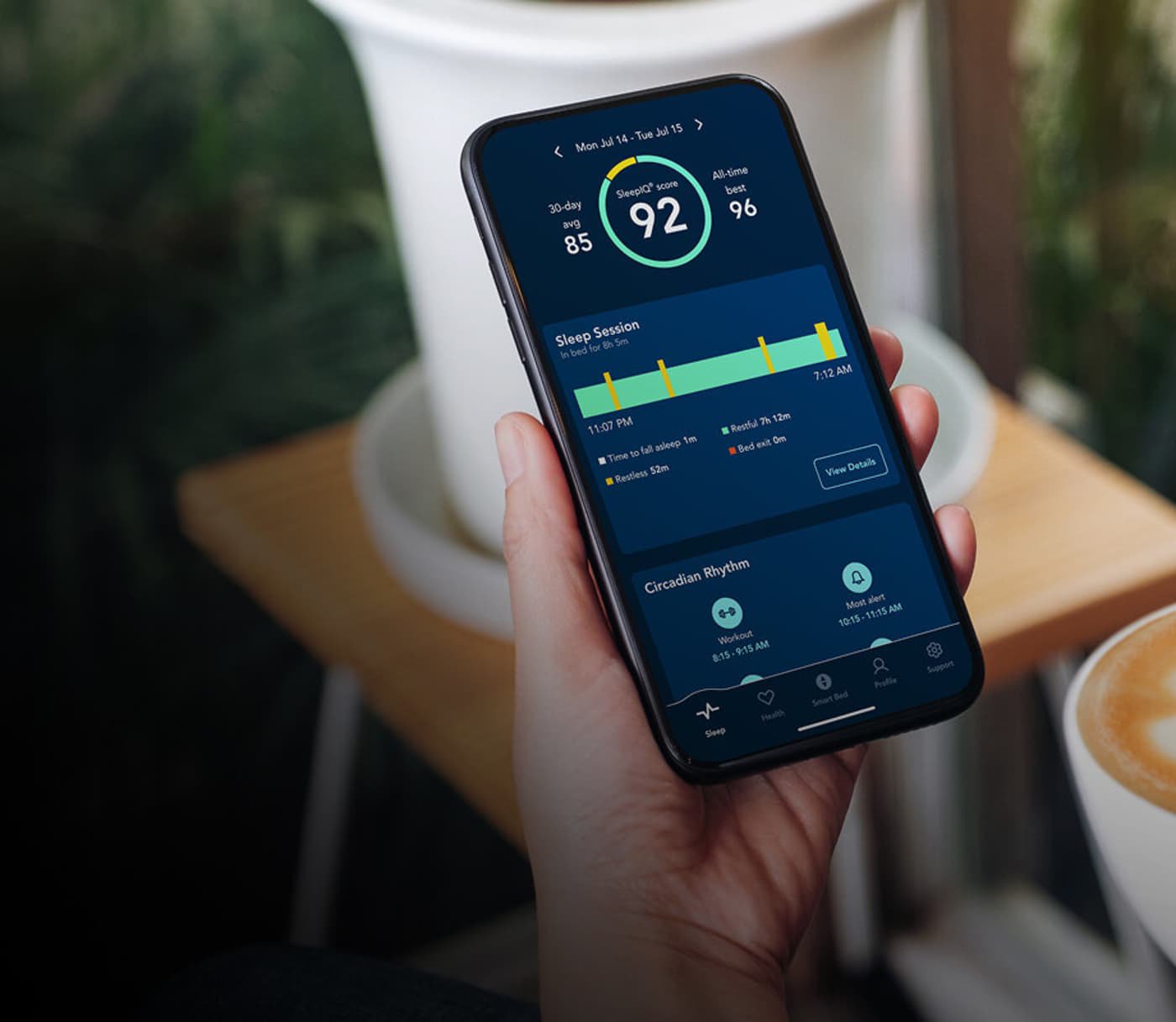
According to Sleep Number's 360 smart bed guide, SleepIQ technology measures heart rate, breathing and movement to produce a SleepIQ score and personalized insights.
Can I turn SleepIQ off?
Yes. You can switch on Privacy mode from the remote, the Sleep Number app or the SleepIQ website to stop collecting SleepIQ data. On the remote, press and hold the Home button for 2 seconds and confirm. It stays off until you turn it back on. Sleep Number says SleepIQ data is confidential to you and your sleep partner, under its End User Agreement.
Note the trade-off: without SleepIQ connectivity, Sleep Number says smart features like Responsive Air technology, Routines and Foot Warming will not function, although foot warming can be turned on and off manually with the optional remote.
What is Responsive Air?
A smart feature that, in Sleep Number's words, "senses your movements and automatically adjusts throughout the night" to keep you at your chosen setting. Sleep Number notes you may not even notice it working.
Power and outages
Will the bed deflate if the power goes out?
No. Sleep Number's assembly guide and a Sleep Number owner's manual both answer this directly: "No, your mattress will maintain its firmness." The manual also recommends using a surge protector to protect the Firmness Control system.
Does it need an outlet nearby?
Yes. The assembly guide tells you to make sure there is an electric power source near where the bed will go, to run the Firmness Control system. If the motor doesn't run, an owner's manual suggests checking that the outlet has power and isn't controlled by a wall switch.
How will I know if something is wrong?
On newer beds, Sleep Number says the remote shows an error message when an issue is detected, along with prompts to fix it. If that doesn't work, it directs you to chat or to call 1-800-472-7185.
Air loss and softness
My side keeps getting softer. What should I check?
Sleep Number's troubleshooting steps start with the simple things: confirm the remote or app is connected, check that the pump has power and its indicator lights are on, and check every hose connection for kinks, bends or loose fittings. Lowering your setting forces the pump to run a pressure check.
Its 360 smart bed guide adds that a loose connection can cause air loss or make the pump run more than normal, and that kinked hoses "will hinder air flow and cause the illusion of your bed losing air."

How do I test for a leak?
The assembly guide describes a test. For two chambers, swap the hoses at the air chambers (the left hose has a white band and the right a blue band), fill each side to its usual setting, and see whether the softness follows the chamber or the hose. If softness persists, or for a single chamber, fill to your normal setting plus 15 points, disconnect the hose, cap the chamber with the air chamber cap that came with the bed, and leave it capped for at least 48 hours. If the capped chamber gets noticeably softer, contact customer service. If it holds air, the problem was likely a connection or environmental factors.
Maintenance
Is there routine maintenance?
Sleep Number's 360 smart bed guide includes a short checklist:
- Weekly, or if comfort changes: confirm your setting and listen for the pump running constantly or longer than usual.
- Monthly: inspect and reseat air hose connections at the pump and chambers, and trace the hoses for kinks or pinches.
- As needed: make sure the power cord is firmly connected and plugged into a working outlet.
- FlexFit 1, 2 or 3 owners: check that wire harness connections are seated and cords are undamaged.
Where is the pump?
It depends on the setup. With FlexFit 1, 2 and 3 bases, the pump is at the foot of the bed on the sleeper-left side. With a mattress alone or an integrated base, it sits on the floor, or in a housing on integrated bases with a tub.
What kind of foundation do I need?
The assembly guide recommends a firm, flat surface such as the Sleep Number modular base, a solid-surface platform bed or a bunkie board. Its 360 smart bed guide lists compatibility with a bunkie board, integrated base or foundation, and FlexFit 1, 2 and 3 bases.
Support and policies
Sleep Number lists phone support at 1-800-472-7185 (Monday to Friday 8 a.m. to 8 p.m. CT, Saturday 8:30 a.m. to 5 p.m. CT) and chat seven days a week, 6 a.m. to 11 p.m. CT.
For the 100-night trial, return costs, delivery and the 10-year warranty, see our Sleep Number shopping guide. For our research-based take on the current lineup, read the Sleep Number smart bed review, and if you're cross-shopping, see Bryte vs Sleep Number.
References
- Sleep Number Support, How to find a new Sleep Number setting: https://support.sleepnumber.com/hc/en-us/articles/230551727-How-to-find-a-new-Sleep-Number-setting
- Sleep Number Support, Finding Comfort & Alignment: https://support.sleepnumber.com/hc/en-us/articles/235185187-Finding-Comfort-Alignment
- Sleep Number Support, Get to Know Your Sleep Number 360 Smart Bed: https://support.sleepnumber.com/hc/en-us/articles/360050729394-Get-to-Know-Your-Sleep-Number-360-Smart-Bed
- Sleep Number Support, Why Connect Your Sleep Number Smart Bed to Wi-Fi?: https://support.sleepnumber.com/hc/en-us/articles/360047300373-Why-Connect-Your-Sleep-Number-Smart-Bed-to-Wi-Fi
- Sleep Number Support, Trouble Adjusting My Sleep Number Setting: https://support.sleepnumber.com/hc/en-us/articles/360017471894-Trouble-Adjusting-My-Sleep-Number-Setting
- Sleep Number, Bed Assembly Guide (PDF): https://support.sleepnumber.com/hc/en-us/article_attachments/360092551373
- Sleep Number, Owner's manual, Personal Preference beds (PDF): https://support.sleepnumber.com/hc/en-us/article_attachments/40799718104471
- Sleep Number, Owner's manual, SofaBed (PDF): https://support.sleepnumber.com/hc/en-us/article_attachments/40799817704855
Meet your guide
Lipeiguan
author
What to read next
 How to Choose a SwitchBot Lock: Lock Pro vs Lock Ultra vs Lock Vision and Vision Pro A research-based guide to official SwitchBot Lock Pro, Lock Ultra, Lock Vision and Lock Vision Pro specs and November 20, 2026 U.S. prices, including batteries, hubs, keypads, comp...
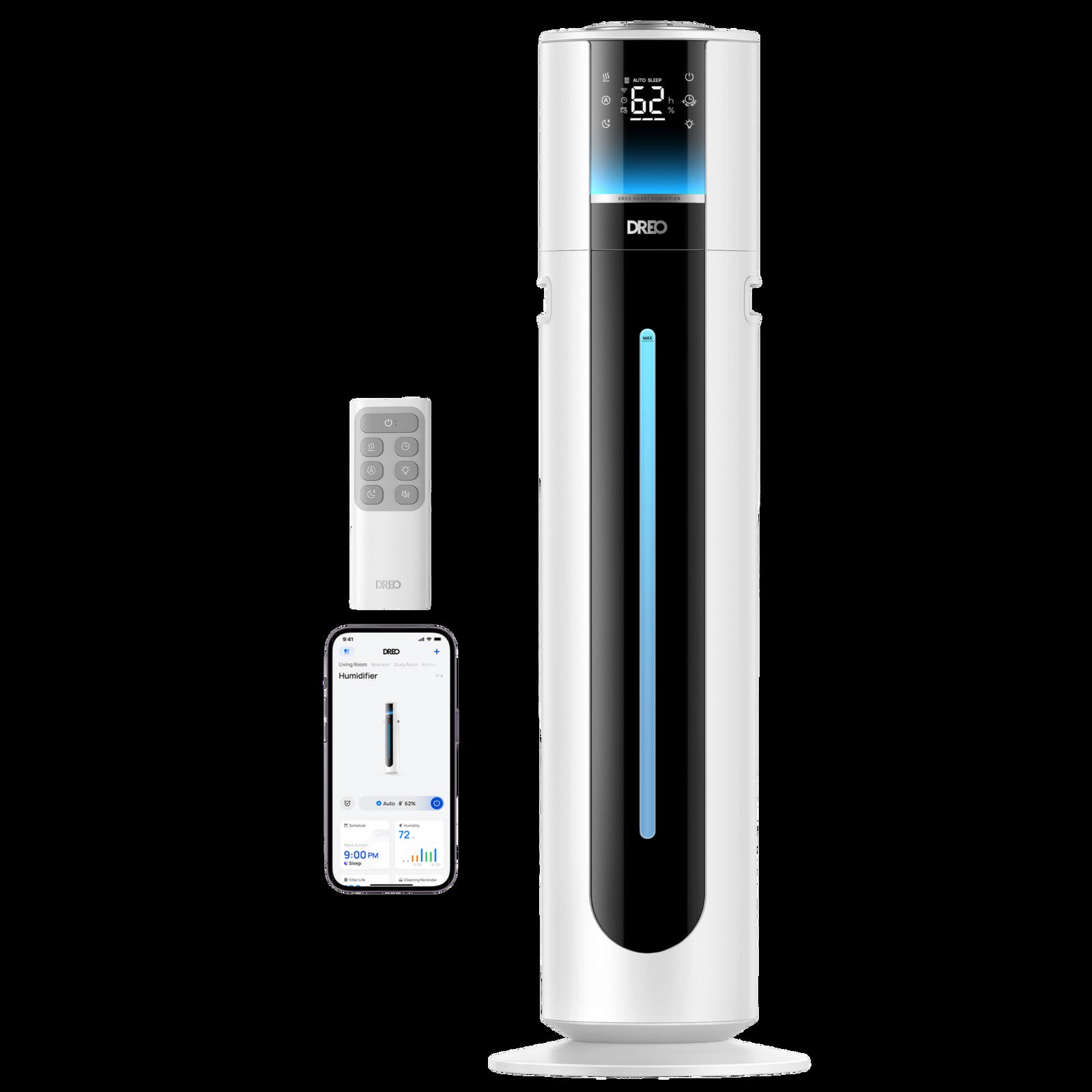 Best DREO Humidifiers (2026): 713S, 717S, 735S, 747S and Evaporative 774S Compared A research-based 2026 comparison of official DREO humidifier specs and November 19, 2026 listed prices for the 713S, 717S cartridge bundle, 735S, 747S, and evaporative 774S, includ...
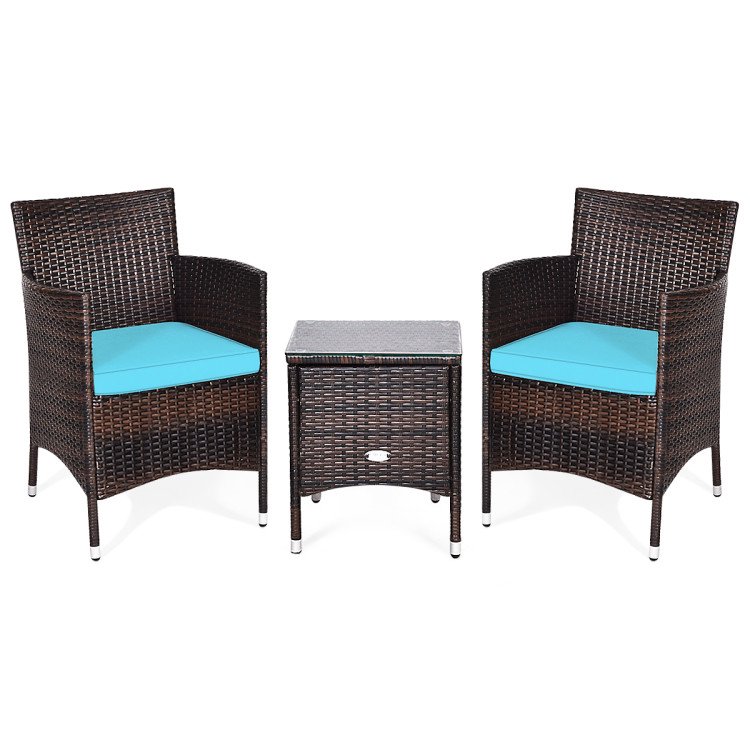 Best Costway Patio Furniture (2026): Conversation Sets, Dining Sets and Loungers A research-based Costway patio furniture roundup as of November 18, 2026: official conversation, dining and folding lounge sets, current prices, weight capacities and box counts fr...