
Is My Phone Compatible With Airalo? eSIM Support, Carrier Lock and Device FAQ
How to check whether your iPhone, iPad, Samsung, Pixel or other Android phone works with Airalo: eSIM support, the *#06# EID test, carrier-lock checks and regional exceptions.
Disclosure: This page may contain affiliate links. They do not influence our editorial conclusions. Read the disclosure.
Our pick
- See price at Airalo
Top pick
Airalo
Travel eSIM store selling prepaid local, regional and global data packages for more than 200 locations through its app and airalo.com, now moving customers to a...
What this guide covers
Before you buy any Airalo package, your phone or tablet has to pass three checks: it must support eSIM, it must be carrier-unlocked, and it must not be jailbroken or rooted. If any one of them fails, the eSIM won't work on that device. This FAQ explains each requirement, how to check it on an iPhone, iPad, Samsung Galaxy, Google Pixel or other Android phone, and what to do if your device doesn't qualify. It is based on Airalo's official device-compatibility page and help center articles as published on November 10, 2026.

What does my phone need to use Airalo?
Airalo's help center lists three conditions. The device:
- supports eSIMs,
- is not carrier- or network-locked, and
- is not jailbroken (iOS) or rooted (Android).
Every Airalo package is delivered as an eSIM, so there is no physical SIM option to fall back on. If your device fails any of the three checks, Airalo won't work on it.
You'll also need a stable internet connection to install the eSIM, which Airalo says usually takes a few minutes. Under the new Airalo, which began rolling out on November 9, 2026, you install one eSIM per device and later packages are added to it. Our new Airalo setup guide walks through installation once you know your device qualifies.
How do I check if my phone supports eSIM?
The quick test that works on most phones
Airalo's help article suggests a test that works on most devices:
- Open your phone's dialer, the app you use for normal calls. A messaging app like WhatsApp won't work.
- Dial
*#06#. - Look for a 32-digit number labeled EID.
If an EID appears, the device supports eSIM. If you see only IMEI numbers and no EID, it likely doesn't.
Checking in settings
Airalo's compatibility page also describes where the "add eSIM" option lives on popular brands:
- iPhone and iPad: look in Cellular or Mobile settings for Add eSIM.
- Samsung Galaxy: open Settings, then Connections, then SIM Manager. If Add eSIM is there, the device likely supports eSIM.
- Google Pixel: open Settings, then Network & Internet, then tap the + next to SIMs. If the next page offers Download a SIM instead?, the phone supports eSIM.
- Other Android phones: use the
*#06#dialer test above.
If your phone shows an option to add an eSIM anywhere in its settings, Airalo says it supports eSIMs.
Which phones support eSIM?
Airalo publishes a device list that it says is updated regularly but isn't exhaustive. The version dated September 2026 includes, among many others:
- iPhone: every model from iPhone XS, XS Max and XR onward, including iPhone SE (2020 and 2022), the iPhone 11 through 17 families, iPhone Air, iPhone 17e, iPhone 18 Pro and Pro Max, and iPhone Duo.
- iPad: iPad from the 7th generation, iPad Air from the 3rd generation, iPad Pro 11-inch from the 1st generation, iPad Pro 12.9-inch from the 3rd generation and iPad mini from the 5th generation. Airalo notes an iPad needs cellular capability.
- Samsung: the Galaxy S20 series and later S models, the Galaxy Z Fold and Z Flip lines, Galaxy Note 20 models, and selected A-series phones such as the A35 5G, A36, A55 5G and A56, plus the Galaxy Z TriFold.
- Other brands: the list also includes Motorola, Xiaomi Redmi and Nokia models among others, with notes that availability can vary by region and carrier.
Two warnings from that list matter for buyers:
- iPhones sold in mainland China don't have eSIM capability. iPhones from Hong Kong and Macao don't either, except the iPhone 13 mini, iPhone 12 mini, iPhone SE (2020) and iPhone XS.
- Some Samsung A-series phones are marked with an asterisk because eSIM support depends on the region or carrier.
So even if your model name is on the list, a regional version or a carrier's software can switch eSIM off. Airalo says the best confirmation is your device manufacturer, vendor or carrier.

How do I check if an iPhone is from a region without eSIM?
Airalo's iOS help article gives this method:
- Open Settings, then General, then About.
- Tap Model Number until it changes to a code starting with A followed by four digits.
- Compare that code with Apple's list of model numbers for mainland China, Hong Kong and Macao devices.
If your model number doesn't match those regions, the iPhone should be eSIM-compatible. The same steps apply on an iPad.
How do I know if my phone is carrier-locked?
A carrier-locked (or network-locked) phone only works with SIMs from one provider. Airalo's compatibility page is blunt: "if your device is carrier or network-locked, you can't use Airalo."
On iPhone
- Open Settings, then General, then About.
- Scroll to Carrier Lock.
- If it says No SIM restrictions, the iPhone is unlocked.
On Android
Airalo's Android help article suggests a SIM-swap test:
- Remove your current SIM card.
- Insert a SIM card from a different carrier.
- Check that the carrier name at the top of the screen changes.
- Make a call.
If the call connects, the phone is unlocked. If it can't connect, or you see a message saying the phone is locked, it's tied to the first carrier. If you don't have a second SIM, Airalo suggests checking your settings or asking your carrier.

Common questions
My phone is locked. Can I still use Airalo?
Not until it's unlocked. Airalo's terms make an unlocked device a requirement. Carriers set their own unlock rules, so contact your provider about unlocking before you travel.
Can I use Airalo on a tablet, laptop or smartwatch?
Airalo's "What is an eSIM?" article says an eSIM device could be a phone, tablet, laptop or even a smartwatch, as long as it supports eSIM and is network-unlocked. In practice, check that the specific device appears on Airalo's list or offers an add-eSIM option. Under the new Airalo, each device needs its own setup.
Do I lose my regular number if I install Airalo?
No. On a dual-SIM phone, you can keep your home SIM or eSIM for your number and set the Airalo line for data while abroad. Leaving your home line on can still trigger roaming charges for calls and texts from your own carrier, so check your carrier's rules.
What if the eSIM won't install even though my phone is on the list?
Airalo says some devices on the list may still lack eSIM support because of a regional model or a carrier that disabled the feature. Run the *#06# EID test and the carrier-lock check before contacting support. Airalo offers 24/7 support, including through WhatsApp, and its refund policy covers some installation and service problems. Our Airalo shopping guide explains when you can get your money back.
Should I check compatibility before or after buying?
Before. Airalo's refund policy includes a 14-day right of withdrawal that ends once the eSIM is activated, so checking first avoids a refund request altogether. Each destination page in the Airalo store has a Check compatibility button that links to the device list.
A two-minute checklist before you buy
- Dial
*#06#and confirm you see an EID. - On iPhone, confirm Carrier Lock says No SIM restrictions. On Android, confirm with a second SIM or your carrier.
- If you bought your iPhone in mainland China, Hong Kong or Macao, check the model number.
- Make sure the device isn't jailbroken or rooted.
- Install the eSIM at home on stable Wi-Fi before you leave.
Once your device passes, compare packages in our Airalo eSIM review, or see how Airalo stacks up against a rival in Airalo vs Holafly.
References
- Airalo. Device compatibility. https://www.airalo.com/how-airalo-works/device-compatibility. Accessed November 10, 2026.
- Airalo Help Center. What devices support eSIM? https://www.airalo.com/help/help/about-airalo/what-devices-support-esim/D2N6OZSVVM9W. Accessed November 10, 2026.
- Airalo Help Center. How do I check if my iOS device supports eSIM? https://www.airalo.com/help/getting-started-with-airalo/E8DFWD88SHUX/how-do-i-check-if-my-ios-device-supports-esim/0RJHOLKBBPZR. Accessed November 10, 2026.
- Airalo Help Center. How do I check if my Android device supports eSIM? https://www.airalo.com/help/getting-started-with-airalo/E8DFWD88SHUX/how-do-i-check-if-my-android-device-supports-esim/VPYIS8VDX1B3. Accessed November 10, 2026.
- Airalo Help Center. What is an eSIM? https://www.airalo.com/help/help/about-airalo/what-is-an-esim/58HW9139AYWB. Accessed November 10, 2026.
Meet your guide
Lipeiguan
author
What to read next
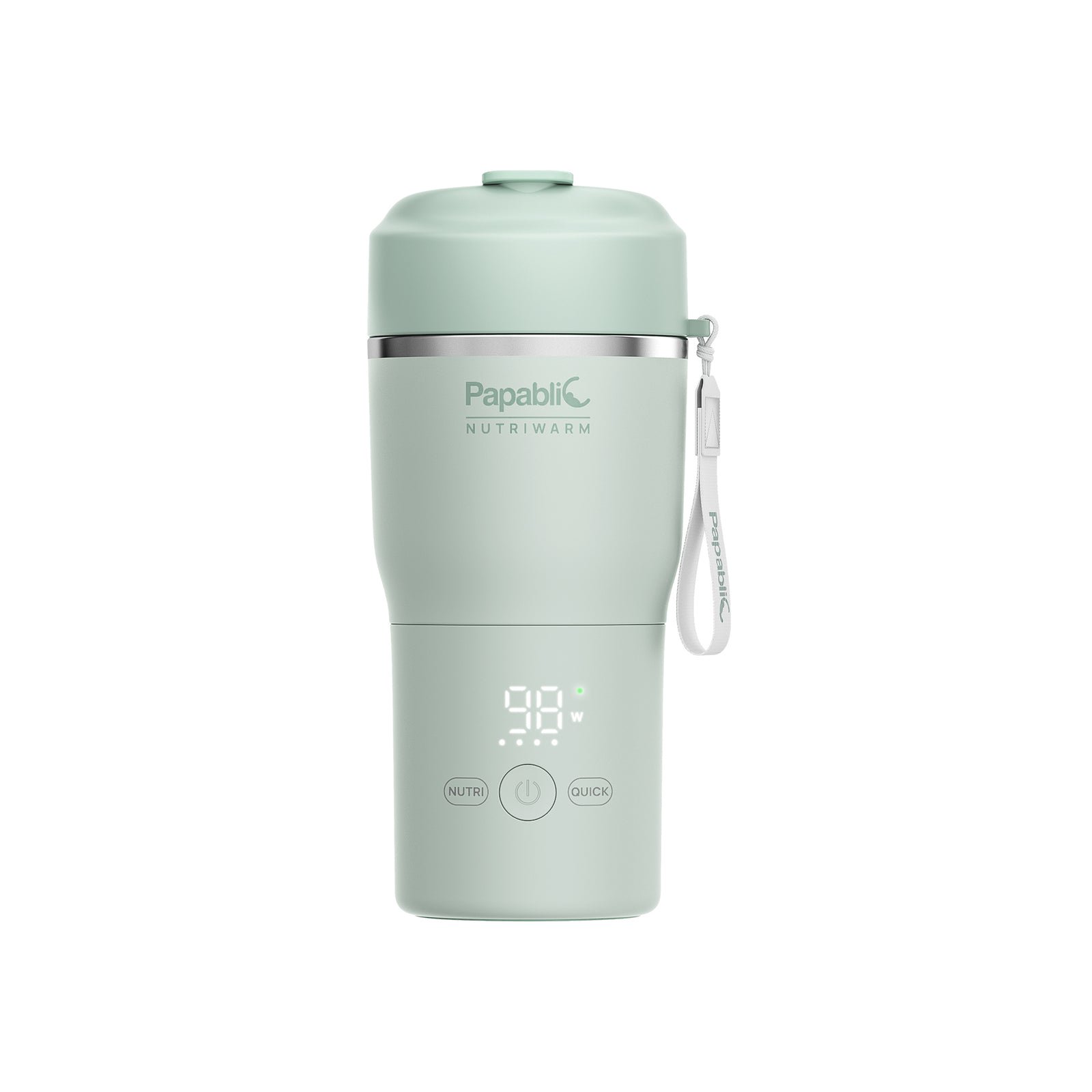 Best Papablic Portable Bottle Warmers and Breast Milk Coolers (2026) A research-based 2026 comparison of official Papablic NutriWarm, CapsuleChill, and On-the-Go Feeding Kit specs, November 19, 2026 listed prices, modes, capacity, and U.S. shipping...
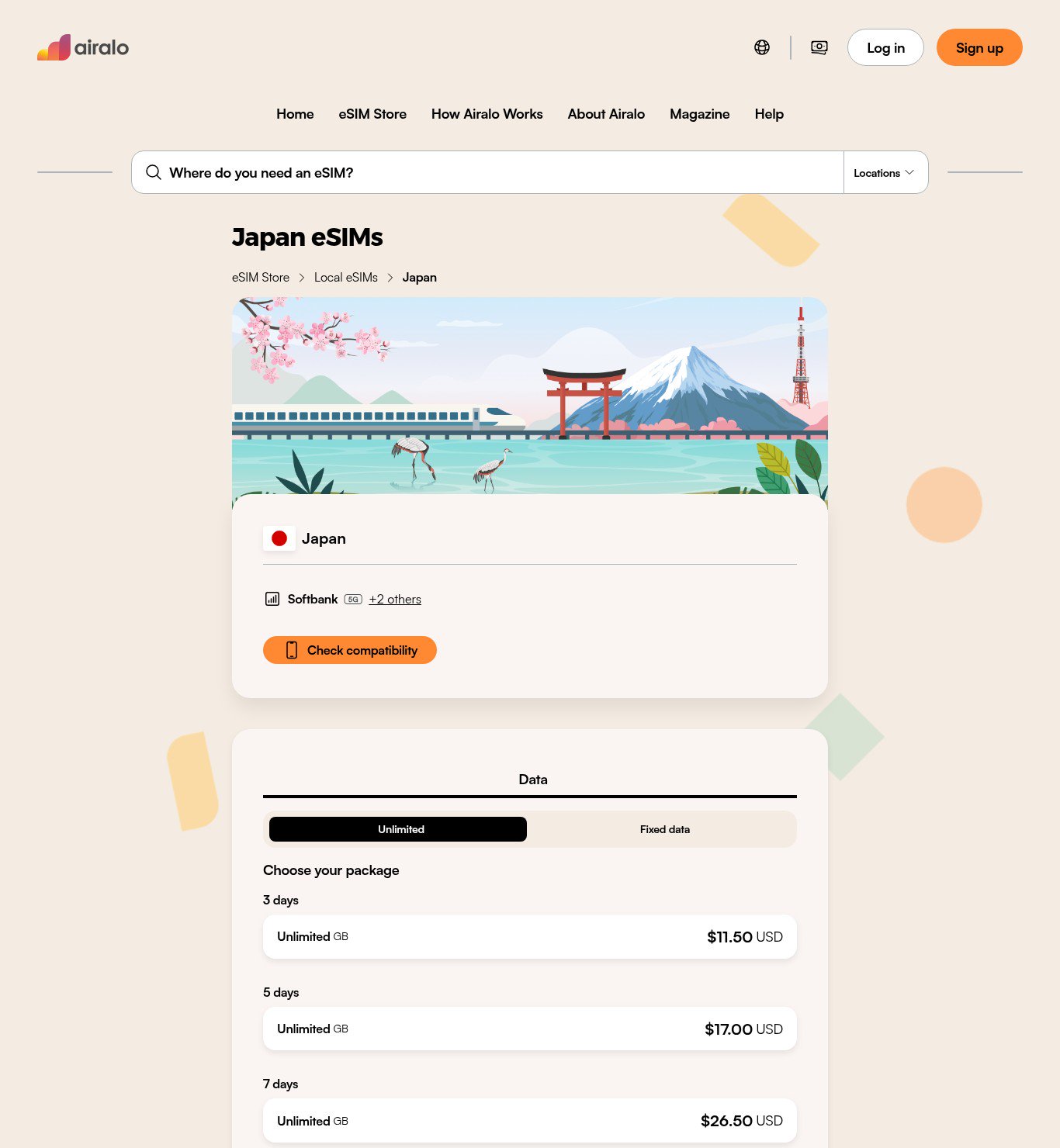 How to Choose an Airalo eSIM: Local vs Regional vs Global How to choose a local, regional, or global Airalo eSIM, with official US dollar example prices from Japan, Europe, Asia, and Global packages checked on November 16, 2026, plus cove...
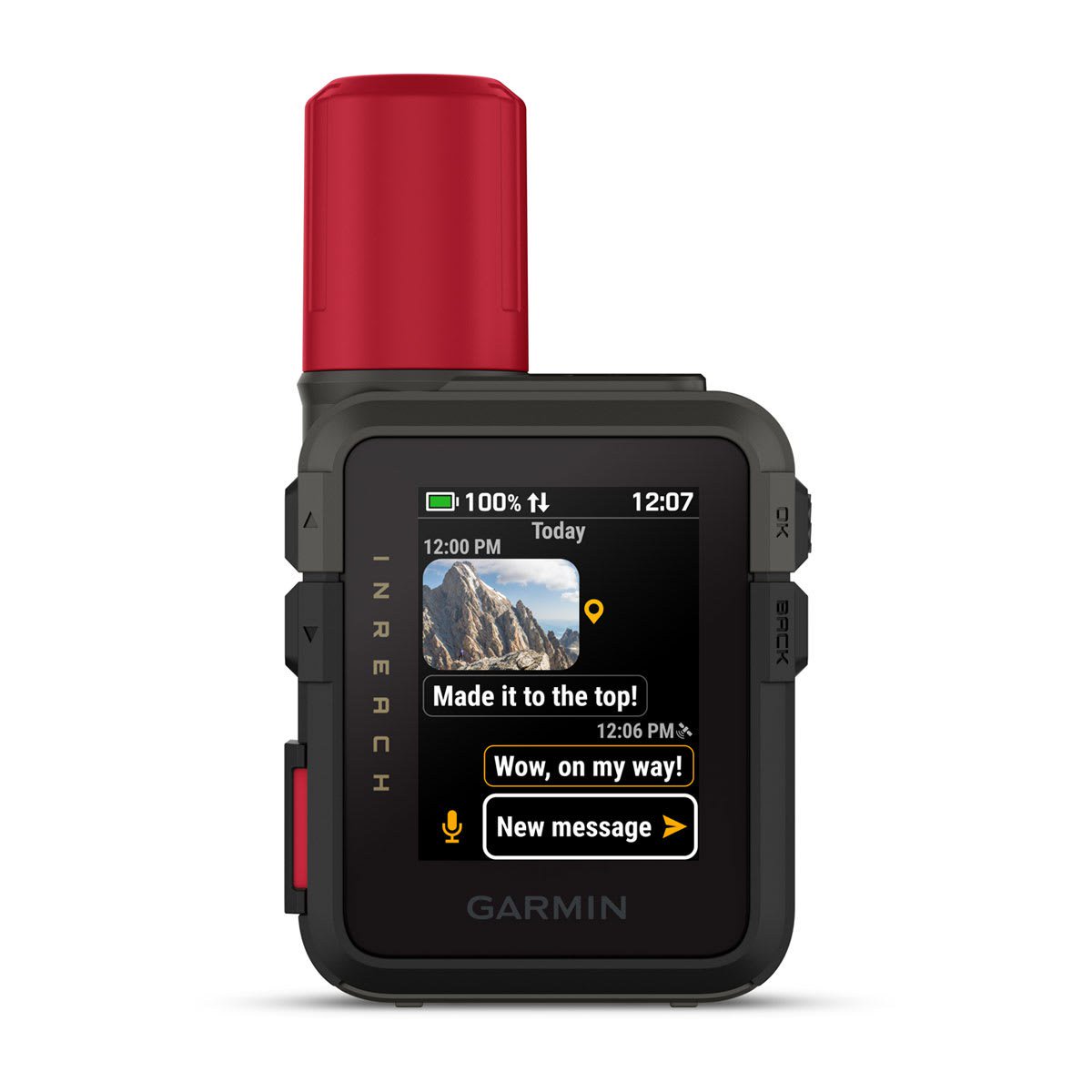 Garmin inReach for Travel: Messenger vs Messenger Plus vs Mini 3, and Which Plan to Choose How to choose a Garmin inReach satellite communicator for a trip beyond cell service: Messenger vs Mini 3, whether you need Plus for photos and voice, and what the Enabled, Essenti...