
How to Choose an xTool Laser: M2, F2, F1 Ultra, P2S, X1 or P3
A step-by-step way to narrow xTool's laser lineup: what you want to make, which laser type suits your materials, working area, where the machine will live and the full budget.
Disclosure: This page may contain affiliate links. They do not influence our editorial conclusions. Read the disclosure.
Our pick
- See price at xTool
Top pick
xTool
xTool makes desktop laser engravers and cutters (diode, CO2, fiber, MOPA and UV), plus color printers, heat presses, MetalFab welders and laser materials, sold...
Steps in this guide
xTool now sells more than ten laser machines, from a $499 craft laser to a $6,599 80W CO2 flagship, and the names (M2, S1, F2, F1 Ultra, P2S, X1, P3) don't tell you much on their own. This guide explains how to narrow the lineup down to one or two machines by working through four questions: what you want to make, what materials you will use, how big your pieces are, and where the machine will live. Specifications and prices below come from xTool's own product pages and comparison chart, checked on November 10 and rechecked on November 11, 2026.

Step 1: Decide what you want to make
Start with the finished product, not the machine. Most xTool buyers fall into one of four groups.
- Paper crafts, stickers, cards and small gifts. You want printing and cutting together, a compact footprint and an enclosed design you can use indoors.
- Wood and acrylic signs, ornaments and home decor. You need cutting power and a bigger bed more than you need color printing.
- Metal tags, jewelry, tumblers and tools. You need a fiber, MOPA or UV laser, because diode and CO2 lasers mark bare metal poorly or not at all.
- Small-batch production for a business. Speed, bed size and passthrough for long pieces matter most.
Write down your top three projects. Every later step is easier with that list in hand.
Step 2: Match the laser type to your materials
xTool sells five laser types. As a rough guide based on how xTool positions each machine:
| Laser type | Good for, per xTool | xTool machines |
|---|---|---|
| Diode | Wood, leather, paper, dark acrylic, coated metal | M2, S1, F2 (plus diode modules in F1 Ultra, F2 Ultra, X1) |
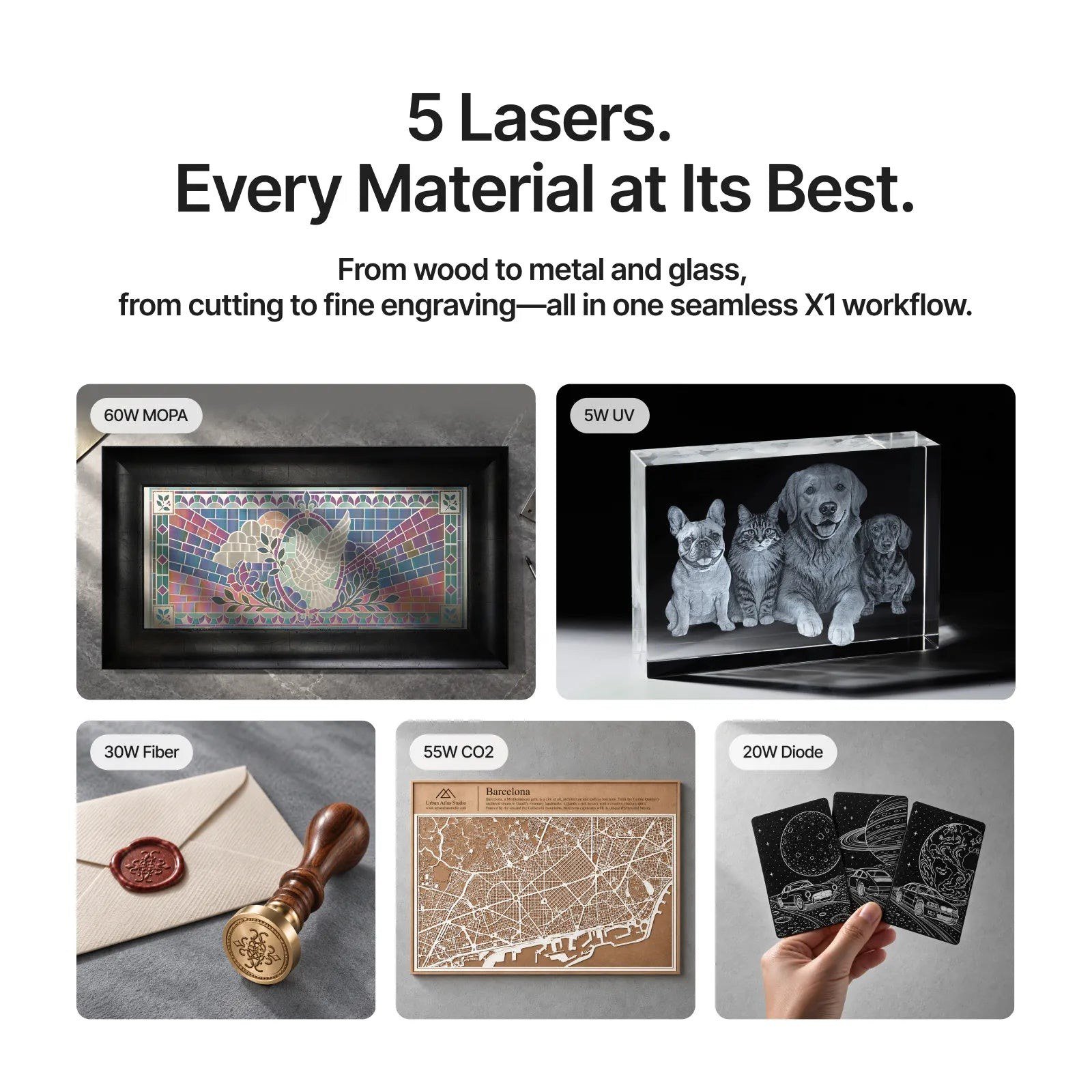
| CO2 | Cutting thicker wood and clear acrylic, glass etching | P2S, X1, P3 |
| Fiber (IR) | Bare metal marking and engraving | F1 Ultra, F2 |
| MOPA | Color marking on stainless steel, fine metal work | F2 Ultra |
| UV | Glass, crystal, plastics, ultra-fine detail | F2 Ultra UV |
If your list includes both wood and bare metal, look at the dual-laser machines. The F1 Ultra pairs a 20W fiber laser with a 20W diode, and the X1 pairs a 55W CO2 laser with a built-in 20W diode galvo. xTool says the X1's Laser Swap platform is designed to take UV, MOPA and fiber modules later.
Step 3: Check the working area
Bed size limits what you can make in one pass. From xTool's comparison chart and product pages:
- P3: 36 x 18 inches, the largest bed in the lineup.
- P2S: 23.6 x 12 inches, with AutoPassthrough for materials up to 118 inches long.
- S1: 23.93 x 15.16 inches in an enclosed diode machine.
- F2 Ultra UV: surface engraving up to 200 x 200 mm and inner engraving of crystal up to 70 x 70 mm.
- F1 Ultra and F2: compact galvo machines designed for small items like tags, rings and tumblers, where speed matters more than bed size.
Measure your largest planned piece and add a margin. If you regularly work with long boards or banners, passthrough on the P2S is a key feature.

Step 4: Think about where it will live
All lasers produce smoke and fumes, so plan ventilation first. xTool sells the SafetyPro AP2 air purifier ($999) and AP2 Max ($2,499) for spaces where you can't vent outdoors, and a Fire Safety Set ($169) for automatic fire suppression.
Enclosure also matters. The M2 and S1 are Class 1 enclosed designs, which xTool presents as suitable for home use. The F2 is a portable dual laser for crafters who move between locations. The P3 is a large machine at 80W and is aimed at businesses with dedicated workshop space.
Step 5: Set a budget, including extras
Here are the prices xTool showed on its US site on November 11, 2026, during its Black Friday and Cyber Monday sale, which runs through December 4:
- M2 from $499 standalone (list $599), $599 for the Color Print & Cut Bundle.
- S1 from $1,299.
- F2 $1,299.
- F1 Ultra $2,549.
- P2S $2,999 (list $4,499).
- X1 from $3,399.
- F2 Ultra UV $4,299, F2 Ultra from $4,299.
- P3 $6,599.
These are product page prices. During the Black Friday sale, xTool also applies sitewide tiered discounts automatically at checkout based on order value (C1, X1, P2S and refurbished machines are excluded), so check the cart total on the day you buy. xTool's 60-Day Price Match allows one approved adjustment per order if the price drops later.
Then add the extras most buyers need: a purifier or vent kit, a honeycomb panel or rotary for cylinders if you plan to engrave tumblers, and starting materials. xTool's Black Friday page says select machines come with a free gift pack worth $70 to $350, which can offset some of that.
Quick picks by goal
Best starting point for crafters: M2
The M2 is the only machine in the lineup that combines a laser with a CMYK inkjet module for print-and-cut work. With dual cameras and an enclosed design, it is the simplest route to stickers, labels, cards and small wood projects. It comes with a 10W, 20W or 40W diode; the 20W standalone was listed at $899 on November 10.

Best for wood and acrylic signs: P2S
At 55W CO2 with a 23.6 x 12 inch bed, 16MP dual cameras and 118-inch passthrough, xTool says the P2S cuts 20mm acrylic and 18mm wood in one pass. At $2,999 on November 11, it was well below its $4,499 list price.
Best for metal: F1 Ultra or F2
The F1 Ultra's fiber and diode combination covers bare metal plus wood and leather in one compact machine, with xTool listing speeds of up to 10,000 mm/s on metal. The F2 is the lower-cost portable option with a 5W IR and 15W diode.
Best all-rounder for a growing business: X1
The X1's 55W CO2 laser and 20W diode galvo cover cutting and fast engraving, and xTool rates its Hybrid Motion system at up to 6,000 mm/s. If you expect to add metal or glass work later, its module platform is the main reason to choose it over a P2S.
Best for glass and crystal: F2 Ultra UV
If your products are engraved glassware, crystal blocks or fine plastic parts, the UV machine is purpose-built for that, with xTool listing speeds up to 15,000 mm/s and dual 48MP cameras.
Common mistakes to avoid
- Buying for power alone. A higher wattage diode is faster, but it still won't mark bare metal the way a fiber laser does. Match the laser type to the material first.
- Ignoring the bundle contents. The M2 standalone and the Color Print & Cut Bundle are different products at different prices. xTool's price match only covers the identical configuration, so pick the bundle you actually want.
- Forgetting ventilation. A purifier can cost as much as an entry-level machine, so include it in your budget from the start.
- Waiting too long to test. Because return fees start on day 15, plan your first projects for the week the machine arrives.
Before you click buy
Two policies change how you should buy. First, xTool's returns are free of service fees only within 14 days of delivery; after that, an opened and used machine carries a 30% service fee. Second, address changes after shipping cost $100 to $300. So check your shipping address carefully, unbox promptly and run your first projects in the first two weeks. Our xTool shopping guide covers these rules in full, and our xTool review looks at the brand's overall strengths and weaknesses.
References
- xTool, "xTool Laser Machine Comparison Chart." https://www.xtool.com/pages/laser-machine-comparison
- xTool, "xTool M2 Color Craft Laser Cutter & Engraver." https://www.xtool.com/products/xtool-m2-color-craft-laser-cutter-engraver
- xTool, laser engraver and cutter collection. https://www.xtool.com/collections/laser-engraver-cutter
- xTool, "2026 Black Friday and Cyber Monday." https://www.xtool.com/pages/black-friday-cyber-monday
- xTool, "Refund policy." https://www.xtool.com/policies/refund-policy
- xTool, "60-Day Price Match." https://www.xtool.com/pages/price-match
Meet your guide
Lipeiguan
author
What to read next
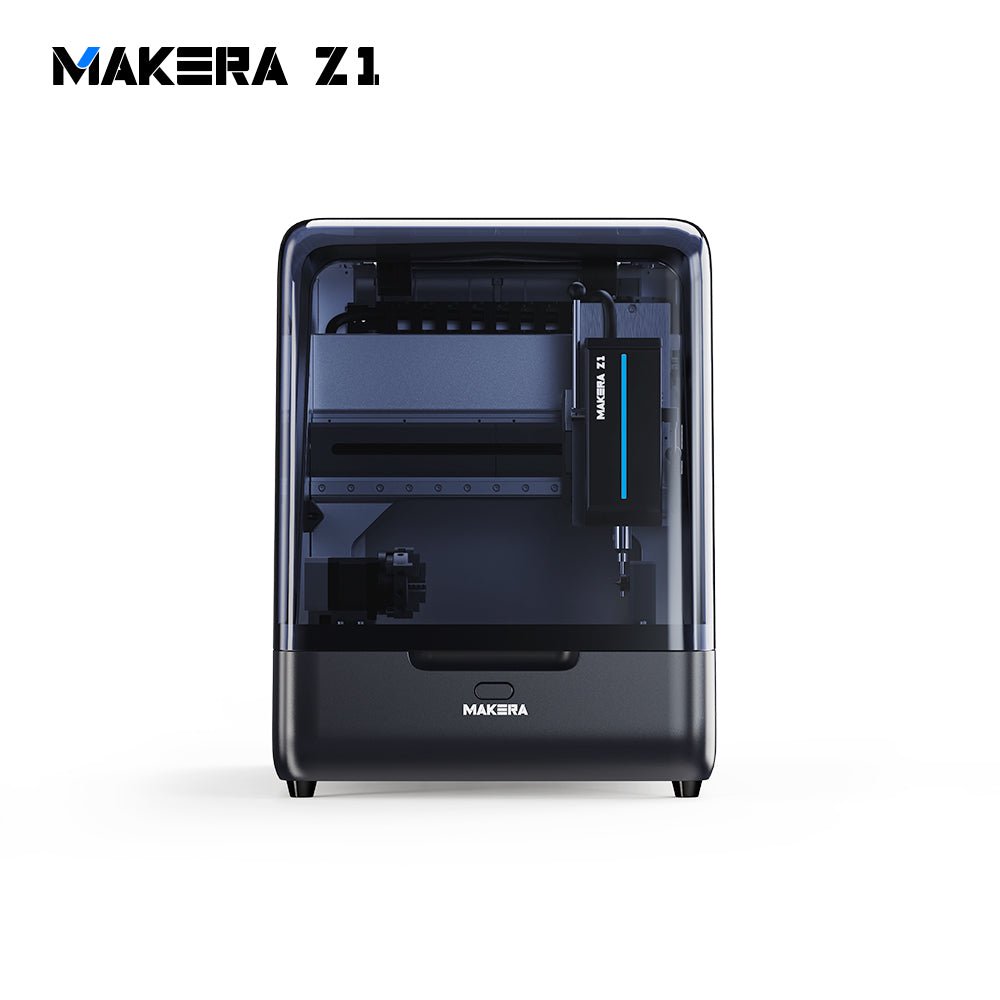 Best Makera CNC Machines (2026): Z1, Carvera Air, A1S and Carvera A research-based 2026 guide to official Makera Z1, Z1 Pro, Carvera Air, A1S and Carvera desktop CNC specs and November 20, 2026 U.S. prices, including work areas, tool changers, in...
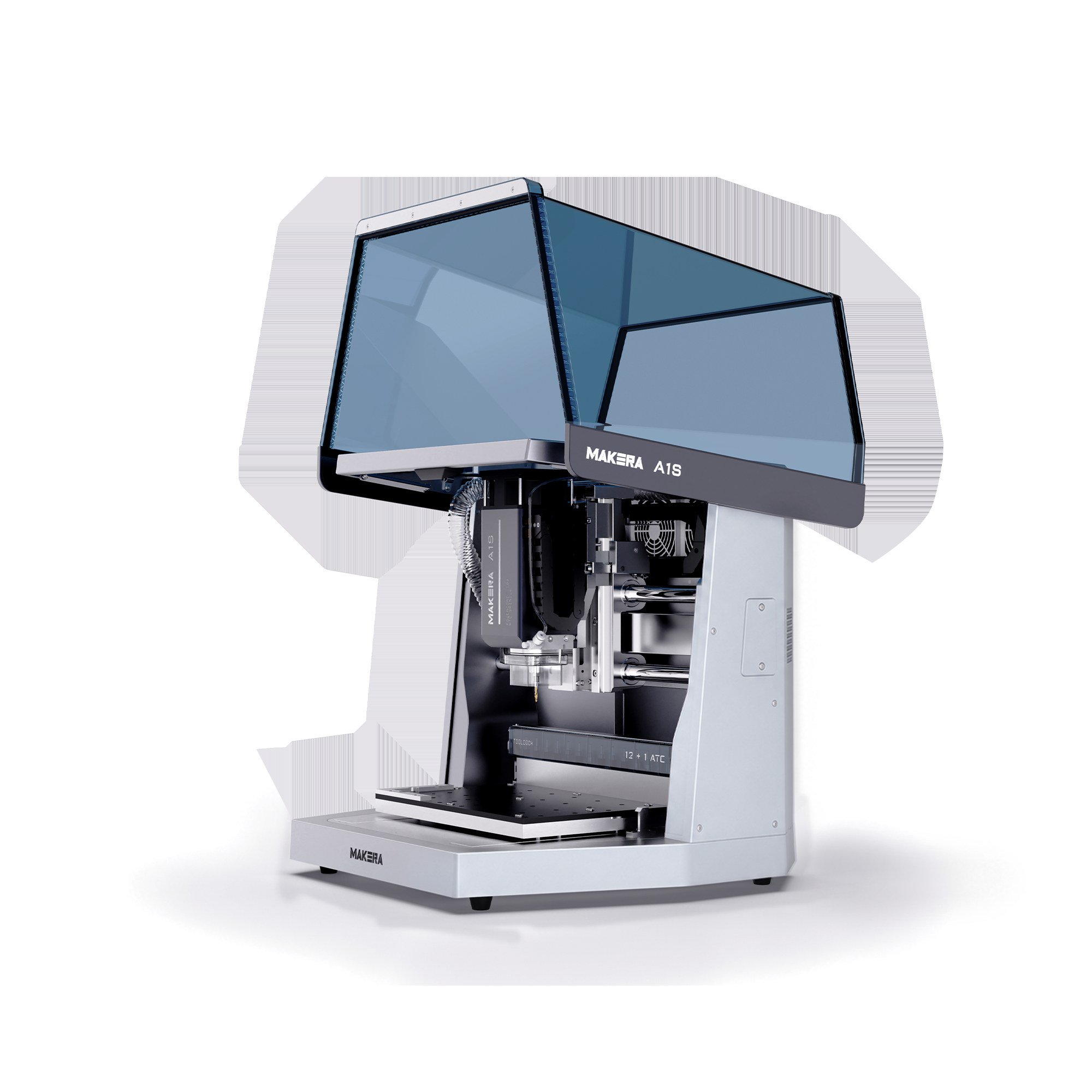 Makera A1S vs TwoTrees ED1: 600W Desktop CNC Specs, Pre-Order Prices and Shipping Compared A research-based comparison of official Makera A1S and TwoTrees ED1 600W enclosed desktop CNC specifications, November 20, 2026 pre-order prices, work areas, tool changers, and shi...
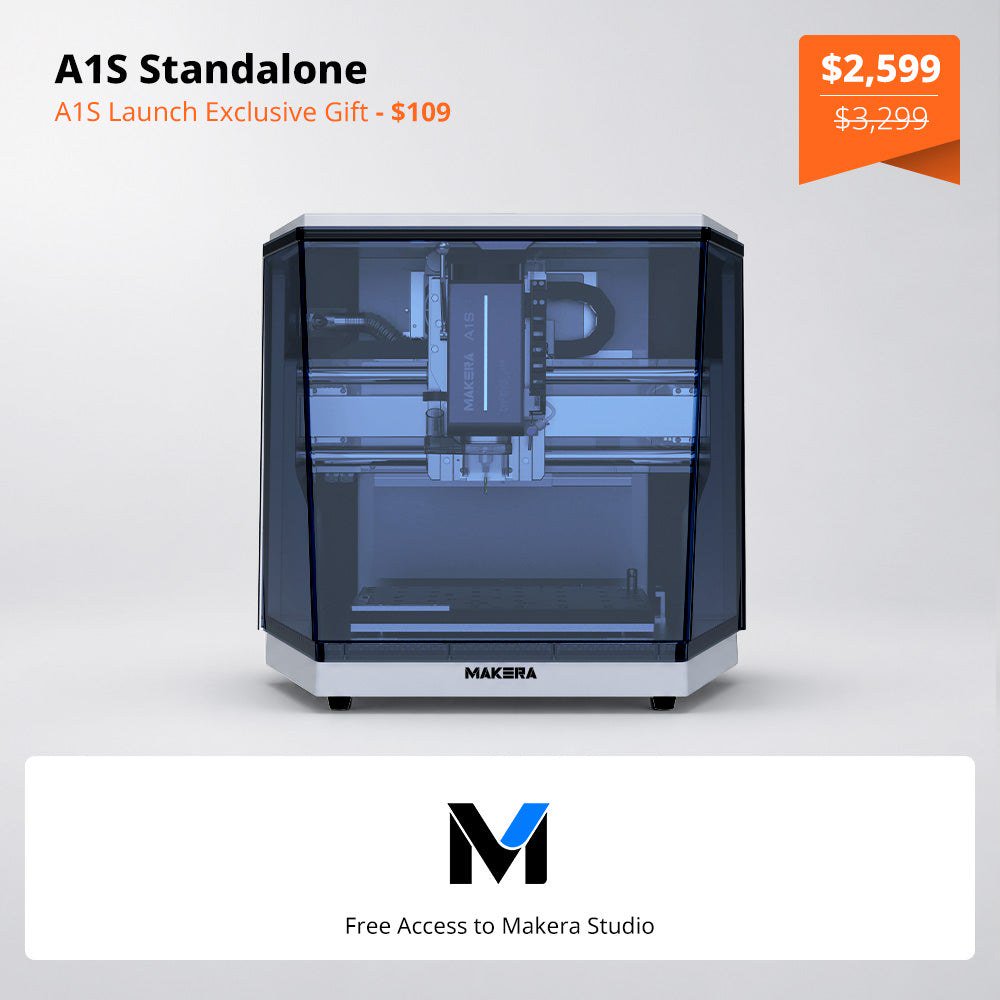 Makera Opens Official U.S. A1S Pre-Orders at $2,599, or $3,499 for the ATC Model Makera opened official A1S pre-orders on November 18, 2026. On November 20, the U.S. product page listed the standalone A1S at $2,599 (was $3,299) and the A1S ATC at $3,499 (was $4...