How to Connect Apps to Personal Intelligence in Google Search AI Mode
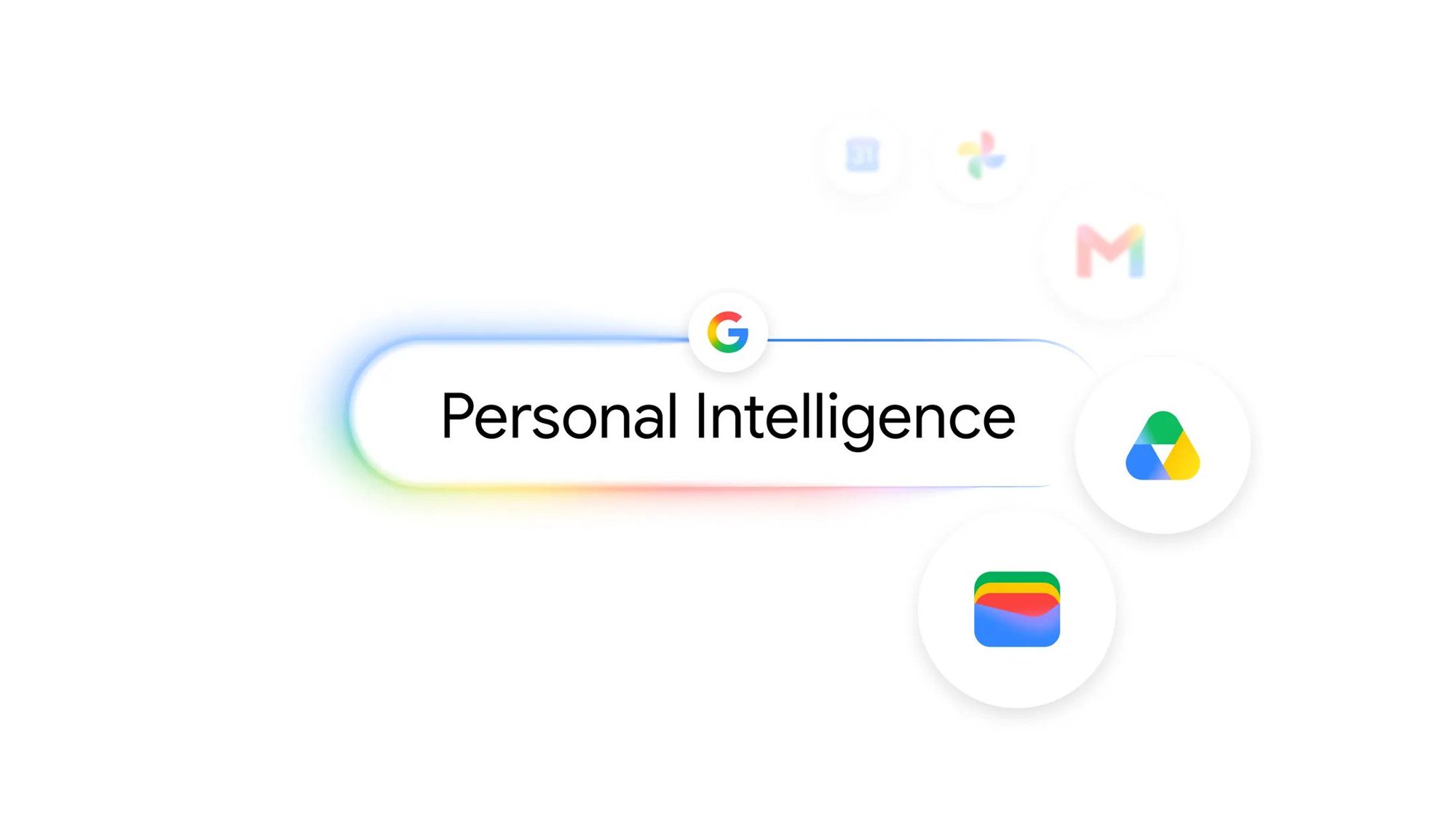
Google’s official November 23, 2026 blog post says Personal Intelligence app connections in Search AI Mode are starting to roll out, beginning with an optional Google Wallet connection. Drive and the Gemini app are officially described as following in the coming weeks.
Disclosure: This page may contain affiliate links. They do not influence our editorial conclusions. Read the disclosure.
Our pick
- See price at Google Store
Top pick
Google Store
Google's online store for Pixel phones, Fitbit wearables, Nest devices and accessories.
Steps in this guide
Google’s official blog post dated November 23, 2026, “A more tailored Google Search that’s uniquely yours,” describes a new way to opt in to Personal Intelligence inside Search. The official article is signed by Robby Stein, VP of Product, Google Search. This guide stays with that official post. It does not add unofficial screenshots of settings menus, country lists, or arrival dates that the official article does not publish.

If you only want the announcement itself, the shorter Personal Intelligence news summarizes the official rollout. This page walks through what the official post says you can connect now, what it says is coming later, how the official setup path is worded, and how this announcement sits next to earlier official Wallet and Connected Apps coverage.
What the official post says is rolling out
The official post says Search is “getting even more tailored with the ability to connect more of your apps to Personal Intelligence” and that Google is “introducing more personally relevant responses.” The official timing language is “Starting to roll out today.” In that first step, the official article says you “can opt in to securely connect Google Wallet to Personal Intelligence in AI Mode, with support for Drive and the Gemini app following in the coming weeks.”
The official post then places those apps in a larger set: “These apps join Gmail, Calendar, and Photos in delivering even more tailored responses with your personal context.” The official article does not say that Gmail, Calendar, and Photos were added on November 23. It describes them as apps that already participate in Personal Intelligence, and it presents Wallet as the new opt-in on that date, with Drive and the Gemini app still to come.
The official post does not name a country, a device list, or an age limit for this Search rollout. This guide does not infer those limits from other Google products.
What Wallet can and cannot do in this official description
The official Wallet section is the most detailed part of the November 23 post, because Wallet is the connection the official article says is starting to roll out. The official wording is that by connecting Google Wallet to Personal Intelligence “in both AI Mode and the Gemini app,” you can “map out your financial milestones and identify actionable ways to trim everyday spending.” The same official paragraph says you can also “maximize credit card benefits — like optimizing cash-back categories, travel perks, and reward points — based on your cards linked via Wallet.”
The official post immediately limits the connection: “If you choose to connect your Wallet, AI Mode can only read information from your accounts; it can’t move, manage, or invest your money.” That official sentence is the only permission boundary the November 23 article gives for Wallet in AI Mode. This guide does not add other banking, transfer, or checkout capabilities.
This Search announcement is related to, but not the same as, earlier official coverage of Google Wallet in the Gemini app. The Wallet-in-Gemini news and the existing guide to connecting Wallet to Gemini describe that earlier official Gemini-app connection. The November 23 Search post says Wallet can be connected to Personal Intelligence in AI Mode as well, and that the Gemini-app side of the Wallet connection is part of the same official description.
What the official post says about Drive and the Gemini app
The official Drive section is written as a later addition. The post says the information you need “can be scattered across your docs, sheets, or PDFs,” and that with Google Drive connected in Personal Intelligence, you can get “uniquely helpful responses that take all of that context into account.” The official example is “a personalized preparation plan ahead of tax season.” The official post does not say Drive is available to connect in AI Mode on November 23. It groups Drive with the Gemini app under “following in the coming weeks.”
The official Gemini section is also prospective. “In the coming weeks you can easily share context across the Gemini app and AI Mode in Search.” The official example is that if you “explore an idea in the Gemini app, AI Mode will have that foundation to build on, and vice versa.” The official post distinguishes that future two-way context from a connection that already existed: “While you could already opt in to connect your Search history to Personal Intelligence in the Gemini app, soon you can also opt in to securely connect your Gemini app to Personal Intelligence in AI Mode.” This guide does not treat the Gemini-to-AI-Mode connection as something the official post says is already live.
Official setup and controls
The official setup path is short. “To connect your apps to Personal Intelligence in AI Mode, open Search Personalization, select Connected Apps, and then choose the apps you want to connect.” The official post does not publish menu paths beyond those three official names, and it does not describe separate steps for Wallet, Drive, or the Gemini app. This guide therefore does not invent additional taps, URLs, or device-specific screens.
The official post stresses that the connections are optional: you “choose if and when you opt in,” and you “can turn those connections on or off at any time.” It also says, “You’re always in control of your personalization settings.” A later official control is described as coming soon: you will “be able to view the context AI Mode uses via the “Personalization” icon below any tailored response.” If you want to change something in that context, the official example is to tell AI Mode in the thread, “I’m no longer a vegetarian.”
The official post also says personalization can be “adjust[ed] or turn[ed] off at any time in your Search Settings.” It does not publish a deeper settings map, so this guide does not add one.

Official personalization in AI Overviews and AI Mode
Alongside the app connections, the official post says users will “start seeing more personally relevant responses in AI Overviews and AI Mode, tailored to your recent search context.” The official example is trip research: if you have been planning a trip, “you can pick up right where you left off in a new search thread without starting over or repeating yourself.” The official post does not list other categories this recent-search context will cover, and it does not say whether that behavior requires an app connection.
This Search personalization announcement is also distinct from the official November Connected Apps grocery rollout, which is covered in the holiday Connected Apps news and the Connected Apps how-to. The November 23 Personal Intelligence post is about opting in to app context inside Search AI Mode, starting with Wallet, not about the grocery Connected Apps flow described in those earlier official materials.
What the official November 23 post does not say
The official article does not give a date, other than “in the coming weeks,” for Drive or for connecting the Gemini app to Personal Intelligence in AI Mode. It does not name countries, languages, eligible devices, or a minimum age for this Search rollout. It does not say whether a Google AI subscription is required. It does not publish a screenshot of Search Personalization or of the Connected Apps list. Those omissions are recorded here so they are not filled in from unofficial sources.
If you already use Google Wallet on iPhone, the earlier official Wallet-on-iOS news is a separate announcement and does not itself describe this Search Personal Intelligence connection.
Official recap
The official November 23 post can be read as three official claims and one official limit. First, Personal Intelligence app connections in Search AI Mode are “starting to roll out today,” beginning with an optional Google Wallet connection. Second, Google Drive and the Gemini app are officially described as following “in the coming weeks,” not as connections the official post says are already live in AI Mode on that date. Third, the official setup path is to “open Search Personalization, select Connected Apps, and then choose the apps you want to connect,” with the official promise that you can turn those connections off at any time and can adjust or turn off personalization in Search Settings. The official limit on Wallet is equally specific: AI Mode “can only read information from your accounts; it can’t move, manage, or invest your money.” The official post does not add a country list, a device list, or a calendar date beyond “in the coming weeks,” and this guide does not add them either.
References
Meet your guide
Lipeiguan
author
What to read next
 Wyze Window Bird Cam Launches at $69.98 With a Three-Month Bird Watch Trial Wyze's official November 24, 2026 blog post names that date as launch day for the Window Bird Cam at an MSRP of $69.98. The official product page, checked 2026-11-29T01:38:19Z, lis...
 Apple Store Black Friday Event 2026: Gift Cards up to $300 Through November 30 Official Apple Store Black Friday Event terms, checked 2026-11-29T01:38:19Z, run from November 27, 2026, at 12:00 a.m. PT through November 30, 2026, at 11:59 p.m. PT in the United... How to Set Up the Wyze Window Bird Cam and Bird Watch Official Wyze Window Bird Cam setup steps, box contents, and the difference between free camera features and the Bird Watch plan. The official product page, checked 2026-11-29T01:3...