
How to Choose a Bambu Lab AMS: AMS lite vs AMS 2 Pro vs AMS HT Compatibility and Setup
A step-by-step guide to picking the right Bambu Lab AMS for your printer and filaments: compatibility, supported materials, drying temperatures, spool sizes and required accessories, from official specs.
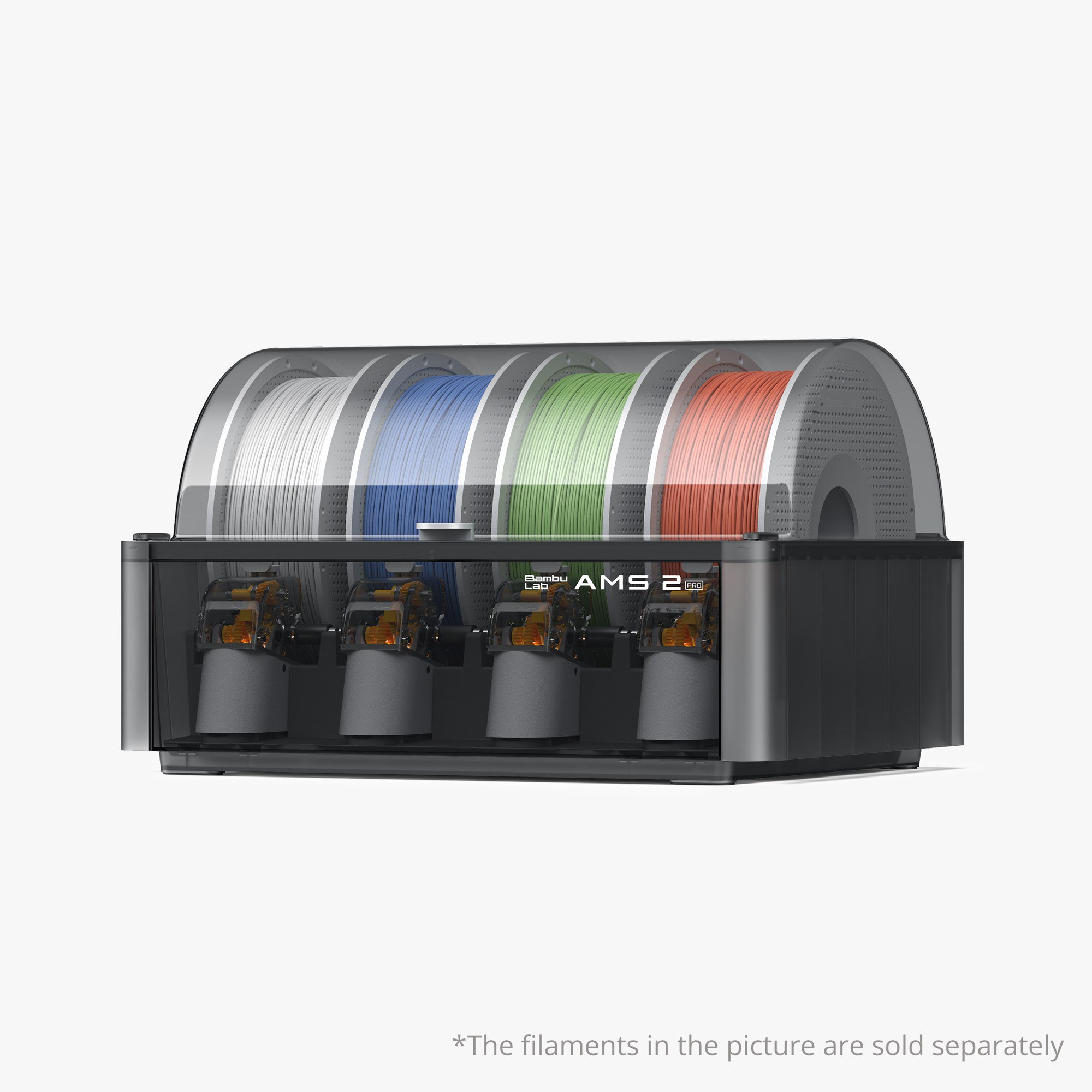
Disclosure: This page may contain affiliate links. They do not influence our editorial conclusions. Read the disclosure.
Our pick
- See price at Bambu Lab
Top pick
Bambu Lab
Consumer desktop 3D-printer maker whose current lineup includes enclosed AMS machines such as the P2S and the nine-tool H3C, sold through bambulab.com and the U...
What this guide covers
Bambu Lab's Automatic Material System (AMS) is what turns a single-filament printer into a multi-color or multi-material one. There are now three current units in the US store, the AMS lite, the AMS 2 Pro and the AMS HT, and they are not interchangeable. This guide explains how to pick the right one for your printer and filaments, and what to check before you order. Every fact here comes from Bambu Lab's official product pages and spec tables as of November 9, 2026. We have not tested the units ourselves.

New to Bambu Lab? Our best Bambu Lab 3D printers guide compares the printers themselves. The Bambu Lab shopping guide covers shipping, returns and warranty.
The three units at a glance
| AMS lite | AMS 2 Pro | AMS HT | |
|---|---|---|---|
| US store price (Nov 9, 2026) | $159 (typical $199) | $229 (typical $299) | $119 (typical $139) |
| Design | Open, four rotary spool holders on a stand | Enclosed four-spool box | Compact enclosed unit |
| Filament drying | No | Yes, up to 65°C | Yes, up to 85°C |
| Printer compatibility | A1 and A2 series only | All Bambu Lab printers | All Bambu Lab printers |
| Engineering filaments (ABS, ASA, PC, PA) | Not supported | Supported | Supported |
Prices are the Bambu Lab US store's listed prices on November 9, 2026 and change often.
Step 1: Start with your printer
Compatibility is the first filter, and Bambu Lab is explicit about it.
A1 or A1 mini owners. The AMS lite is the native match. Bambu Lab's AMS lite page says it works with the A1 and A2 series and that those printers can connect only one AMS lite. Bambu Lab also offers the AMS 2 Pro and AMS HT for A1 printers, but you need the A1 series AMS Hub (SA013), which the AMS HT page lists at $19.99. With the hub, an A1 series printer can connect up to four AMS units, counting the AMS, AMS 2 Pro and AMS HT. The AMS lite cannot be combined with other AMS units.
X1 or P1 series owners. The AMS lite is not compatible with X, P or H2 series printers. For a single AMS 2 Pro on an X1 or P1 printer that did not come as a combo, the AMS 2 Pro page lists a filament buffer (SA003) or AMS Hub (SA002-N), a PTFE tube coupler (FAZ006) and a 4-pin cable (CAB002-N) as required parts. X1 and P1 printers can connect up to four AMS units. To use the drying function, each AMS 2 Pro unit also needs a switching adapter.
P2S owners. The P2S Combo already ships with an AMS 2 Pro and a filament buffer, according to Bambu Lab's P2S "What's in the box" list.
H2S, H2D or H2C owners. The H2S and H2D product FAQs both say these printers do not support the AMS lite. Both work with the AMS 2 Pro and AMS HT. Connecting more than one unit to an H2S, or more than two to an H2D or H2C, requires a 4-in-1 PTFE adapter (FAZ013-N).
Bambu Lab also notes on the AMS 2 Pro page that the unit itself is the same across all store variants. The variants differ only in the recommended accessories, so pick the variant labeled for your printer to see the right parts list.
Step 2: Match the unit to your filaments

AMS lite: PLA-focused multi-color. Bambu Lab lists PLA, PETG, dried PVA, Bambu PLA-CF, Bambu Support for PLA/PETG and Bambu TPU for AMS as supported. It does not support generic TPU, damp PVA, PLA Glow, PETG-CF, ABS, ASA, PC or most fiber-reinforced filaments. Bambu Lab's reason is that filaments that are too soft, too brittle or too abrasive are not compatible. It also lists generic glow-in-the-dark PLA as "not recommended" because it can cause loading errors or faster wear. If your plan is colorful PLA figures and signs on an A1, the AMS lite covers it.
AMS 2 Pro: the general-purpose choice. The supported list widens to PLA, PETG, ABS, ASA, PET, PA, PC, dried PVA and BVOH, PP, POM, HIPS and several Bambu carbon-fiber blends (PLA-CF, PAHT-CF and PETG-CF). Unsupported filaments include TPE, generic TPU, damp PVA or BVOH, Bambu PET-CF and TPU 95A, and other carbon-fiber or glass-fiber filaments.
AMS HT: high-temperature drying and tougher filaments. The AMS HT supports the same main list as the AMS 2 Pro. It also has a bypass filament outlet for TPE, generic TPU, Bambu PET-CF and TPU 95A, and other carbon-fiber or glass-fiber filaments that the AMS 2 Pro cannot feed. Only damp PVA and damp BVOH are listed as unsupported.
Step 3: Decide whether you need drying
Bambu Lab treats drying as a core feature of its newer units, especially for moisture-sensitive support and engineering filaments. This is where they separate from the AMS lite.
- AMS lite: no drying function.
- AMS 2 Pro: drying up to 65°C, with an active air vent, sealed storage, real-time temperature and humidity readings, and auto-rotating spools during drying. Bambu Lab adds two caveats. Filaments such as ABS, ASA, PET, PA, PC, PVA and the CF blends need higher drying temperatures, which the AMS 2 Pro "cannot dry completely". The 65°C maximum is also only reached when the room is above 25°C.
- AMS HT: drying up to 85°C, aimed at high-performance filaments. It has a screen showing temperature, humidity and remaining drying time. It is UL 94 V-0 rated and has its own power cord, with an average power draw of 150 W.

If you print mostly PLA and PETG, the AMS 2 Pro's 65°C drying is likely enough. If nylon, PC or carbon-fiber filaments are a regular part of your work, Bambu Lab itself points you to the AMS HT.
Step 4: Plan how many colors you need
Each AMS lite and AMS 2 Pro holds four spools. The AMS 2 Pro and AMS HT pages say you can chain up to four AMS 2 Pro units and eight AMS HT units, for a total of 24 filaments. That works out to one spool per AMS HT, which makes the HT best thought of as a single-spool dryer and feeder that you add alongside a four-spool unit. Most hobby users will be well served by one four-spool unit. Add a second AMS 2 Pro, or one or two AMS HT units, only when your projects really need more than four filaments or a dedicated engineering spool.
Also check spool sizes. The AMS 2 Pro and AMS HT accept spools 50 to 68 mm wide and 197 to 202 mm in diameter. The AMS lite's rotary holders take spools 40 to 68 mm wide with a 53 to 58 mm inner hole. Cardboard or unusual third-party spools may not fit every unit.
Step 5: Set it up
Bambu Lab's AMS lite page points new owners to its Quick Start Guide and an unboxing video, and says the AMS lite gives "out-of-the-box multi-color 3D printing in minutes". The AMS lite box includes the AMS lite body, stand, four rotary spool holders, PTFE tubes, an Allen key, screws and a Bambu Bus 4-pin cable. The AMS 2 Pro box includes the unit, desiccant, PTFE tubes in several lengths and a 6-pin Bambu Bus cable. The AMS HT box adds its own power cord.
For setups with more than one unit, Bambu Lab links a "Multiple AMS Units Connection Guide" from each product page. Read it before ordering, because the extra hubs and adapters are sold separately. Bambu Lab's P2S FAQ also notes that drying a single AMS 2 Pro while the printer is busy can require an official power adapter that is not included in the P2S Combo.
Both drying units use RFID to read Bambu Lab's own filament spools and apply matching drying settings automatically. Third-party filaments need manual settings in Bambu Studio or on the printer.
Which AMS should you buy?
- A1 or A1 mini, PLA and PETG only: AMS lite, or simply the printer's Combo bundle.
- Any enclosed Bambu Lab printer, mixed everyday filaments: AMS 2 Pro.
- Nylon, PC or carbon-fiber filaments, or TPU through a feeder: AMS HT, usually alongside an AMS 2 Pro.
- H2S, H2D or H2C: AMS 2 Pro and/or AMS HT, since the AMS lite is not supported.
If you are still choosing a printer, the multi-color system often decides the bundle. Our H3C vs P2S comparison explains when a tool-changer beats an AMS.
References
- Bambu Lab US Store. "AMS lite" product page and tech specs. https://us.store.bambulab.com/products/ams-lite (accessed November 9, 2026).
- Bambu Lab US Store. "AMS 2 Pro" product page, specs and FAQ. https://us.store.bambulab.com/products/ams-2-pro (accessed November 9, 2026).
- Bambu Lab US Store. "AMS HT" product page, specs and FAQ. https://us.store.bambulab.com/products/ams-ht (accessed November 9, 2026).
- Bambu Lab US Store. "Bambu Lab P2S" product page and FAQ. https://us.store.bambulab.com/products/p2s (accessed November 9, 2026).
- Bambu Lab US Store. "Bambu Lab H2S" product page and FAQ. https://us.store.bambulab.com/products/h2s (accessed November 9, 2026).
- Bambu Lab US Store. "Bambu Lab H2D" product page and FAQ. https://us.store.bambulab.com/products/h2d (accessed November 9, 2026).
- Bambu Lab US Store. "Bambu Lab A1 mini" product page and FAQ. https://us.store.bambulab.com/products/a1-mini (accessed November 9, 2026).
Meet your guide
Lipeiguan
author
What to read next
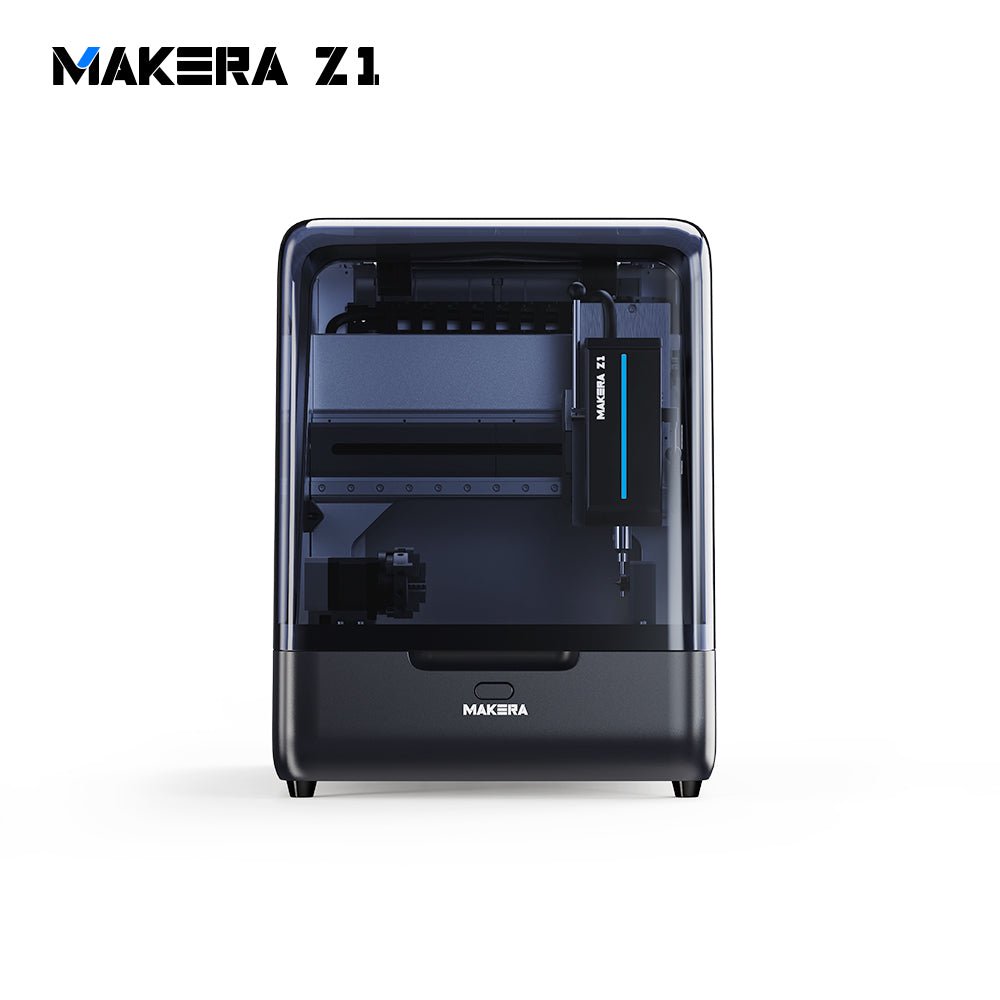 Best Makera CNC Machines (2026): Z1, Carvera Air, A1S and Carvera A research-based 2026 guide to official Makera Z1, Z1 Pro, Carvera Air, A1S and Carvera desktop CNC specs and November 20, 2026 U.S. prices, including work areas, tool changers, in...
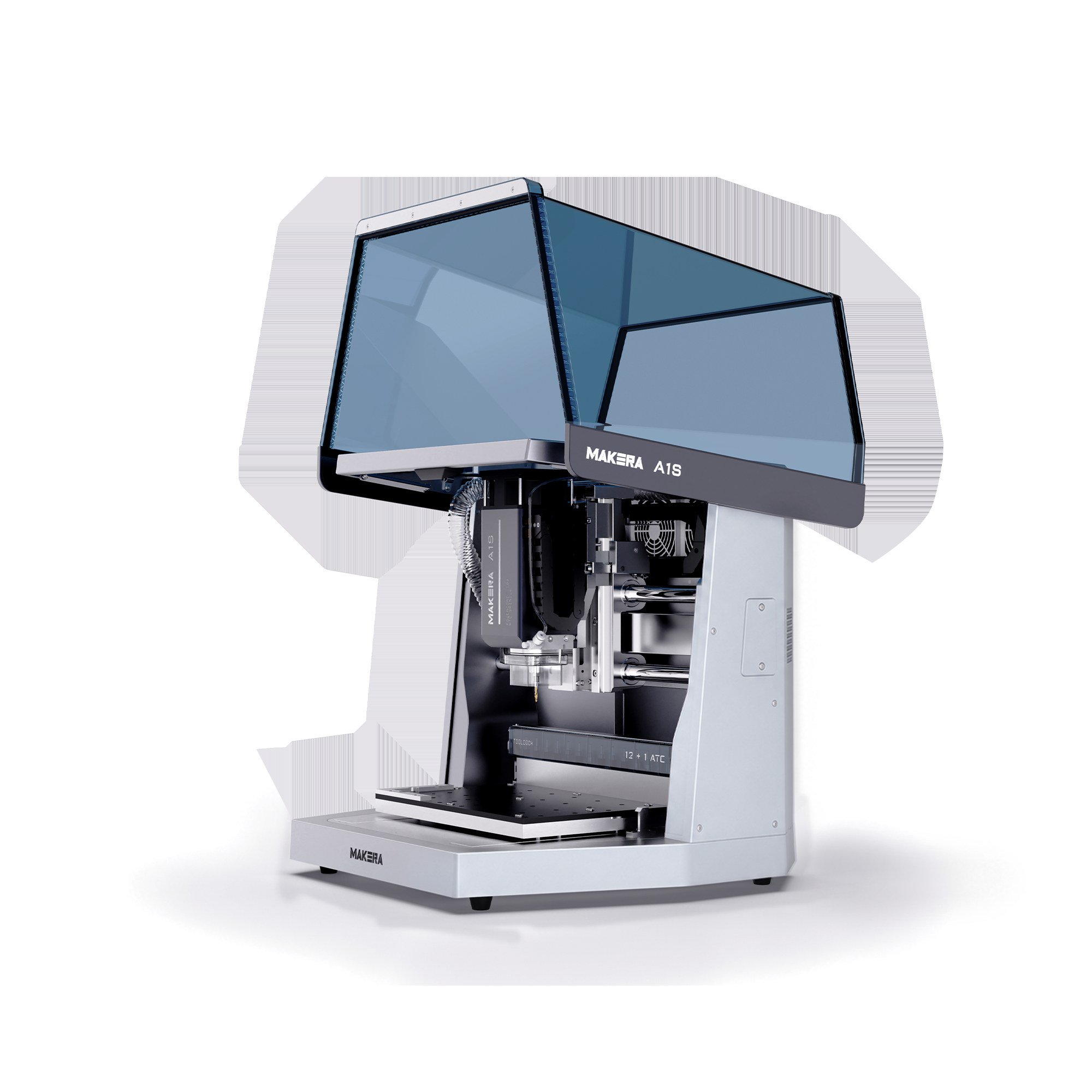 Makera A1S vs TwoTrees ED1: 600W Desktop CNC Specs, Pre-Order Prices and Shipping Compared A research-based comparison of official Makera A1S and TwoTrees ED1 600W enclosed desktop CNC specifications, November 20, 2026 pre-order prices, work areas, tool changers, and shi...
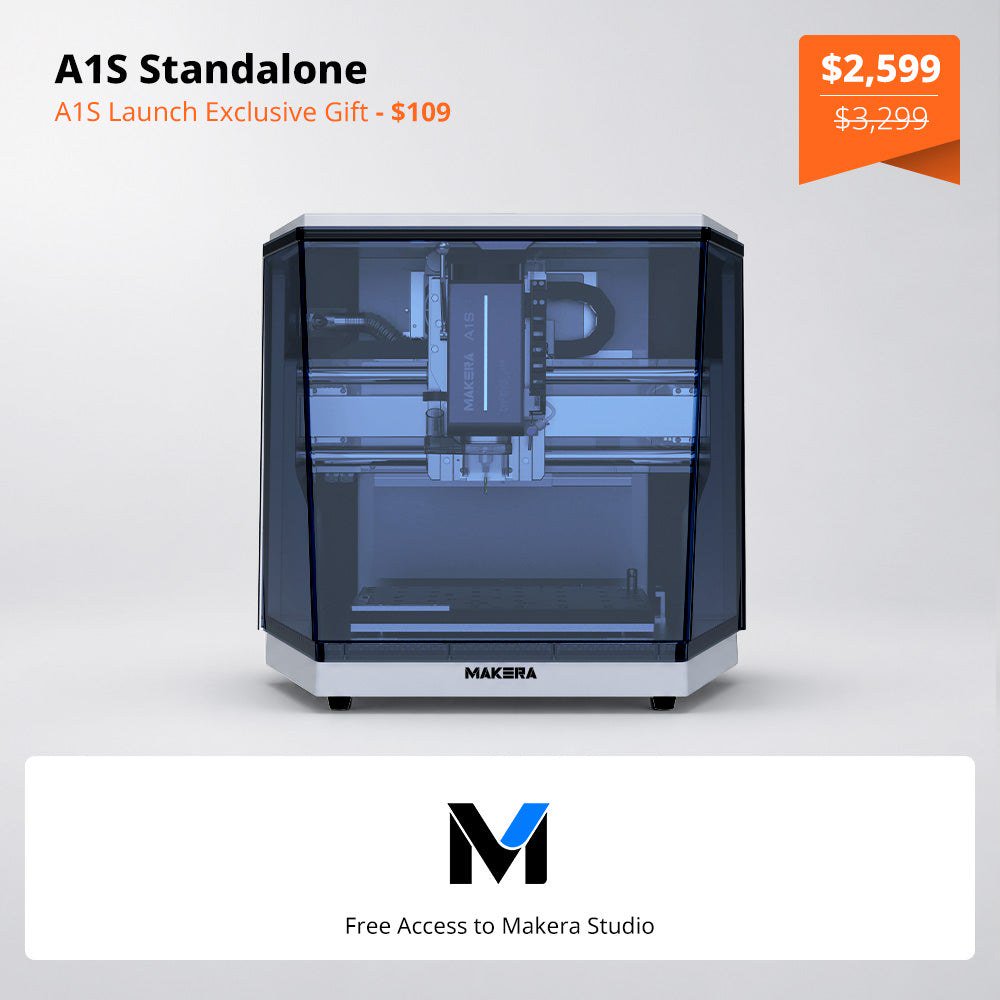 Makera Opens Official U.S. A1S Pre-Orders at $2,599, or $3,499 for the ATC Model Makera opened official A1S pre-orders on November 18, 2026. On November 20, the U.S. product page listed the standalone A1S at $2,599 (was $3,299) and the A1S ATC at $3,499 (was $4...