
How to Set Up Bose QuietComfort Ultra Earbuds (2nd Gen): Pairing, Fit, Multipoint and Reset
Step-by-step setup for Bose QuietComfort Ultra Earbuds (2nd Gen) from Bose's owner's guide: app and Bluetooth pairing, Fast Pair, eartip and band fit, touch controls, multipoint, charging, cleaning, and how to reset or factory restore them.
Disclosure: This page may contain affiliate links. They do not influence our editorial conclusions. Read the disclosure.
Our pick
- See price at Bose
Top pick
Bose
Massachusetts-based audio company known for QuietComfort noise-cancelling headphones and earbuds, home theater soundbars and portable Bluetooth speakers.
What this guide covers
Bose's QuietComfort Ultra Earbuds (2nd Gen) are the company's top in-ear noise cancelling earbuds, and most of what makes them sound good depends on three things you do in the first ten minutes: connecting them properly, finding the right eartip and stability band combination, and knowing which button presses do what. This guide walks through setup, fit, multipoint, charging, care and the two kinds of reset, using the steps in Bose's own owner's guide and product page so you can fix most problems without a support call.

Everything below reflects Bose's published documentation as checked on November 5, 2026. Bose updates the earbuds' software through its app, so menu names can shift slightly over time.
Before you start: what's in the box
Bose lists the following in the box:
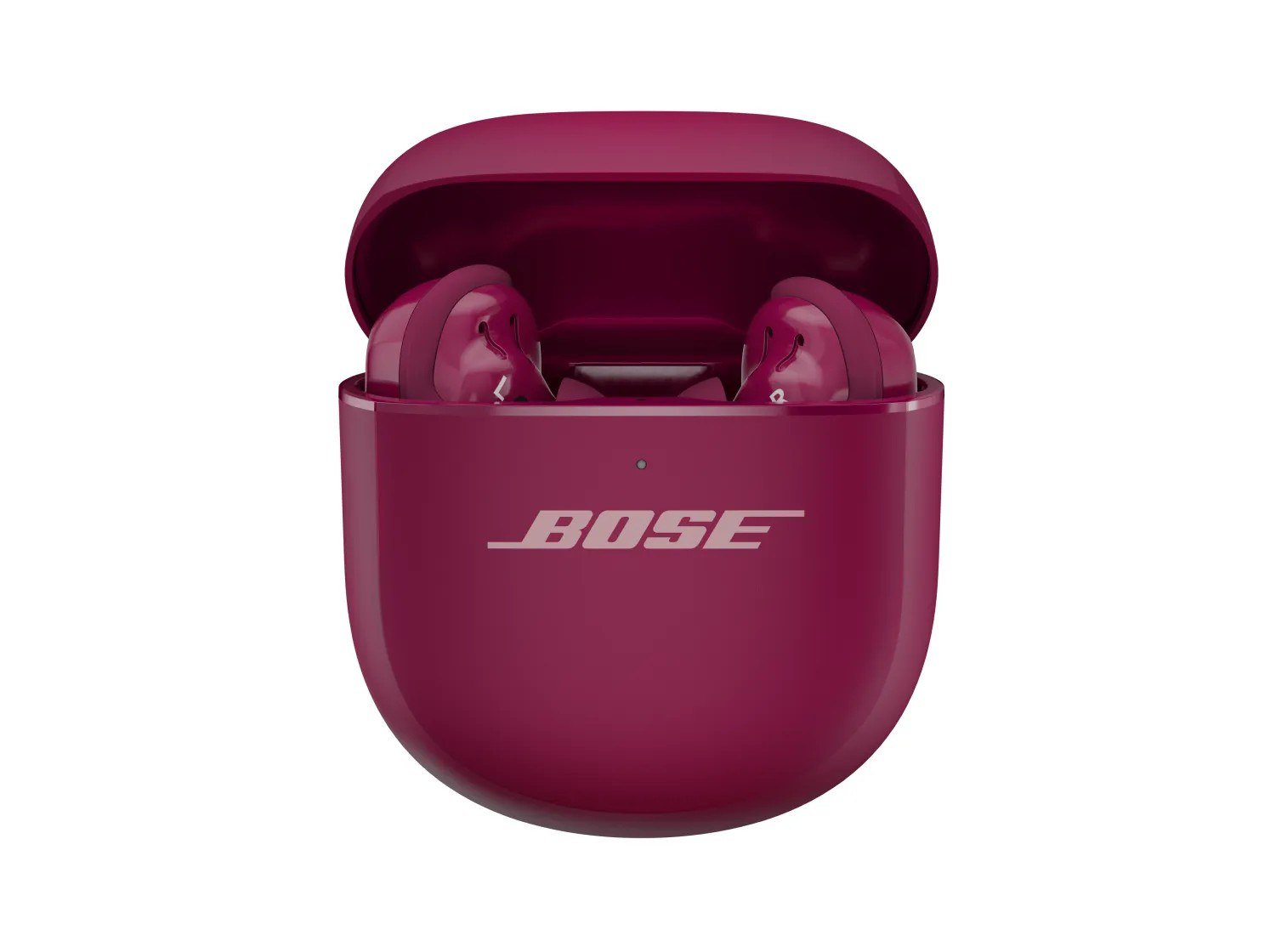
- The two earbuds and the wireless charging case
- A Fit Kit with three pairs of eartips (S, M, L) and three pairs of stability bands (sizes 1, 2 and 3)
- A 12-inch USB-A to USB-C cable
- A safety sheet
There is no wall adapter. Bose's owner's guide says to charge the case from a USB-A wall charger or a computer, or to set it on a compatible third-party wireless charger. The earbuds ship with medium eartips and size 1 stability bands already attached.
Step 1: Connect with the Bose app (recommended)
Bose recommends setting the earbuds up in the Bose app, because that is where you get software updates, the Earbud Seal Test, custom modes and shortcut settings.
- Download the Bose app on your phone.
- Follow the in-app instructions to add the earbuds.
The app also installs firmware updates automatically when one is available, which is worth doing on day one. The charging case is updated separately: Bose says to visit its updater site, btu.Bose.com, from a computer.
Step 2: Or pair from your phone's Bluetooth menu
If you'd rather skip the app, or you're pairing a laptop, use the button on the back of the case.
- Put both earbuds in the case and leave the lid open.
- Press and hold the button on the back of the case until the earbuds status light slowly pulses blue.
- Open Bluetooth settings on your device and pick the earbuds from the list. The default name is "Bose QC Ultra 2 Earbuds" unless you renamed them in the app.
- When the connection completes, the status light glows solid blue.
Android: Fast Pair
On Android 6.0 or later with Bluetooth and Location turned on, open the case, press and hold the back button until the light pulses blue, and set the case next to the phone. A notification appears; tap it to pair. If no notification shows up, Bose suggests checking that notifications are enabled for the Google Play Services app.
Snapdragon Sound and aptX Adaptive
Bose's guide notes that the 2nd Gen earbuds support Snapdragon Sound. On a Snapdragon Sound-certified device, such as a compatible Android phone, the earbuds automatically stream using the aptX Adaptive codec. iPhones don't support aptX, so they use standard Bluetooth audio.
Step 3: Get the fit right
Fit affects more than comfort. Bose says the earbuds personalize audio and noise cancellation to your ears each time you put them in, and a poor seal reduces both.

How to insert them
- Find the R or L marking on each earbud.
- Place the earbud so the eartip rests gently at the opening of your ear canal.
- Rotate it slightly back until the eartip seals and the stability band rests against the ridge of your ear.
Bose warns that rotating too far forward or back can affect audio and microphone quality.
How to tell if it fits
Use a mirror, or run the Earbud Seal Test from the app's Settings menu. Bose's checklist:
| Part | Proper fit | Wrong size |
|---|---|---|
| Eartip | Rests at the canal opening, seals comfortably, background noise sounds muffled | Too big: feels squished or pressured. Too small: sits too deep, feels loose or falls out |
| Stability band | Doesn't stick out or feel squished against the ear ridge | Too big: sticks out or squishes under the ridge. Too small: doesn't reach the ridge |
If medium eartips feel small, try large; if they feel big, try small. If the size 1 band feels too small, move to size 2. You can mix sizes between ears, which is normal since few people have identical ears. Bose also offers extra small and extra large eartips plus size 0 and size 4 bands online or through its customer service.
Changing eartips and bands
To remove an eartip, squeeze it and peel it away rather than pulling its edge, which can tear it. Press the new one onto the nozzle until it clicks. To swap a band, grab the small scoop and peel it toward you over the eartip. Fit the new one by lining up the dot on the band with the gray dot on the earbud, so the band's side hole sits over the acoustic port and doesn't block it.
Step 4: Learn the touch controls
Both earbud surfaces work the same way while you're listening:
- Tap once: play or pause
- Tap twice: skip forward
- Tap three times: skip back
- Swipe up or down: volume
- Press and hold: your shortcut, which by default cycles through Quiet, Aware and Immersion modes
On calls, one tap answers and two taps decline or end a call. Quiet is full noise cancelling, Aware lets outside sound in, and Immersion adds Bose Immersive Audio on top of full noise cancelling. You can create or remove modes in the app, and the 2nd Gen also adds an option to turn touch controls off entirely, a change Bose lists among its upgrades over the first generation.
Step 5: Use two devices at once (multipoint)
By default the earbuds stay connected to two devices at a time. To switch between them, pause audio on the first device and press play on the second. A few details from Bose's guide matter in daily use:
- Audio plays from one device at a time, but calls ring through from either device.
- Switching is disabled during a call.
- If two devices are already connected and you pair a third, it replaces the older connection.
- When you take the earbuds out of the case, they reconnect to the two most recently used devices within range, which Bose lists as 30 feet (9 m).
You can turn multipoint off in the app's Settings menu, which disconnects the second device.
Listening with a Bose soundbar or speaker
The earbuds can also join a Bose Smart Soundbar or Smart Speaker through SimpleSync. Put them in pairing mode with the case button, then either add them in the Bose app or press and hold the Bluetooth button on the soundbar remote or speaker. Each product keeps its own volume, so you can mute the soundbar and keep the earbuds loud. Bose notes it can take up to 30 seconds to connect.
Step 6: Charging and battery basics

Bose's published figures:
| Item | Bose figure |
|---|---|
| Earbud playback per charge | Up to 6 hours (up to 4 hours with Immersive Audio on) |
| Full earbud charge | Up to 2 hours |
| Quick charge | 20 minutes in the closed case gives up to 2 hours |
| Case capacity | Up to 3 full earbud charges |
| Case charge time | Up to 3 hours |
For wireless charging, Bose suggests lining up the button on the back of the case with the center of the charger. Charge only between 46°F and 102°F (8°C to 39°C). When an earbud sits out of your ear unused for 10 minutes, it goes into standby to save battery, and putting it back in wakes it.
Step 7: Clean and store them
Store the earbuds in the case with the lid closed. For cleaning, Bose says to remove the eartips and bands and hand wash them with mild detergent and water, then rinse and dry them fully before refitting. Wipe the nozzle opening only with a dry cotton swab, and never push a tool into the nozzle or eartip. Cleaning the charging contacts regularly with a dry swab helps prevent corrosion.
The earbuds are rated IPX4, so sweat and rain are fine, but Bose says not to swim, shower with or submerge them. It also notes that water resistance can decrease with normal wear.
Troubleshooting: reset vs factory restore
Before any reset, Bose suggests charging the earbuds and case, updating through the app, moving closer to your device and trying another device.
Clear the device list
If pairing gets messy, open the case with both earbuds inside and hold the back button for 15 seconds, until the light blinks white twice and then pulses blue. Then delete the earbuds from your devices' Bluetooth lists and pair again.
Reset (reboot) the earbuds and case
Use this when the earbuds or case stop responding. It reboots them without clearing your settings.
- Put both earbuds in the case until they snap in.
- Close the lid and plug the case into USB power.
- Hold the back button for up to 30 seconds until the case light turns off.
Restore factory settings
This wipes everything, so Bose recommends it only when you're having issues or support asks you to.
- Remove the earbuds from your device's Bluetooth list.
- Remove them from your Bose account in the app.
- With both earbuds in the open case, hold the back button for up to 30 seconds until the light blinks white twice, pulses blue and turns off.
- Repeat that step two more times. After the third, the light blinks amber for 3 seconds, then slowly blinks blue when the restore is complete.
Warranty and where to buy
The earbuds come with a one-year limited warranty. Bose sells optional BoseCare plans on its site for these earbuds: $39.95 for two extra years after the warranty, or $79.95 for three years of accident protection. The earbuds are listed at $299 on Bose.com. For shipping, holiday returns and price-match terms, see our Bose shopping guide. If you're weighing over-ear models instead, our QuietComfort Headphones (2nd Gen) review covers Bose's mid-range over-ears.
References
- Bose. "Bose QuietComfort Ultra Earbuds (2nd Gen)" product page. https://www.bose.com/p/earbuds/bose-quietcomfort-ultra-earbuds-2nd-gen/QCUE2-HEADPHONEIN.html (accessed November 5, 2026).
- Bose. "QuietComfort Ultra Earbuds (2nd Gen) Owner's Guide," AM898447-0010 Rev. 02. https://assets.bosecreative.com/m/36b7ddda21b6edfd/original/898447_OG_QCUE2-HEADPHONEIN_EN.pdf (accessed November 5, 2026).
- Bose. "Earbuds" category page. https://www.bose.com/c/earbuds (accessed November 5, 2026).
Meet your guide
Lipeiguan
author
What to read next
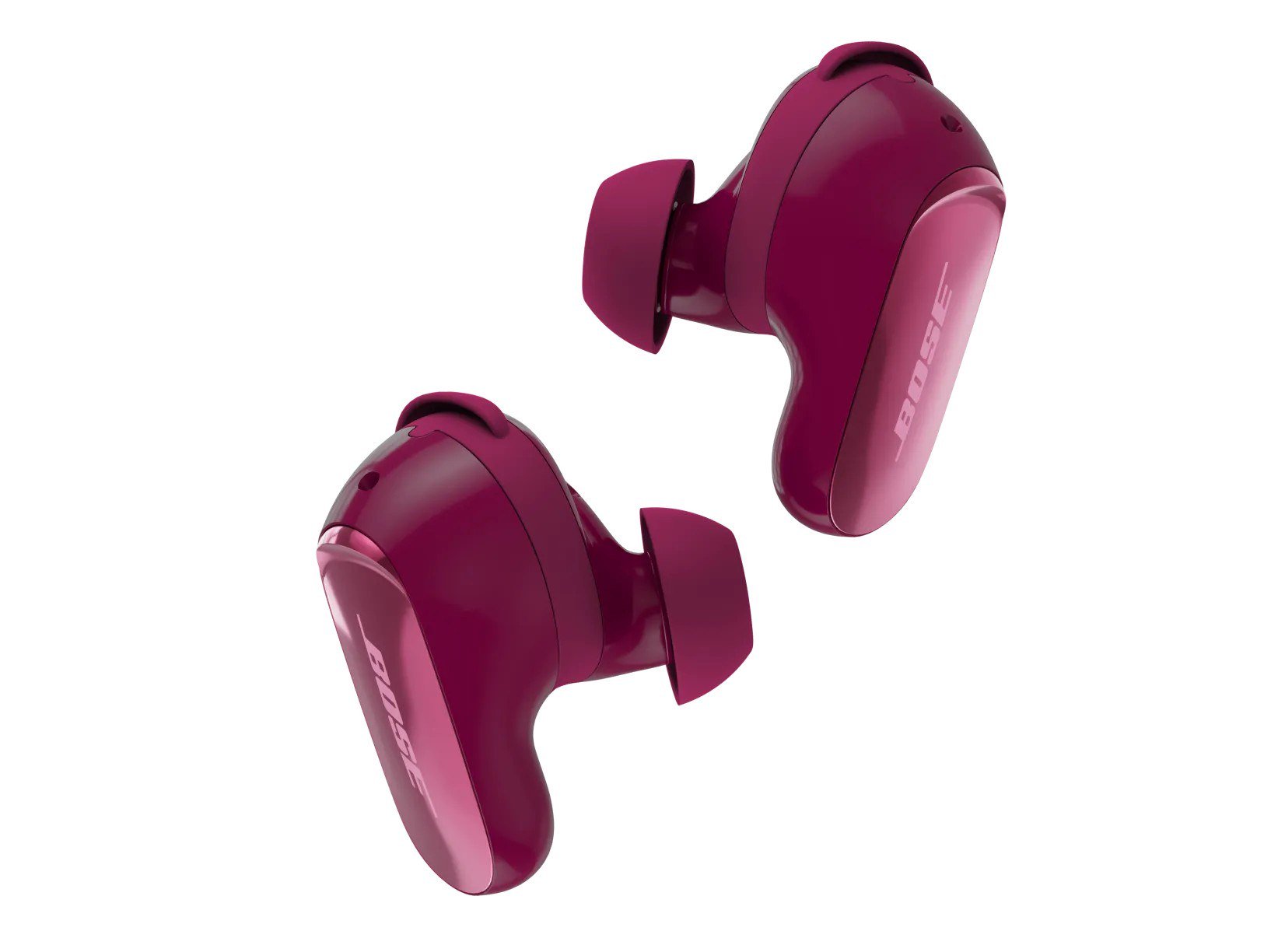 Best Bose Earbuds 2026: QuietComfort Ultra vs QuietComfort vs Ultra Open vs Sport Open vs Wired All five Bose earbuds compared on Bose's published specs and prices, from the $299 QuietComfort Ultra Earbuds (2nd Gen) and Ultra Open Earbuds (2nd Gen) to the $99 Noise Cancelling...
 Google Store Cuts Pixel 11 Pro to $799 and Pixel 11 to $699 Through November 8 The U.S. Google Store has the unlocked Pixel 11 Pro at $799 (was $1,099), the Pixel 11 at $699 (was $899) and $350 off the Pixel 11 Pro XL until November 8, 2026 at 11:59 PM PST, p...
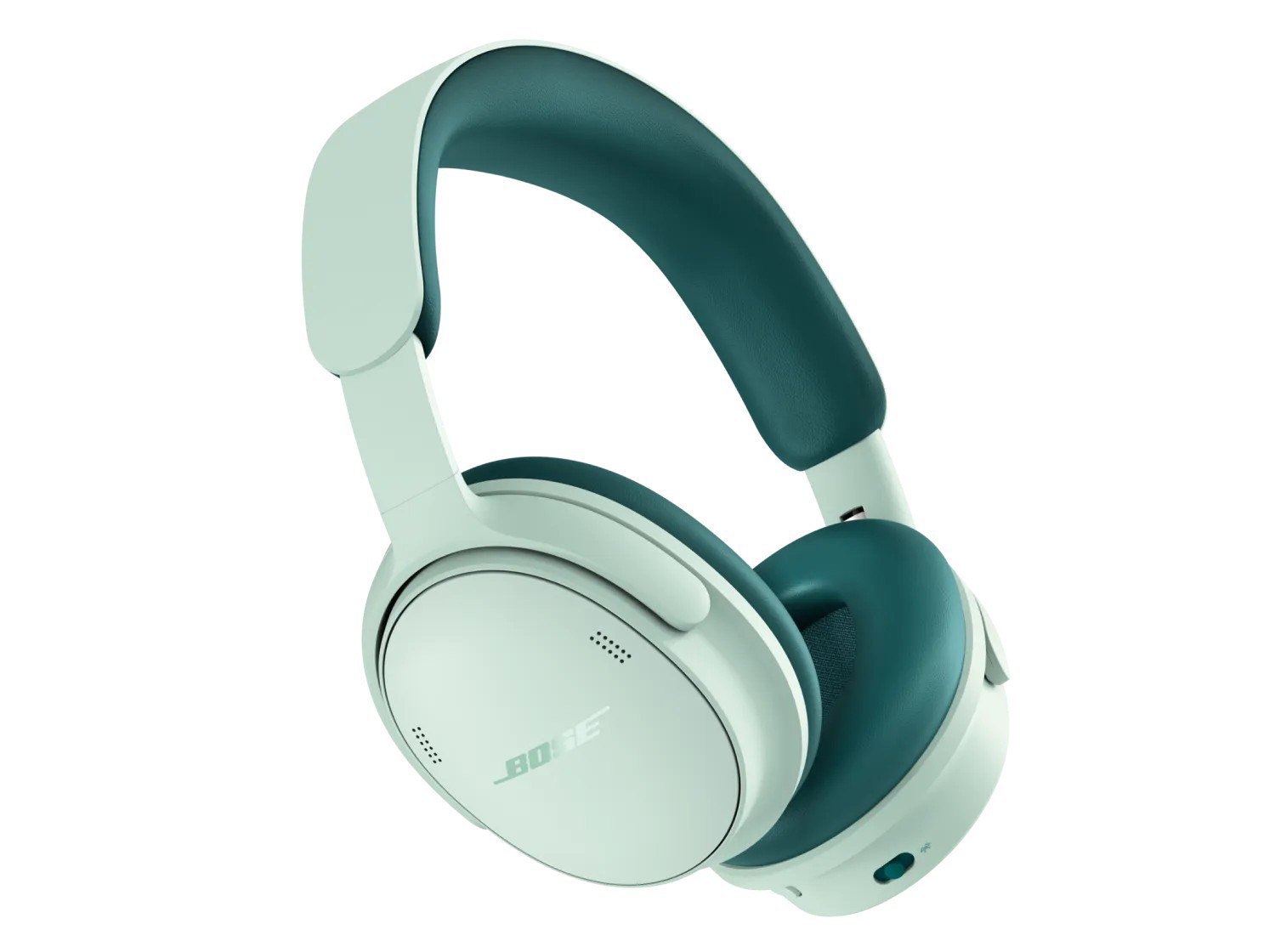 Bose QuietComfort Headphones Drop to $169, 2nd Gen From $199 Through November 8 Bose.com lists the first-generation QuietComfort Headphones at $169 and the QuietComfort Headphones (2nd Gen) from $199, both down from $359, for purchases made by November 8, 2026...