
Nintendo Music App Guide: Price, Offline Downloads, Web Player, CarPlay and Features
Nintendo Music streams Nintendo game soundtracks with any Nintendo Switch Online membership, no console required. What it costs, supported phones and browsers, offline downloads and audio quality, CarPlay and Android Auto limits, and features like spoiler prevention and Extend to.
Disclosure: This page may contain affiliate links. They do not influence our editorial conclusions. Read the disclosure.
Our pick
- See price at Nintendo
Top pick
Nintendo
Nintendo is the Japanese video game company behind the Nintendo Switch 2 and Nintendo Switch consoles, Nintendo Switch Online and franchises such as Super Mario...
What this guide covers
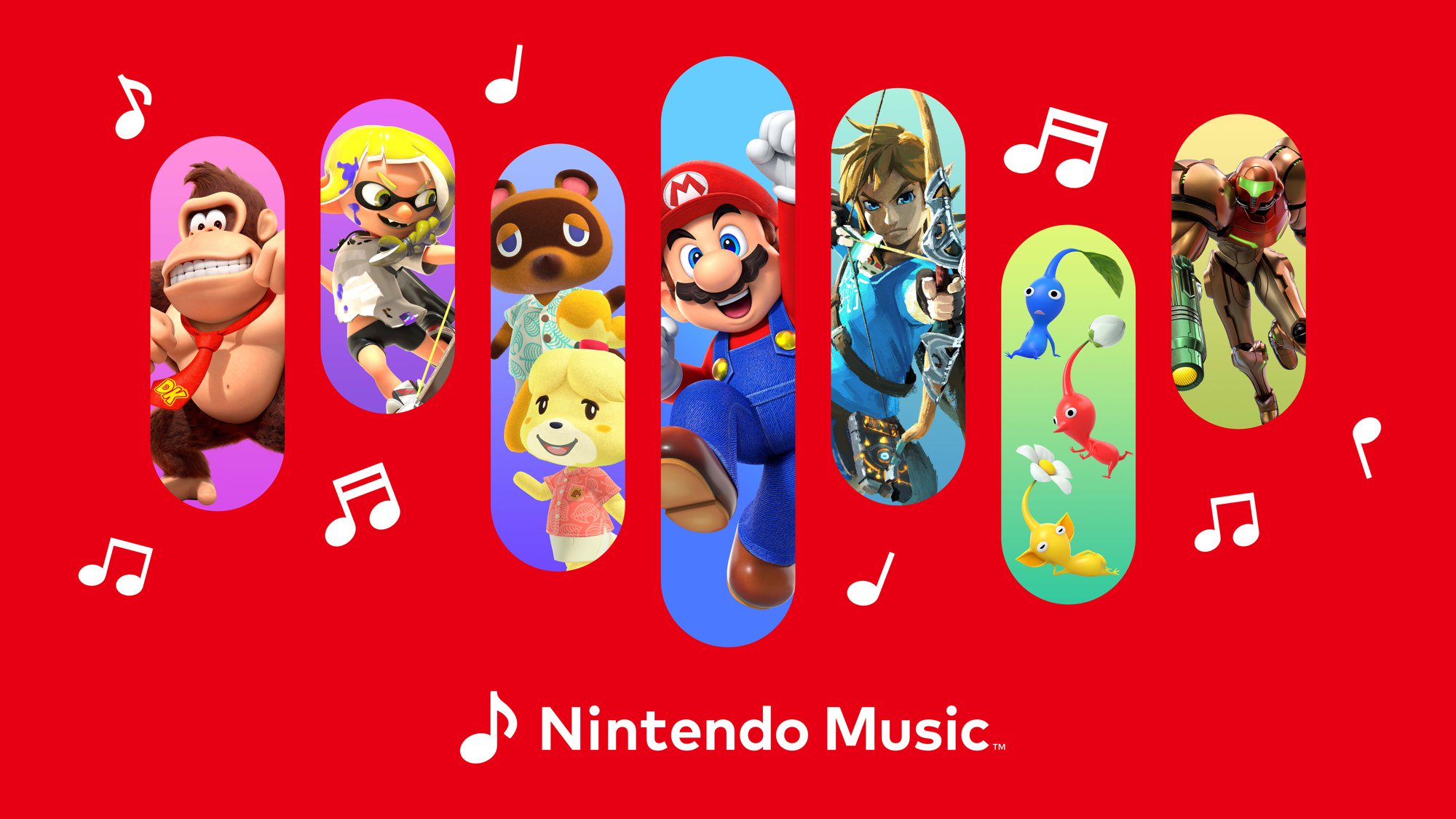
Nintendo Music is Nintendo's own streaming service for video game soundtracks, from Super Mario Bros. and Donkey Kong Country to Mario Kart World and other Nintendo Switch 2 games. It isn't a separate subscription: it comes with Nintendo Switch Online, and you don't need a Nintendo console to use it. This guide covers what it costs, where you can listen, how offline downloads and audio quality work, and the features that set it apart from a general music app.
Facts come from Nintendo's Nintendo Music page, Nintendo Music Support and the app's App Store listing, read on November 13, 2026. This is a research-based guide, not a hands-on review.

What Nintendo Music costs
The Nintendo Music app is free to download, but Nintendo Music Support says "a paid Nintendo Switch Online membership is required to use Nintendo Music." Any Nintendo Switch Online tier works. In the US, Nintendo lists these annual prices:
| Plan | Accounts | Price per year |
|---|---|---|
| Nintendo Switch Online, Individual | 1 | $19.99 |
| Nintendo Switch Online, Family | Up to 8 | $34.99 |
| Nintendo Switch Online + Expansion Pack, Individual | 1 | $49.99 |
| Nintendo Switch Online + Expansion Pack, Family | Up to 8 | $79.99 |
So the cheapest way into Nintendo Music is the $19.99 individual plan, which works out to under $1.70 a month. With a family membership, Nintendo says everyone on the membership can use Nintendo Music on their own devices. For a full breakdown of what else each tier includes, see our Nintendo Switch Online review.
Free trial. Nintendo offers a 7-day free trial of the paid Nintendo Switch Online membership to users who are new to the service, and Nintendo Music Support confirms you can use Nintendo Music during that trial. The App Store listing notes that the membership auto-renews at the then-current price unless canceled.
No console needed. Nintendo says you only need a Nintendo Switch Online membership and a Nintendo Account, and Nintendo Music Support confirms you can join Nintendo Switch Online even if you don't own a Nintendo Switch 2 or Nintendo Switch.
If you cancel. Your playlists and other data are saved after you cancel, and you can still edit, share or delete playlists, according to Nintendo Music Support.
What's in the library
Nintendo's Nintendo Music page says the service has "over 250 hours of Nintendo game music spanning across more than 130 titles," and the App Store listing describes tracks "from the NES to the Nintendo Switch 2 system." Games the listing names include Mario Kart World, Pikmin 4, The Legend of Zelda: Tears of the Kingdom, Splatoon 3, Kirby and the Forgotten Land, Animal Crossing: New Horizons, Super Mario Odyssey, Mario Kart 8 Deluxe, Super Mario Galaxy, Wii Sports, Metroid Prime, The Legend of Zelda: Ocarina of Time, Donkey Kong Country, Super Mario Bros., Fire Emblem Engage, and Pokémon titles including Pokémon Scarlet and Pokémon Violet. Nintendo says new soundtracks will keep being added.
Beyond game-by-game soundtracks, the app has themed playlists, such as tracks for individual characters, relaxing music and battle themes, and you can build your own playlists.
Where you can listen
Nintendo Music runs in three places:
- Smartphone or tablet app. The app is on the App Store and Google Play. Nintendo Music Support lists iOS 16 or higher and iPadOS 16 or higher, and Android 9 or higher; Android devices with 2GB of RAM or less aren't supported, and apps installed outside the Google Play Store aren't supported.
- Web browser on a computer. You can stream in the latest versions of Chrome, Safari or Microsoft Edge on a PC or laptop. The web version isn't supported on phones or tablets. Nintendo also says you can "take a peek at what's in the library" in the browser without a membership.
- In the car. Nintendo Music works with Apple CarPlay and Android Auto, with voice control while driving. Some settings aren't available there: the sleep timer and hourly tracks are missing in CarPlay, and Android Auto also lacks the "Extend to..." feature. Nintendo says compatibility isn't guaranteed for every in-car display.

Nintendo's support pages describe only these routes, the app on smart devices and the web player on a computer, so plan on listening on a phone, tablet, computer or car display rather than on your Switch. If you want game music while you play, that's what the games themselves are for.
Offline downloads and audio quality
Offline listening works only in the app. You can download tracks in advance to listen offline, but Nintendo Music Support says the web version is streaming only and offline playback isn't available there.
Audio quality has three settings:
| Setting | Bitrate (approx.) |
|---|---|
| High quality | 320kbps |
| Balanced | 192kbps |
| Data Saving | 64kbps |
Downloads are always saved at High quality. If you're streaming on mobile data, Data Saving uses the least data.
New phone? Sign in with the same Nintendo Account on the new device and your favorites and playlists come across, but downloaded tracks don't, so you'll need to download them again. Some settings and history also don't transfer.

Features unique to Nintendo Music
These are the features that make Nintendo Music more than a playlist of game tracks:
- Spoiler prevention. If you haven't finished a game, you can turn on spoiler prevention for that game, which limits the track names and artwork shown so a late-game boss theme doesn't give anything away. It's set game by game.
- Extend to... Some tracks can be stretched to 5, 10, 15, 30 or 60 minutes of uninterrupted playback, like a game's background music looping while you work or study. Nintendo notes that some tracks may play with slight disruptions depending on your device and connection.
- Hourly tracks. Some Animal Crossing playlists play the track that matches the current hour in your local time, just like in the games.
- My Mix and recommendations. My Mix builds a playlist from your Nintendo Switch play history, and the app suggests tracks based on your Nintendo Account data. If you'd rather not get recommendations, Nintendo Music Support says to opt out of personalized recommendations in your Nintendo Account privacy settings, and that changes can take up to 48 hours.
- Sleep timer. Stops playback after a set time. It's available in the app but not in the web version.
- Background playback. Music keeps playing with the screen off or while you use another app.

Where Nintendo Music is available
Nintendo Music Support lists 50 regions, including the United States, Canada, Mexico, Brazil, the United Kingdom and most of the European Union, Japan, South Korea, Hong Kong, Taiwan, Singapore, Australia, New Zealand and South Africa. Nintendo says more regions may be added later. It's available only where Nintendo Switch Online is.
Is Nintendo Music worth it?
If you already pay for Nintendo Switch Online for online play, cloud saves or GameChat, Nintendo Music costs you nothing extra, and it's the official home for many soundtracks from Nintendo's own games. If you don't own a Switch, the $19.99 individual membership is the price of entry, and the 7-day free trial is a good way to check whether the library covers the games you care about.
The main limits are worth knowing up front: there are no downloads in the web version, listening happens on phones, tablets, computers and cars rather than on your Switch, and a few features drop out in the car. For more on Nintendo's online services, see our Nintendo Store shopping guide and our Switch 2 FAQ.
References
- Nintendo, "Nintendo Music: Listen to Game Soundtracks": https://www.nintendo.com/us/online/nintendo-switch-online/nintendo-music/
- Nintendo Music Support, "What is Nintendo Music?": https://support.music.nintendo.com/hc/en-us/articles/10523974000143-What-is-Nintendo-Music
- Nintendo Music Support, "Is Nintendo Music free to use?": https://support.music.nintendo.com/hc/en-us/articles/10523950996879-Is-Nintendo-Music-free-to-use
- Nintendo Music Support, "Can I use Nintendo Music offline?": https://support.music.nintendo.com/hc/en-us/articles/10524217139983-Can-I-use-Nintendo-Music-offline
- Nintendo Music Support, "What is the available audio quality for Nintendo Music?": https://support.music.nintendo.com/hc/en-us/articles/10524634872079-What-is-the-available-audio-quality-for-Nintendo-Music
- Nintendo Music Support, "(App) Which devices are supported?": https://support.music.nintendo.com/hc/en-us/articles/10524438437647--App-Which-devices-are-supported
- Nintendo Music Support, "(Web version) Which browsers are recommended?": https://support.music.nintendo.com/hc/en-us/articles/16079023541263--Web-version-Which-browsers-are-recommended
- Nintendo Music Support, "Is Nintendo Music compatible with CarPlay and Android Auto?": https://support.music.nintendo.com/hc/en-us/articles/10684349809807-Is-Nintendo-Music-compatible-with-CarPlay-and-Android-Auto
- Nintendo Music Support, "In which regions is Nintendo Music available?": https://support.music.nintendo.com/hc/en-us/articles/10463992555535-In-which-regions-is-Nintendo-Music-available
- Nintendo Music Support, "Will my Nintendo Music data be deleted if I cancel my Nintendo Switch Online membership?": https://support.music.nintendo.com/hc/en-us/articles/12199386386063
- Nintendo Music Support, "Can I transfer my data to another device?": https://support.music.nintendo.com/hc/en-us/articles/10957052795535-Can-I-transfer-my-data-to-another-device
- Apple App Store, "Nintendo Music": https://apps.apple.com/us/app/nintendo-music/id6466376604
Meet your guide
Lipeiguan
author
What to read next
 Best RayNeo Glasses (2026): Air 3s, Air 4 Pro, GT, GT Max, iO and X3 Pro A research-based 2026 best-of guide to official RayNeo Air, GT, iO and X3 Pro specs and November 20, 2026 U.S. sale prices, with a buyer FAQ on 3DoF, prescription lenses, bundles a...
 RayNeo GT and GT Max vs XREAL One and One Pro: Display, Price and Fit A research-based comparison of official RayNeo GT and GT Max specs and November 20, 2026 U.S. sale prices against XREAL One and One Pro, including field of view, weight, IPD, audio...
 RayNeo's U.S. Black Friday Sale Is Live: Official Prices Include GT at $249 and iO at $389 RayNeo's official U.S. Black Friday sale runs November 19–30, 2026, with up to 30% off selected glasses and bundles. Official product pages on November 19 listed GT at $249 (was $3...