
Nintendo Is Ending Google and Apple Sign-In for Nintendo Accounts on January 26, 2027
Nintendo says Google and Apple accounts can no longer be linked to Nintendo Accounts from January 26, 2027. Users who sign in that way need a Nintendo password or a passkey before then.
Disclosure: This page may contain affiliate links. They do not influence our editorial conclusions. Read the disclosure.
Key facts
- Effective
- January 26, 2027 (Nintendo says it may be delayed)
- Ends
- Google and Apple sign-in and account creation
- Also ends
- My Nintendo Platinum Points mission for linking Google
- Sign in with
- Email or Sign-In ID and password, or a passkey
- Passkey devices
- iOS/iPadOS 16+, macOS 13+, Android 9+
Nintendo is ending the option to sign in to a Nintendo Account with a Google or Apple account. In a support notice, Nintendo says that as of January 26, 2027, it will no longer be possible to link a Google or Apple account to a Nintendo Account. If that is how you sign in today, you should set a password or a passkey before then.

What changes on January 26, 2027
According to Nintendo's notice, three things stop on that date:
- You will no longer be able to sign in to a Nintendo Account with a Google or Apple account.
- You will no longer be able to create a new Nintendo Account with a Google or Apple account.
- The My Nintendo Platinum Points mission for linking a Google account to a Nintendo Account will also end.
Nintendo adds that the exact end time may be delayed depending on the progress of its system change work. It did not give a reason for the change and apologized to people who used Google or Apple to sign in.
How you will sign in afterward
Nintendo says that if you are already signed in on a device, you may not have to sign in again. When a sign-in page does appear, you will need to use the email address or Sign-In ID and password for your Nintendo Account, or a passkey.
That is the problem for anyone who created an account with the Google or Apple button and never set a Nintendo password. Nintendo's fix is simple: go to the Nintendo Account login page, choose Forgot your password? and follow the reset email. If the email does not arrive, Nintendo suggests adding no-reply@accounts.nintendo.com to your address book and safe-sender list, and contacting support if you can no longer access the email address on the account.
Passkeys are the alternative
A passkey lets you sign in with your phone's or computer's fingerprint or face recognition instead of typing a password. Nintendo of America's support pages say passkeys work on iPhone and iPad with iOS or iPadOS 16 or newer, Macs with macOS 13 or newer and Android 9 or newer, and you can register up to 10 per account. Registering one asks for your Nintendo Account password, and Nintendo says you should keep your email and password up to date as a backup, so a passkey does not replace setting a password.

What to do now
- Check how you sign in at accounts.nintendo.com.
- If you only use Google or Apple, reset or set a Nintendo Account password now.
- Optionally register a passkey on the phone or computer you use most.
- Make sure the email address on the account is one you can still reach.
Our step-by-step guide on setting a Nintendo Account password or passkey before Google and Apple sign-in ends covers each screen, including two-step verification. For more on Nintendo services, see our research-based Nintendo Switch Online review and our Nintendo Store shopping guide.
References
- Nintendo Support, "Discontinuation of Google and Apple accounts linking to Nintendo Accounts": https://www.nintendo.com/au/support/articles/discontinuation-of-google-and-apple-accounts-linking-to-nintendo-accounts/
- Nintendo Support (Americas), "How to Manage Passkey Authentication for a Nintendo Account": https://en-americas-support.nintendo.com/app/answers/detail/a_id/62531
- Nintendo Support (Americas), "How to Sign In to a Nintendo Account": https://en-americas-support.nintendo.com/app/answers/detail/a_id/15984
Update
Where to go next
Meet your guide
SurfGirl
author
What to read next
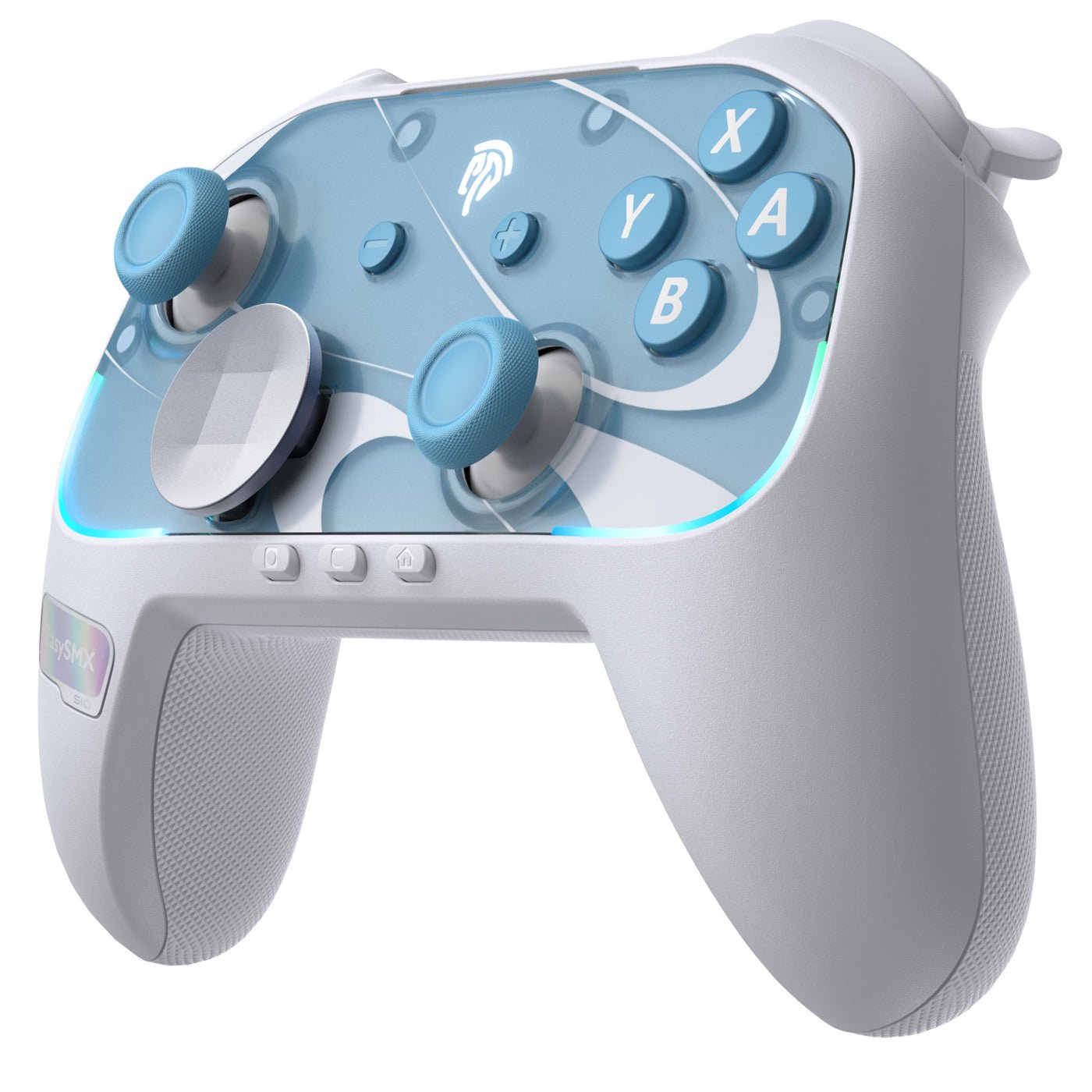 How to Connect EasySMX S10 and S10 Lite to Switch 2, PC and Phones A research-based setup guide for EasySMX's S10 and S10 Lite: official Switch 2, Switch, PC and Bluetooth pairing steps, firmware updates, charging lights and calibration, as of Nov...
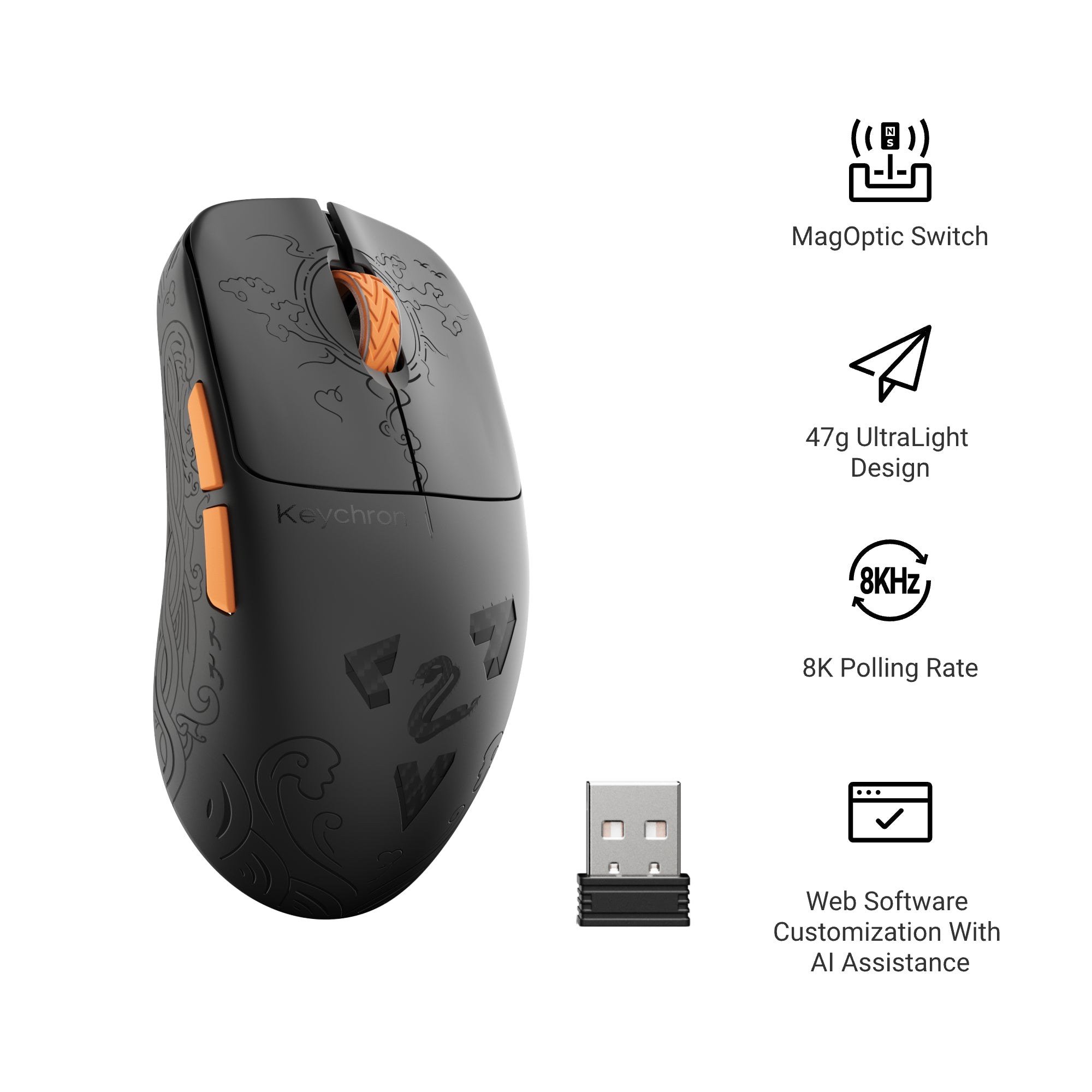 Best Keychron Mouse UK 2026: G3 HE vs G6 HE vs M7 vs M6 vs M3 vs M5 Which Keychron wireless mouse to buy in the UK: the G3 HE and G6 HE gaming mice and the M7, M6, M3 and M5 compared on weight, sensor, polling rate, battery life and Keychron UK pri...
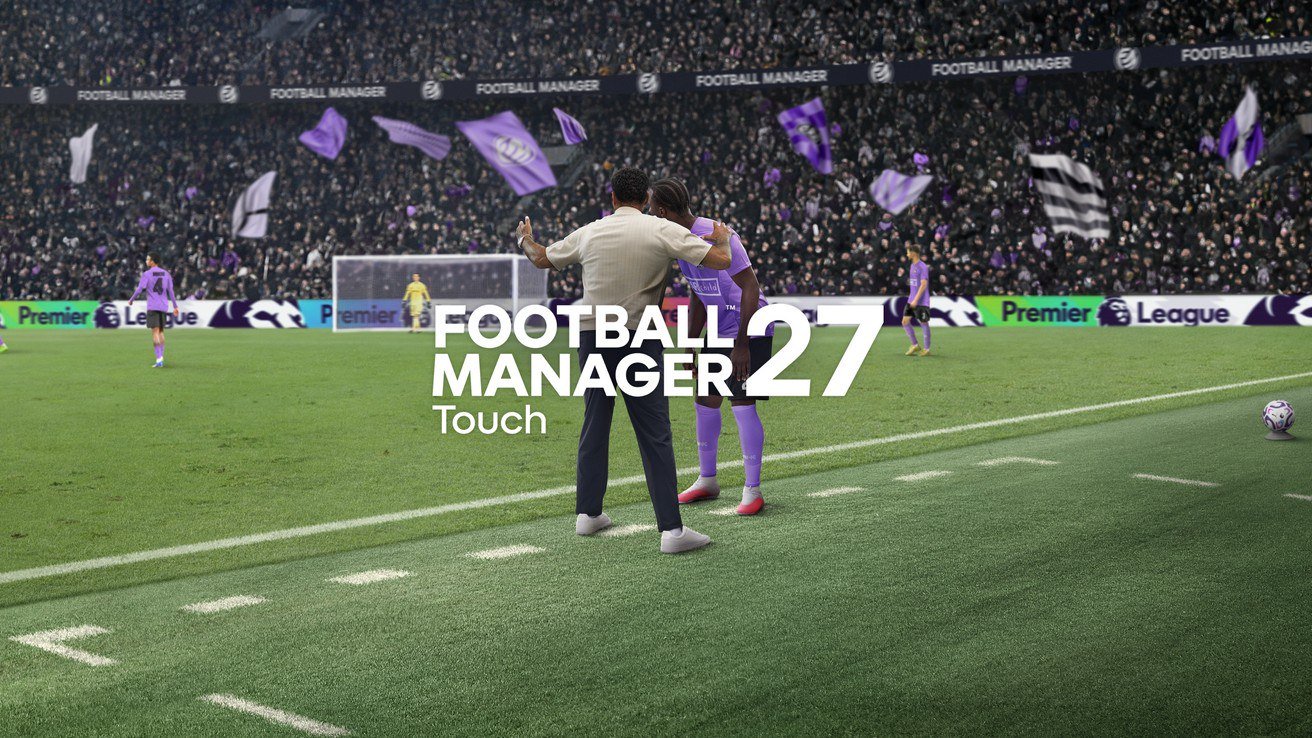 Apple Arcade's Holiday Lineup: Football Manager 27 Touch Now, Plants vs. Zombies: Replanted and Three More on Dec. 3 Football Manager 27 Touch is on Apple Arcade now; Plants vs. Zombies: Replanted, Prince of Persia: The Lost Crown+, solitaire(ish) and LEGO DUPLO Playtime arrive December 3. Price,...