
xTool M2 vs Glowforge Aura: Which Craft Laser Should You Buy?
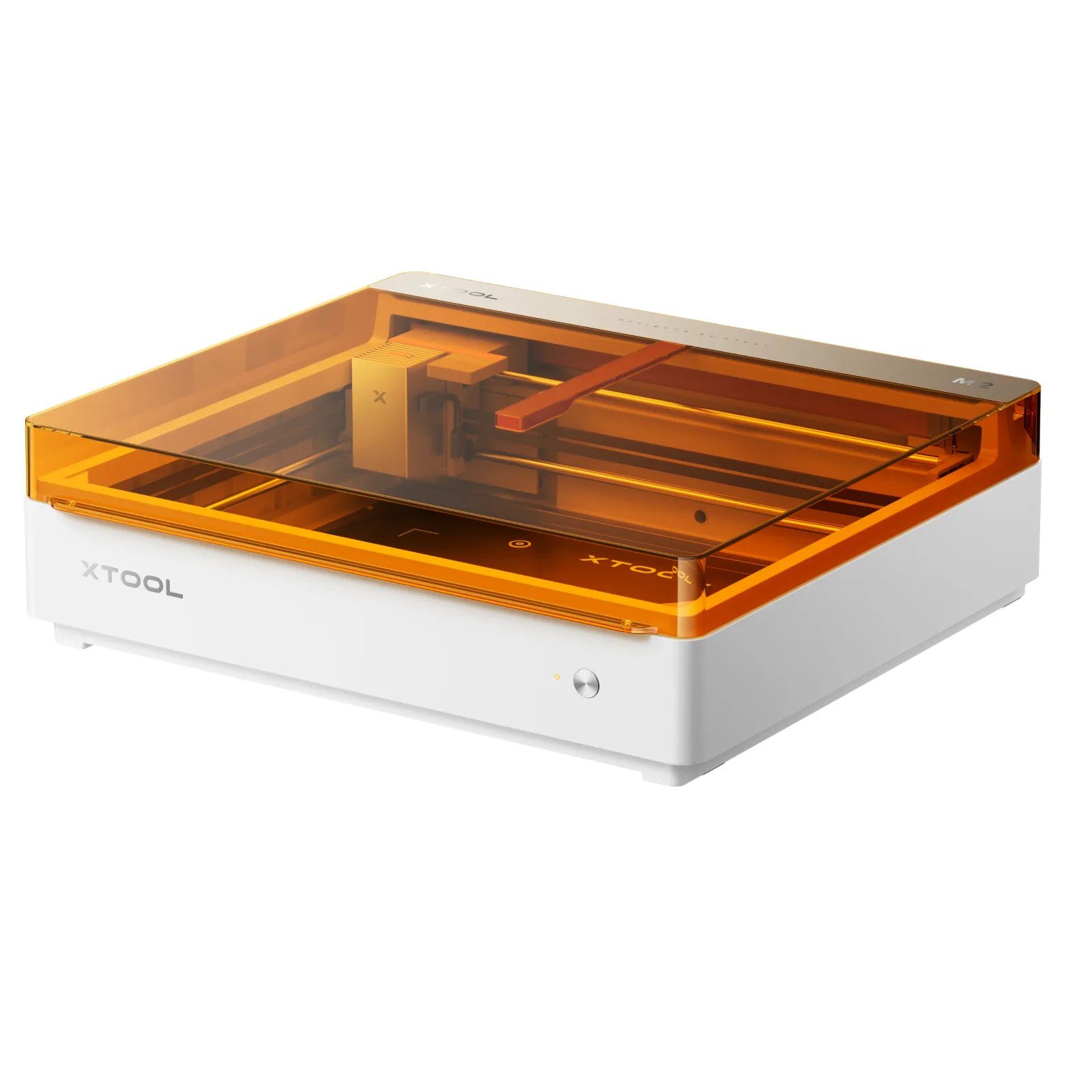
The xTool M2 and Glowforge Aura are both Class 1 desktop craft lasers, but they differ sharply on price, laser power, bed size, color printing, software and returns. Here is how their published specs and policies compare.
Disclosure: This page may contain affiliate links. They do not influence our editorial conclusions. Read the disclosure.
Our pick
- See price at xTool
Top pick
xTool
xTool makes desktop laser engravers and cutters (diode, CO2, fiber, MOPA and UV), plus color printers, heat presses, MetalFab welders and laser materials, sold...
If you are shopping for your first enclosed craft laser, two machines keep coming up: the xTool M2 and the Glowforge Aura. Both are compact, Class 1 desktop lasers aimed at crafters who want to cut and engrave paper, wood, acrylic and leather at home. They take quite different approaches to price, power, software and returns, though. This comparison lines up what each company publishes about its machine, so you can see which one fits the way you make things. It is research-based: we have not run either laser ourselves. Prices and specifications come from xtool.com and shop.glowforge.com, checked on November 11, 2026.

The short version
- Choose the xTool M2 if you want more cutting power for the money, a larger bed, the option to add full-color inkjet printing, and a return window that allows you to actually use the machine for two weeks.
- Choose the Glowforge Aura if you value a very simple, browser-based workflow, plan to use Glowforge's own Proofgrade materials and designs, and are comfortable knowing that an opened Aura can't be returned.
At a glance
| xTool M2 | Glowforge Aura | |
|---|---|---|
| Listed price (Nov 11, 2026) | Standalone $499 (list $599); Color Print & Cut Bundle $599 | $999 (regular $1,199) |
| Laser | 10W, 20W or 40W blue diode; optional 3W infrared module | 6-watt blue solid-state (diode) laser |
| Color printing | Optional CMYK inkjet module | No |
| Working area | 16.7" × 12.6" (10W/20W); 16.7" × 12.3" (40W) | Max material size 12" × 12" (about 144 sq in) |
| Max cut, per maker | 8 mm basswood (10W) to 15 mm basswood (40W) | Up to 1/4" (about 6.35 mm) |
| Taller objects | Horizontal laser output engraves objects 0–100 mm, such as tumblers and rings | Engraves objects up to 3/4" with the cutting tray removed |
| Passthrough | Not listed | Yes, material up to 3/8" high |
| Safety class | Class 1 (TÜV SÜD certified) | Class 1 with an embedded Class 4 laser |
| Software | xTool Studio (Windows, macOS); USB or Wi-Fi | Web-based Glowforge App (Mac, PC, Chromebook, tablet, phone); Wi-Fi required |
| Exterior size | 24" × 22.4" × 7"; 27.1 lb | 22" × 20.5" × 5" |
| Warranty | 12 months | 12 months |
| Returns | 30 days; free of service fees for the first 14 | Unopened only, within 15 days |
Price and what you get
The price gap is the first thing most buyers notice. On November 11, xTool listed the M2 Standalone at $499 with a $599 list price, during its Black Friday and Cyber Monday sale. That standalone version is a laser only: xTool's product page states plainly that the 10W, 20W and 40W standalone machines do not include the CMYK inkjet printer and can't print in color. If you want the print-then-cut feature that gives the M2 its "color craft laser" name, you need a bundle; the Color Print & Cut Bundle was listed at $599.
Glowforge listed the Aura at $999, marked down from a regular $1,199. The Aura's main add-on is the Craft Laser Filter, offered with the machine for $399. Glowforge's FAQ also mentions optional in-app purchases of designs, fonts and ready-to-make projects on top of the free design software.
So at entry level, an M2 with color printing costs well under the price of an Aura alone. Budget for ventilation either way (more on that below), and remember that xTool's sale prices change week by week until the sale ends on December 4. Our news report on xTool's 2026 Black Friday pricing explains how its tiered discounts work.

Power and cutting capacity
This is where the two machines differ most on paper. Glowforge says the Aura uses a blue, 6-watt solid-state laser that can cut materials up to 1/4 inch thick. xTool sells the M2 with a choice of 10W, 20W or 40W diode modules and publishes a cutting figure for each:
- 10W: up to 8 mm basswood or 3 mm black acrylic
- 20W: up to 10 mm basswood or 8 mm black acrylic
- 40W: up to 15 mm basswood or 11 mm black acrylic
Even the base M2 module is rated thicker than the Aura's 1/4 inch maximum for wood, and the higher-power modules go well beyond it. These are maker figures for ideal materials, and thick cuts on a diode laser usually take more time and passes than thin ones, so treat them as upper limits rather than everyday expectations.
Both machines share a diode laser's limits. Glowforge says the Aura is not compatible with glass, clear acrylic, white acrylic or blue acrylic, because a blue laser passes through or reflects off those materials. The M2's own materials list calls out "opaque acrylic" for cutting, which reflects the same physics. Neither company recommends cutting vinyl; Glowforge warns that cutting vinyl will "immediately destroy your laser".
Bed size and object height
The M2's working area is 16.7 by 12.6 inches with the 10W or 20W module, slightly smaller with the 40W. The Aura takes material up to 12 by 12 inches. If you make larger signs, wall art or sheets of stickers, those extra inches matter.
The Aura answers with a passthrough slot. Glowforge says the slot accepts material up to 3/8 inch high, which lets you work on pieces longer than the bed by sliding them through. xTool does not list a passthrough for the M2.
For three-dimensional items, xTool says the M2's horizontal laser output can engrave objects from 0 to 100 mm tall, such as tumblers, balls and rings, without a riser base. Glowforge says the Aura can engrave objects up to 3/4 inch high once you remove the cutting tray.
Color printing: the M2's unique trick
The feature that sets the M2 apart is its optional CMYK inkjet module. xTool describes a print-then-cut workflow: print a full-color design on paper, sticker sheets, cardstock or pre-treated wood and fabric, then let the laser cut it out, with a dual-camera system (a 5MP panoramic camera and a 2MP close-range camera) handling positioning. xTool lists a maximum print area of 11.8 by 11.2 inches in inkjet mode and notes that the ink won't adhere to dense, smooth surfaces such as metal, glass and ceramic without a coating.
The Aura has no printing function. It does have a lid-mounted wide-angle camera for previewing designs on your material, and Glowforge says it can scan a hand drawing and cut it without separate design software.

Software and setup
Glowforge's software runs in a web browser, so the Aura works from a Mac, PC, Chromebook, tablet or phone. It needs Wi-Fi (2.4 GHz), and with Glowforge's Proofgrade materials it sets cut and engrave settings automatically. That approach is the Aura's biggest selling point for beginners. The trade-off is that you rely on Glowforge's online service to use the machine.
xTool's machines run on xTool Studio, its own design and control software for Windows and macOS, connected by USB or Wi-Fi. xTool adds templates and its paid Atomm membership for AI design tools. Our xTool review covers that ecosystem in more depth.
Ventilation and space
Lasers make smoke, so both machines need a way to vent it. Glowforge lists two options for the Aura: its own filter, or an openable window within eight feet. xTool recommends its Desktop Air Purifier for regular M2 use and the larger SafetyPro AP2 for frequent cutting or smellier materials.
The Aura is the slimmer machine at 22 by 20.5 by 5 inches. The M2 measures 24 by 22.4 by 7 inches and weighs 27.1 pounds, so measure your desk before ordering.
Returns and warranty: a real difference
Read this section before you buy either machine, because the return rules are far apart.
Glowforge Aura: Glowforge's terms say a Craft Series printer (Spark or Aura) can be returned only if it is unopened, within 15 days of receipt, bought directly from Glowforge and returned with the original receipt. You get the purchase price back, less shipping. An opened Aura, "whether used or unused", is no longer eligible, and units bought from third-party retailers can't be returned through Glowforge.
xTool M2: xTool's policy gives you 30 days. In the first 14 days, returns carry no service fee; from day 15 to day 30, an opened and used machine carries a 30% service fee, and a machine must have been used fewer than 50 times. You pay return shipping on non-defective items. The M2 product page summarizes it as a 14-day return policy, alongside a 60-day price guarantee.
Both companies offer a 12-month warranty. Glowforge partners with Mulberry for optional extended protection, and xTool sells xToolCare plans. Our xTool shopping guide explains xTool's shipping, return and price-match rules in full.
What owners say
On their own stores, both machines rate well, with the usual caution that brand-hosted reviews are a limited sample. The Aura showed 4.5 out of 5 stars across 83 reviews on shop.glowforge.com. Owners there praise the guided setup and the ease of Proofgrade materials, and one reviewer noted that some buyers have expressed disappointment with its speed. The M2 page on xtool.com showed 31 reviews, 29 of them five-star.
Which should you buy?
- Stickers, cards and full-color gifts: the M2 with an inkjet bundle is the only one of the two that prints.
- Thicker wood and larger pieces: the M2's higher-power modules and larger bed give it more headroom.
- Long, thin pieces: the Aura's passthrough slot is the better fit.
- Simplest possible start, any device: the Aura's browser software and Proofgrade presets are built for that.
- Low-risk first purchase: the M2's two-week fee-free return window is far more forgiving than the Aura's unopened-only rule.
If you are leaning toward xTool but are not sure the M2 is enough, our guide on how to choose an xTool laser walks through when it makes sense to step up to a CO2 machine like the P2S.
References
- xTool, "xTool M2 Color Craft Laser Cutter & Engraver" (specifications, bundles, cutting capacity, FAQ and reviews), accessed November 11, 2026. https://www.xtool.com/products/xtool-m2-color-craft-laser-cutter-engraver
- xTool, "Refund policy." https://www.xtool.com/policies/refund-policy
- xTool, "2026 Black Friday and Cyber Monday." https://www.xtool.com/pages/black-friday-cyber-monday
- Glowforge, "Glowforge Aura" (product details, FAQ and reviews), accessed November 11, 2026. https://shop.glowforge.com/products/glowforge-aura
- Glowforge (Structured Light Group), "Terms of Purchase and Service," section 13, Refunds. https://glowforge.com/terms
- Glowforge (Structured Light Group), "Warranty Information." https://glowforge.com/warranty
Meet your guide
Lipeiguan
author
What to read next
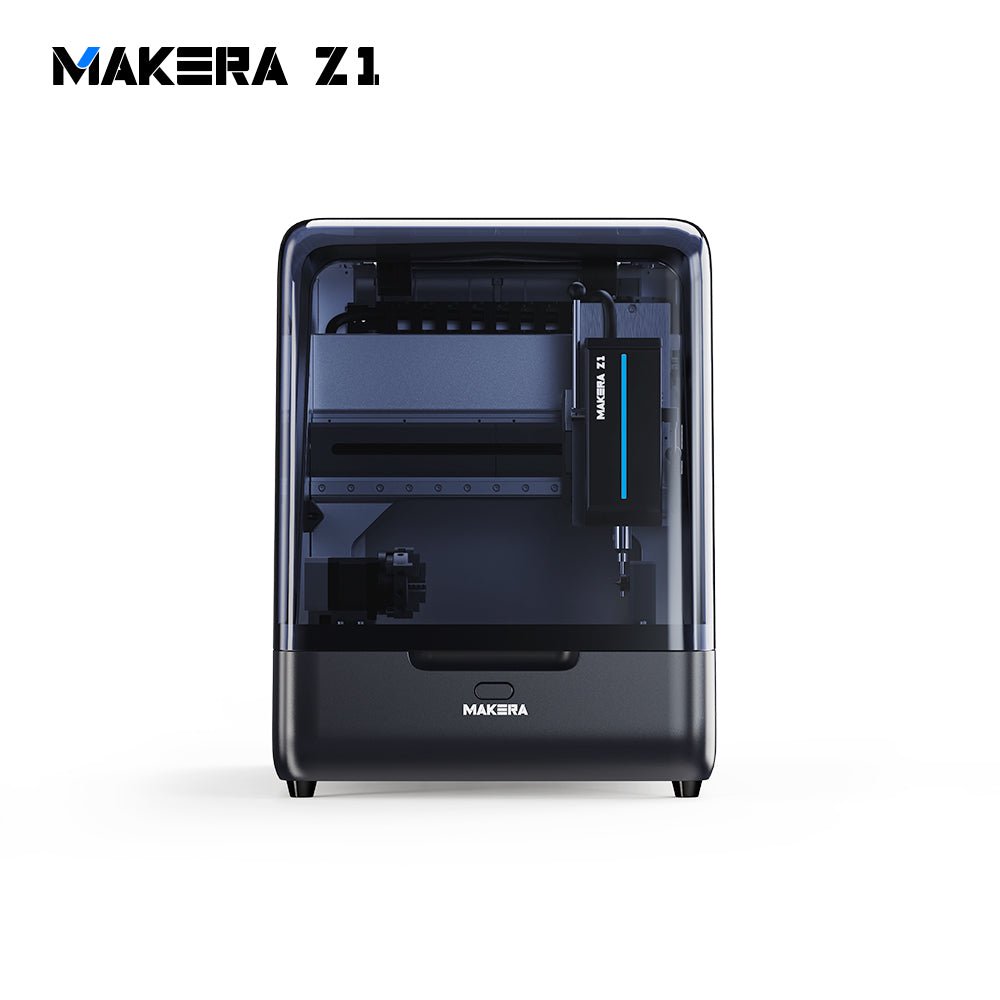 Best Makera CNC Machines (2026): Z1, Carvera Air, A1S and Carvera A research-based 2026 guide to official Makera Z1, Z1 Pro, Carvera Air, A1S and Carvera desktop CNC specs and November 20, 2026 U.S. prices, including work areas, tool changers, in...
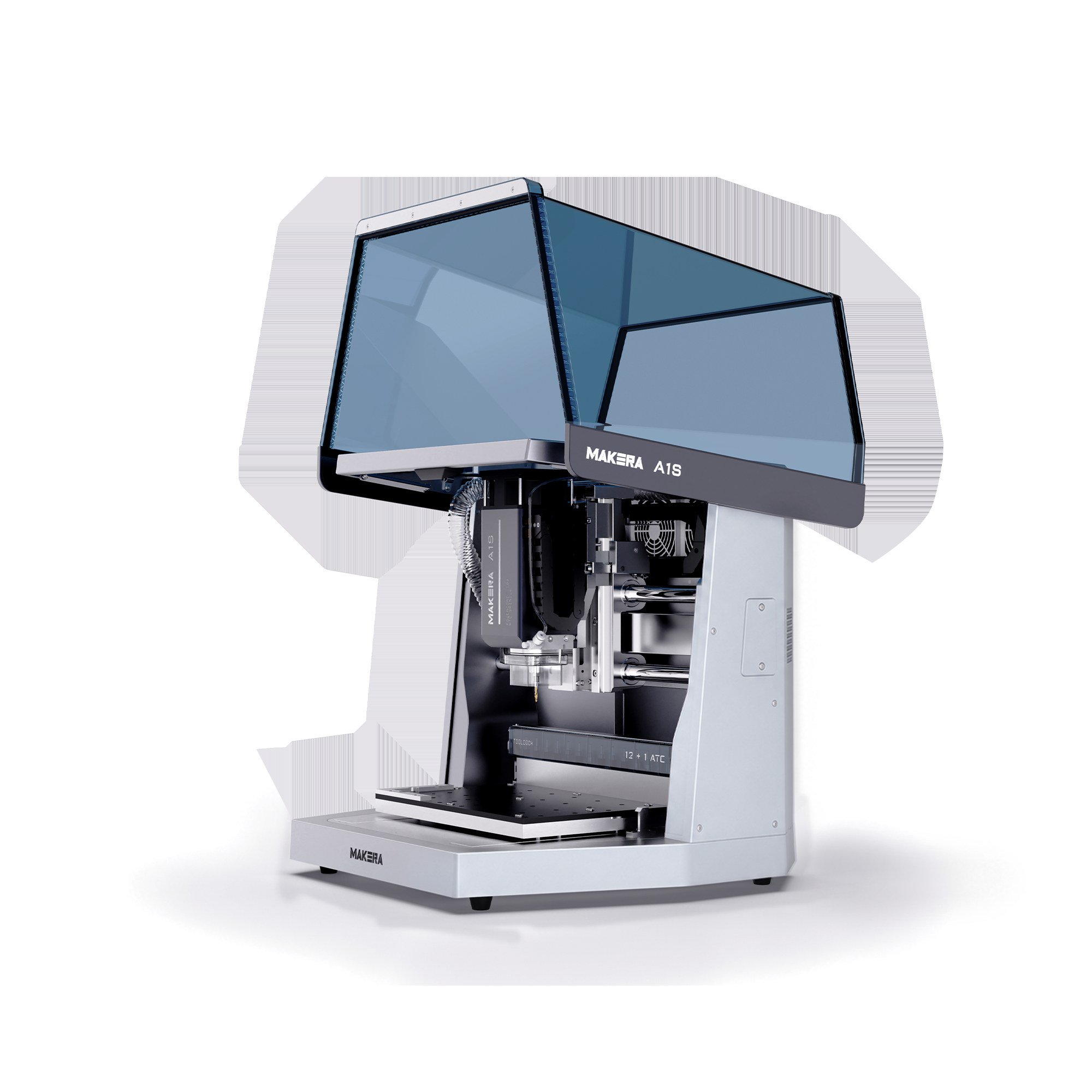 Makera A1S vs TwoTrees ED1: 600W Desktop CNC Specs, Pre-Order Prices and Shipping Compared A research-based comparison of official Makera A1S and TwoTrees ED1 600W enclosed desktop CNC specifications, November 20, 2026 pre-order prices, work areas, tool changers, and shi...
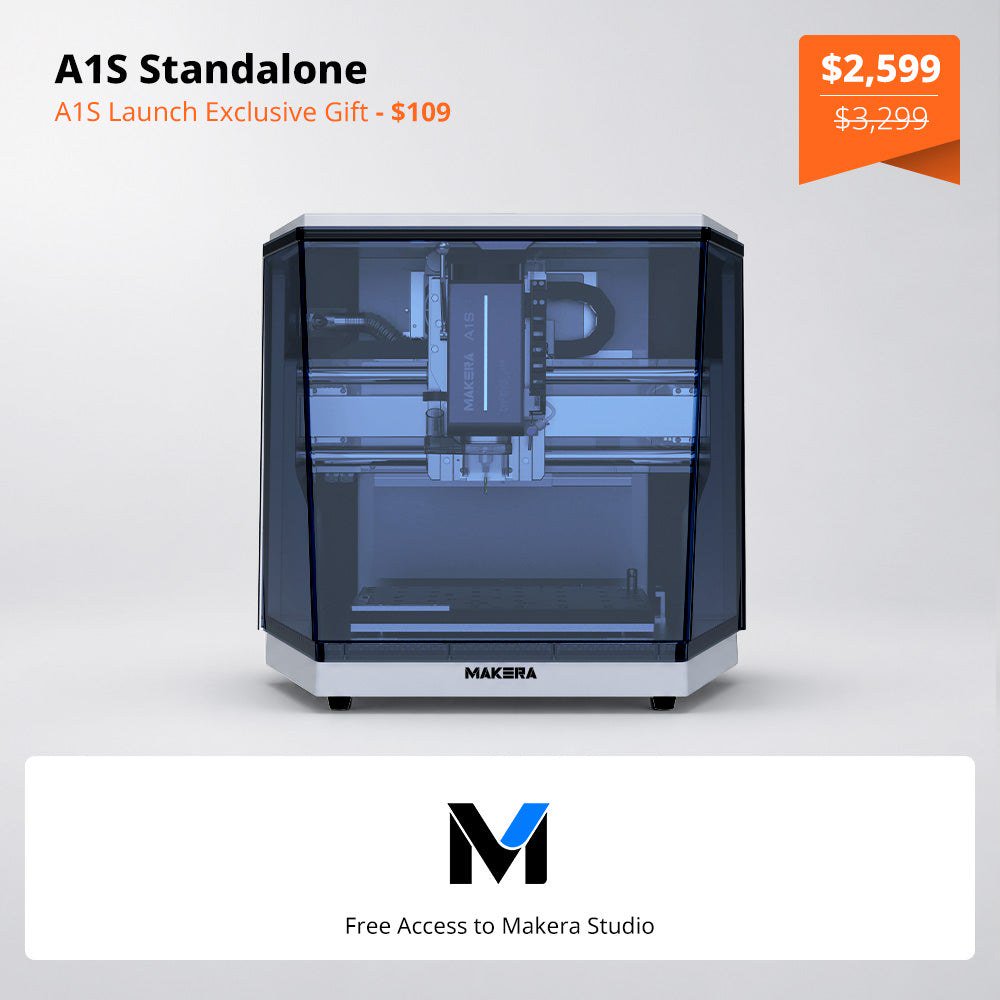 Makera Opens Official U.S. A1S Pre-Orders at $2,599, or $3,499 for the ATC Model Makera opened official A1S pre-orders on November 18, 2026. On November 20, the U.S. product page listed the standalone A1S at $2,599 (was $3,299) and the A1S ATC at $3,499 (was $4...