
Creality K3 Review: KliTek Four-Nozzle Multicolor Printing, Specs and Caveats
A research-based review of Creality's $849 K3: how the KliTek four-nozzle system cuts purge waste, mixed nozzle sizes, material tiers, CMYK color, sensors, optional kits and the shipping-date question.
Disclosure: This page may contain affiliate links. They do not influence our editorial conclusions. Read the disclosure.
Our pick
- See price at Creality
Top pick
Creality
3D printer maker behind the Ender, K1, K2 and K3 FDM printers, Halot resin printers and CR-Scan 3D scanners, plus filament and Creality Cloud software.
Our verdict
On Creality's published specs the K3's four-nozzle KliTek system is a practical answer to multicolor purge waste at $849, but engineering materials, soft TPU and mixed nozzle sizes need optional kits and its bed tops out at 100°C.
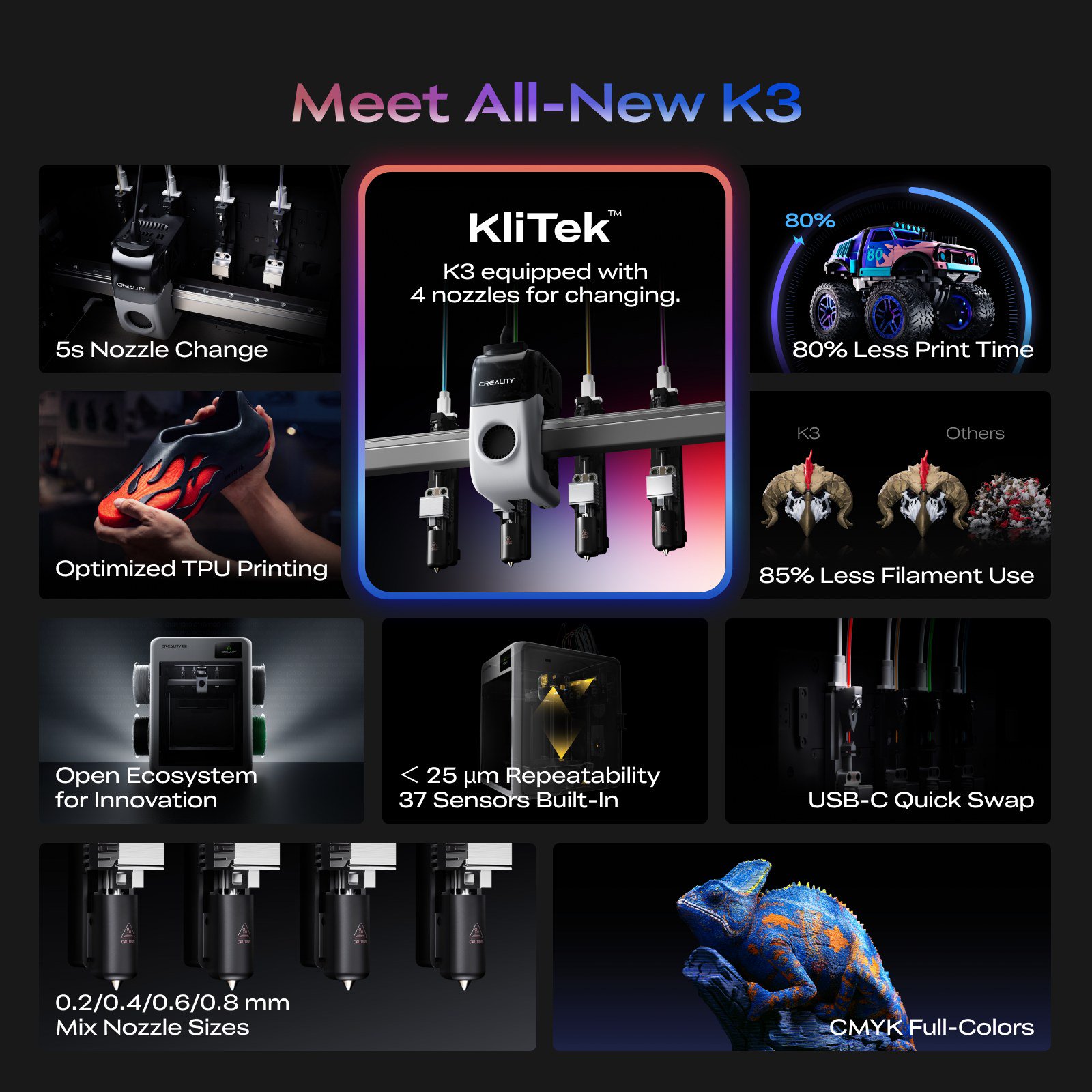
The Creality K3 is Creality's attempt to fix the biggest weakness of affordable multicolor 3D printing: the time and filament lost every time a single nozzle changes color. Instead of one hotend that purges between colors, the K3 has four nozzles that it swaps in about five seconds. Creality launched it in the US at $849 on November 3, 2026. This review is research-based. It draws on Creality's published specifications, its launch announcement and its store policies, not on hands-on use.

Specifications
| Spec | Creality K3 (per Creality) |
|---|---|
| Price (US) | $849, launch offer of 4 free Hyper PLA rolls |
| Build volume | 260 × 260 × 260 mm |
| Printer dimensions | 420 × 482 × 536 mm |
| Net weight | 22 kg |
| Max speed / acceleration | 500 mm/s / 20,000 mm/s² |
| Accuracy | 100 ± 0.1 mm |
| Layer height | 0.08–0.35 mm (0.4 mm nozzle) |
| Nozzles | Up to 4, 0.2/0.4/0.6/0.8 mm, up to 300°C |
| Nozzle / material change | 5 seconds / 15 seconds |
| Extruder | Hardened steel gear direct drive, step-servo motor |
| Bed | PEI spring steel, up to 100°C |
| Filament slots | 4, 1.75 mm, standard 1 kg spools |
| Screen / camera | 3.97-inch touchscreen / 720p with lighting |
| Connectivity | 2.4 GHz Wi-Fi, USB drive, Creality Cloud app |
| Storage | 8 GB |
| Power | 480 W rated (100–127 V), about 160 W standby |
| Slicer | Creality Print 7.0 or newer |
How KliTek changes multicolor printing
Most consumer multicolor printers use one nozzle. To change color, the printer cuts and retracts the current filament, loads the next, and pushes out enough material to clear the old color. That purge material ends up as waste, often called "poop", and each change takes time.
Creality's KliTek system keeps up to four filaments loaded in independent channels, each with its own nozzle. A color change becomes a nozzle swap, which Creality times at about five seconds. A full material change takes 15 seconds. Creality says that in its internal testing, this cut total print time by up to 80% and material waste by up to 85% compared with conventional single-nozzle multicolor workflows. Store graphics note that the savings figures apply to four-color or fewer setups.

Those are manufacturer figures, and the press release notes that results vary with materials, models and print conditions. The principle is sound, though. Tool-changing printers avoid most purge waste because each color stays in its own nozzle. The biggest gains come on models with frequent color changes, such as multicolor figures, signs and logos. On a model with only a few changes, the advantage is smaller.
Mixed nozzle sizes
Because each nozzle is separate, the K3 can use different nozzle diameters in one print. Creality's example pairs a 0.4 mm nozzle for outer walls and fine detail with a 0.8 mm nozzle for infill. It claims up to 30% better efficiency compared with a single nozzle.
There are caveats in the fine print. Creality says the K3 comes with 0.4 mm nozzles by default, and the multi-nozzle kit is sold separately. Mixing sizes also requires configuring settings in Creality Print. Budget for that kit if mixed sizes are a reason you are considering the K3.

Materials: what the base K3 handles, and what needs add-ons
Creality splits material compatibility into three tiers:
- K3 as shipped: PLA, PETG, PET, PLA-CF/GF, PETG-CF/GF, PCTG and TPU 95A.
- With the optional top cover: the above plus engineering materials such as ABS, ASA, ASA-CF, PP, PC, PA, PA-CF and PP-CF/GF.
- With the optional TPU Kit: the above plus BVOH, PVA, TPE and softer TPU at 90A and 85A.
The multi-nozzle design also helps with support material. Creality highlights PLA and PETG as mutual breakaway supports for each other, and PVA as a water-soluble support for complex shapes. A single-nozzle printer can do this too, but each swap between model and support material adds purge waste.
Creality makes notable claims for flexible filament. It says the K3 prints 85A–95A TPU at up to seven times the flow rate of standard consumer printers, rated at 15 mm³/s for TPU 95A. A footnote on the same store graphic says TPU printing requires the multi-material kit, sold separately. That sits awkwardly with TPU 95A appearing in the base compatibility list, so confirm with Creality which TPU grades work without add-ons before you buy.

The 100°C bed maximum is worth noting. That is enough for PLA, PETG and TPU, and workable for ABS and ASA in a closed chamber. It is lower than the 110–120°C some enclosed rivals offer, which can matter for large ABS or PC parts.
Full color with CMYK
Creality markets the K3 as able to produce a wide range of colors from four CMYK filaments: cyan, magenta, yellow and black. Layered color mixing can blend these into many visible shades without hand-painting. The store's own footnote says layered color mixing is not equivalent to precise color matching and cannot reproduce every color. Treat it as a creative tool, not as a substitute for exact brand colors.

Reliability and maintenance features
Creality lists 37 built-in sensors and repeatability under 25 μm. It also lists detection for:
- Air printing and spaghetti failures
- Hotend presence and nozzle clogs
- Filament runout and tangles
- Build plate presence
The printer runs automatic nozzle offset calibration and flow rate calibration. The nozzle assembly uses a USB-C quick-swap design for maintenance, which matters on a machine with four hotends to keep clean. Creality also advertises native root access for users who want to customize the firmware. That is unusual for a mainstream brand and appeals to tinkerers.
Price, availability and the pre-order question
Creality's November 3 release says the K3 is officially available in the US from $849, with the first pre-order shipments beginning November 2. Buyers through November 30 get four free Hyper PLA rolls, and official-store orders qualify for free shipping during the launch period. European availability is expected in December 2026.
When checked on November 3, the K3 store page still labeled the printer "(Pre-order)". It also said estimated shipping begins in early December. If timing matters, for example for a holiday gift, confirm the ship date at checkout or with Creality before ordering.
The K3 is covered by Creality's 12-month complete-machine warranty, plus a 3-month replacement guarantee advertised on the product page. Consumables carry a 3-month warranty. Our Creality shopping guide covers the strict 14-day return rules.
Who the K3 suits
Good fit if you:
- Print multicolor models often and want to cut purge waste and swap time
- Want soluble or breakaway supports without heavy waste
- Value open firmware access and a large sensor suite
- Are willing to buy add-ons for engineering materials, soft TPU or mixed nozzles
Look elsewhere if you:
- Mostly print in one color. A cheaper single-nozzle printer will do the job.
- Need large ABS or PC parts that benefit from a hotter bed
- Want everything in the box. The top cover, TPU Kit and multi-nozzle kit are extras.
- Need the printer in hand right away and the product page still shows a December ship date
How it compares
At $849, the K3 costs nearly twice Anycubic's Black Friday price for the Kobra X Combo ($469). The Kobra X Combo is rated for up to 19 colors but uses a single nozzle with a shorter filament change path. Our K3 vs Kobra X Combo comparison breaks down where the extra money goes.
Verdict
On its published specifications, the Creality K3 is one of the most practical attempts yet at fast, low-waste multicolor printing at a consumer price. The four-nozzle KliTek system addresses the purge waste that slows single-nozzle machines, and its sensor suite and open firmware suit serious hobbyists. Buyers should account for optional extras, a 100°C bed limit, and the gap between the "now available" announcement and the product page's December shipping estimate.
References
- Creality via PR Newswire. "Creality K3 Now Available at $849, Making Multi-Color 3D Printing More Practical." November 3, 2026.
- Creality. "K3 Multi-Material & Multicolor 3D Printer" product page and specifications. store.creality.com/products/k3-multi-material-multicolor-3d-printer. Accessed November 3, 2026.
- Creality. "Return & After-Sales Policy." store.creality.com/pages/return-policy. Accessed November 3, 2026.
- Anycubic. "Black Friday Deals." us.anycubic3d.com/pages/black-friday-deals. Accessed November 3, 2026.
Meet your guide
Lipeiguan
author
What to read next
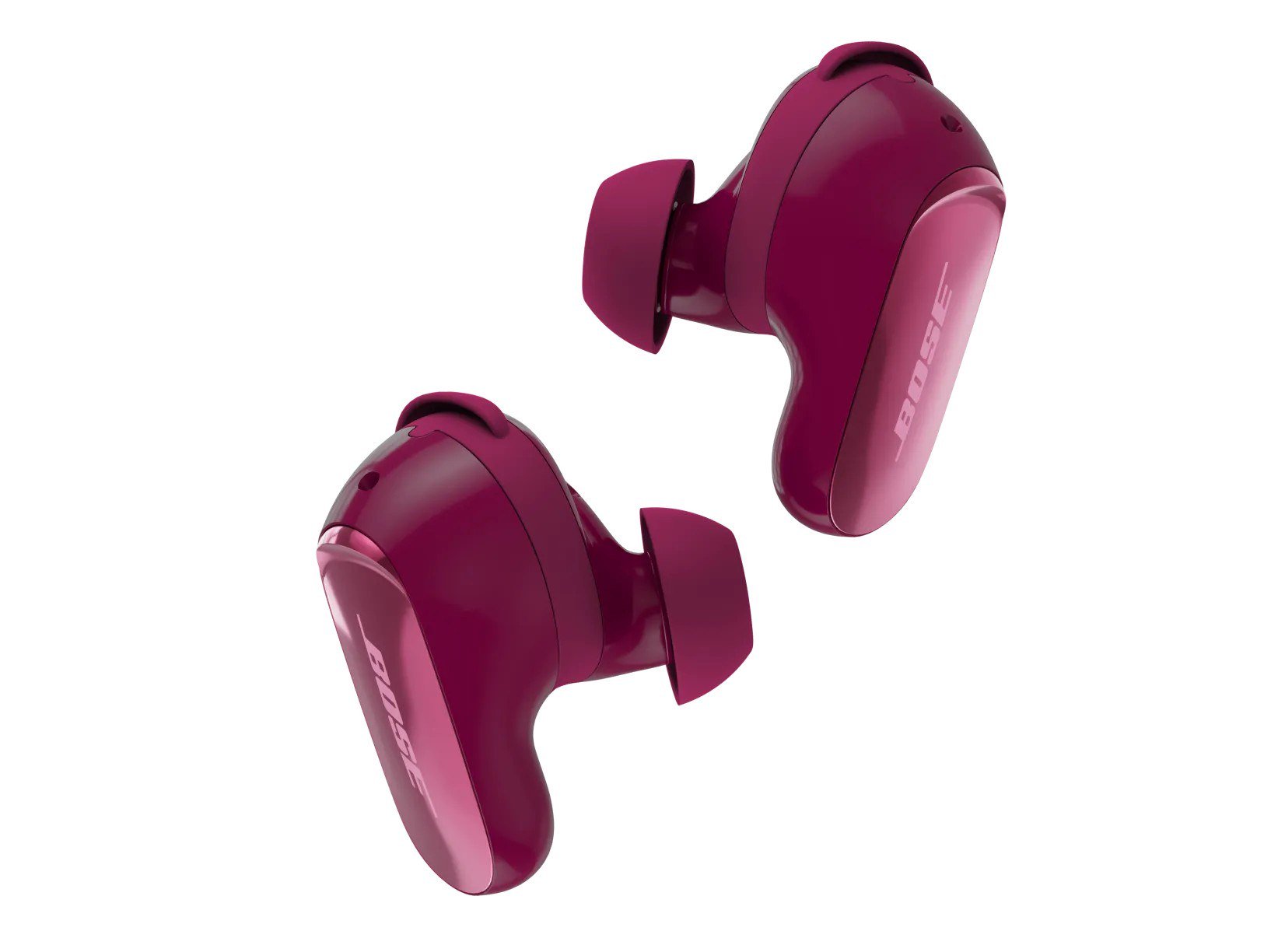 Best Bose Earbuds 2026: QuietComfort Ultra vs QuietComfort vs Ultra Open vs Sport Open vs Wired All five Bose earbuds compared on Bose's published specs and prices, from the $299 QuietComfort Ultra Earbuds (2nd Gen) and Ultra Open Earbuds (2nd Gen) to the $99 Noise Cancelling...
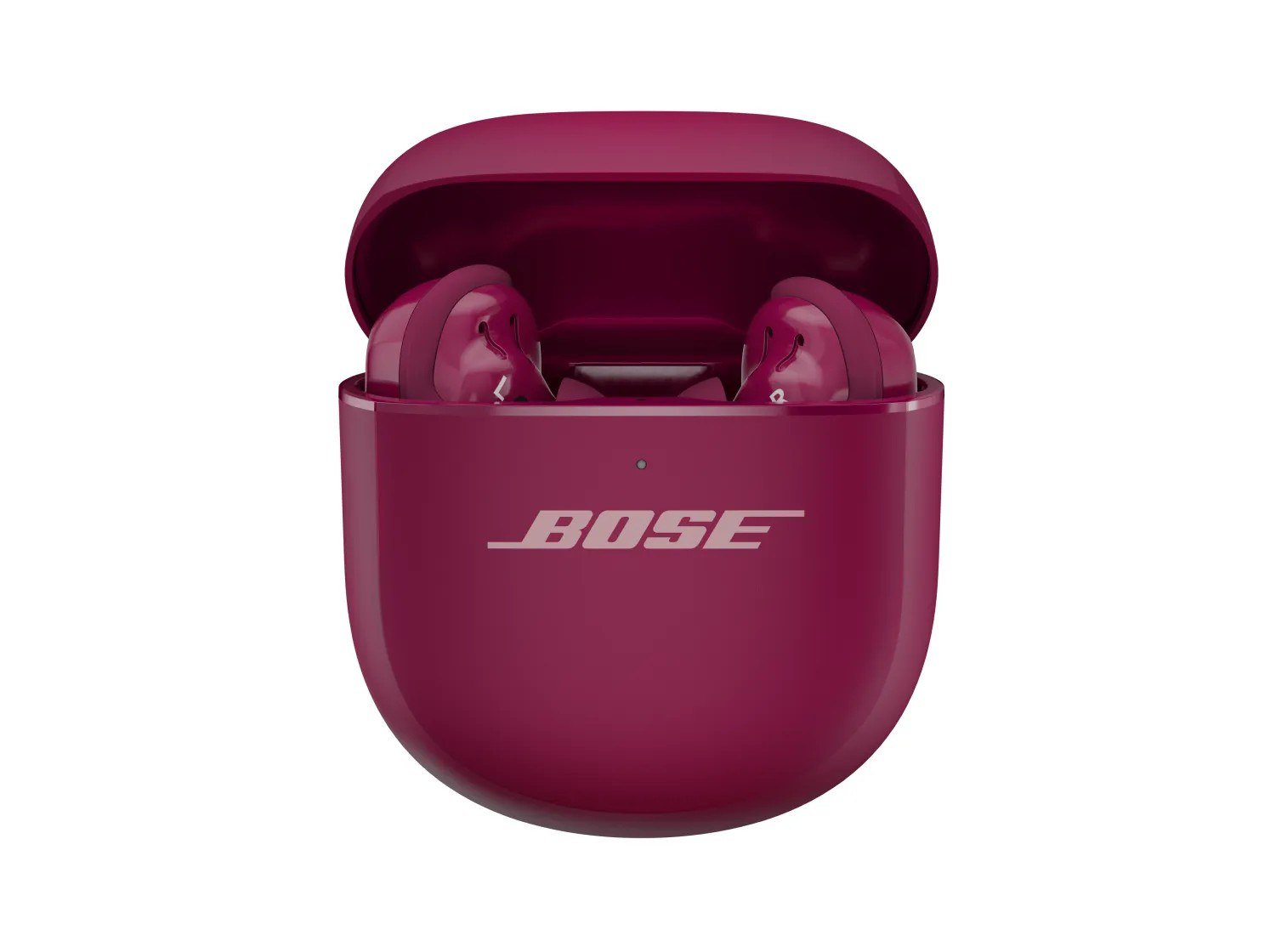 How to Set Up Bose QuietComfort Ultra Earbuds (2nd Gen): Pairing, Fit, Multipoint and Reset Step-by-step setup for Bose QuietComfort Ultra Earbuds (2nd Gen) from Bose's owner's guide: app and Bluetooth pairing, Fast Pair, eartip and band fit, touch controls, multipoint, c...
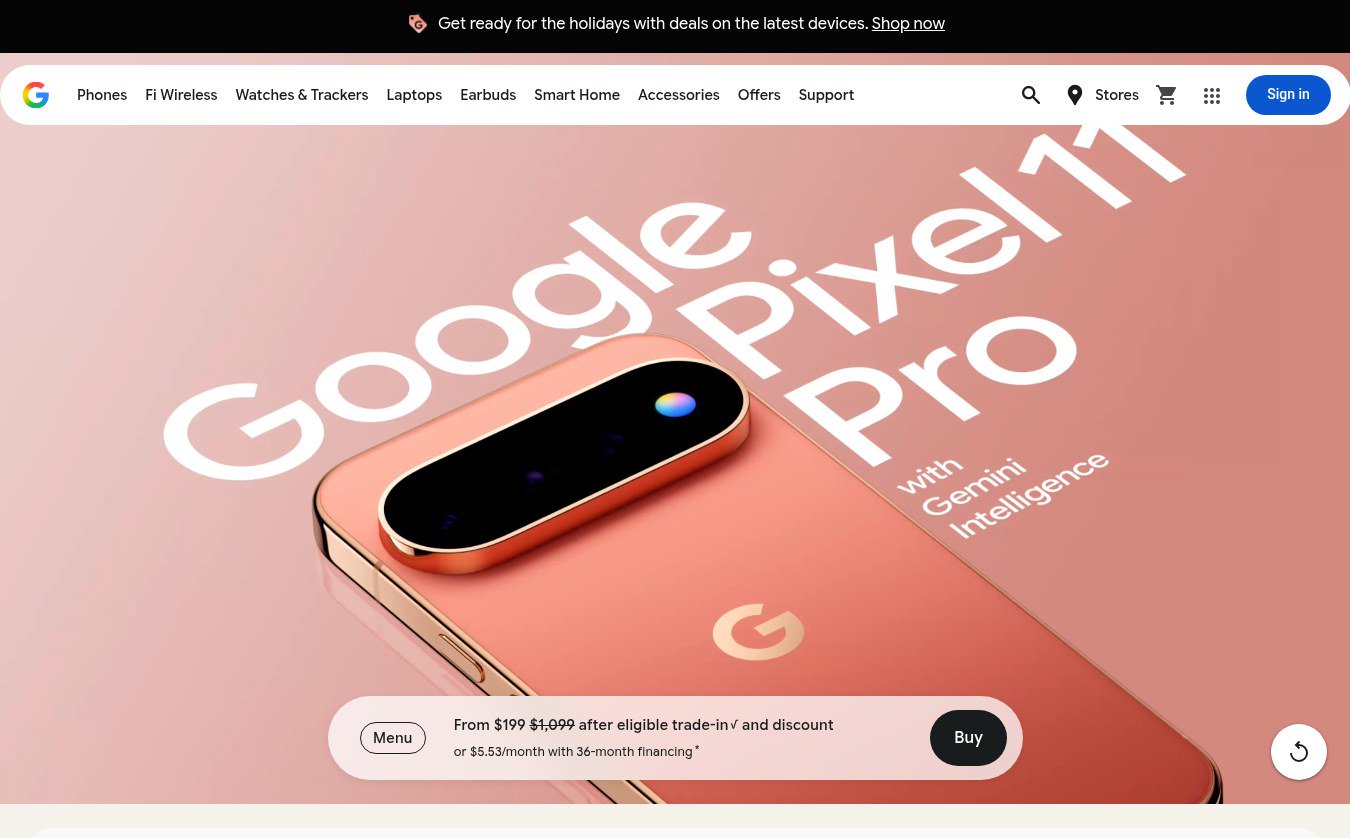 Google Store Cuts Pixel 11 Pro to $799 and Pixel 11 to $699 Through November 8 The U.S. Google Store has the unlocked Pixel 11 Pro at $799 (was $1,099), the Pixel 11 at $699 (was $899) and $350 off the Pixel 11 Pro XL until November 8, 2026 at 11:59 PM PST, p...