
Google Store Shopping Guide: Returns, Price Match, Trade-In and Financing
Google Store's US policies in one place: free standard shipping, a 15-day return window for most items, price match rules, trade-in timing, 0% APR financing options and Pixel Care+ protection.
Disclosure: This page may contain affiliate links. They do not influence our editorial conclusions. Read the disclosure.
Our pick
- See price at Google Store
Top pick
Google Store
Google's online store for Pixel phones, Fitbit wearables, Nest devices and accessories.
What this guide covers
Buying a Pixel phone, Pixel Watch or Google Home device straight from the Google Store has a few advantages over a big-box retailer: Google runs its own price match, trade-in program and 0% APR financing, and every order ships free. It also has a shorter return window than many shoppers expect. This guide pulls together the Google Store's published policies for US buyers, as listed on Google Store Help and store.google.com as of November 2, 2026, so you know how shipping, returns, price matching, trade-ins, financing and protection plans work before you check out.

Google Store policies at a glance
| Policy | What Google says (US) |
|---|---|
| Shipping cost | Standard delivery at no additional cost; the cheapest shipping option is free by default |
| Addresses | No delivery to APO/FPO, PO boxes or mail forwarding addresses |
| Return window | Most items: 15 calendar days after you receive them |
| Longer windows | Thermostats and Verizon contract phones: 30 days |
| Shorter windows | AT&T contract phones: 14 days; SIM cards are not returnable |
| Finishing a return | 14 days to complete it after you start |
| Refund timing | No more than 14 days after Google receives the device |
| Price match | Partial refund within the return period if Google Store or a selected retail partner advertises a lower price |
| Trade-in | Estimate at checkout; device must arrive within 30 days of receiving your new one |
| Financing | Google Store Financing (Synchrony Bank), Klarna, PayPal Pay Later, Verizon |
| Protection | Pixel Care+ (Preferred Care is no longer sold in the US) |
Shipping and delivery
Google says all orders in countries where the Google Store operates can get standard delivery at no additional cost. Free shipping is selected by default at checkout and applies to the cheapest shipping option unless the checkout page says otherwise. Faster options may be offered for a fee, and every item in the same order has to use the same shipping method.
A few rules are easy to miss:
- Address limits. Google Store orders cannot be delivered to military APO and FPO addresses or to non-residential addresses such as PO boxes and mail forwarding services. Your shipping address also has to be in the same country as the Google Store you buy from.
- Address changes. You may be able to change the shipping address within about an hour of checkout from your order page. After that, Google says you will need to cancel and reorder, or ask the carrier to reroute the package once it has shipped.
- Pre-orders. For pre-order items Google places an authorization hold on your payment method at checkout and charges you once the order ships.
- Tracking. Tracking details can take up to 24 hours to appear. Google asks you to wait 48 hours past the estimated delivery date before contacting Google Store Support about a late package.
If you paid for expedited delivery and the order arrives late, Google Store Help says you get a refund of the delivery fee for the delayed part of the order.
Returns: a 15-day window
This is the policy that catches people out. You can return most items bought from the Google Store within 15 calendar days after the day you receive them. A few categories differ: thermostats and Verizon contract phones get 30 days, AT&T contract phones get 14 days, and SIM cards cannot be returned. Merchandise items must be unused and returned within 15 days of the purchase date, and Google says non-taxed items are non-refundable. Your Order History shows the exact return deadline for each item, so check it as soon as the package arrives.
Last year Google ran a holiday extension: purchases made from November 11 to December 31, 2025 could start a return until January 15, 2026. As of November 2, 2026 the Google Store return policy page lists only the standard windows, so do not count on an extension unless Google posts one for this season.
How a return works:
- Open your order history, select View or edit order, then Return next to the item.
- Choose the paperless option to get a return code by email, or use the printed label Google sends.
- Back up your data, factory reset the device, remove the SIM card and remove smart home devices from your Google Home app before you pack it.
- Pack the item in its original box with all accessories and documentation (for refunds), then drop it at a FedEx location.
After you start a return you have 14 days to finish it. Google says refunds go back to the original payment method, minus any delivery-related costs, no more than 14 days after the device arrives, and its return help page estimates about 1 to 14 business days after inspection. If you bought several items in one shipment, you can return them in a single box with one label. Google notes that a promotional offer used on the original order cannot be used again after a return, and items bought from a third-party retailer must be returned to that retailer.
Price match (Pixel Price Promise)
The Google Store matches advertised online prices from selected retail partners, from the Google Store itself and from Google retail locations. If the price drops within your standard return period, you can ask for a partial refund of the difference. Google calls this its Pixel Price Promise on its own marketing pages.
The conditions are strict:
- The retailer must be one of Google's selected retail partners in the same country, with the price in the same currency.
- The product must be identical, including model, color and memory.
- The lower price must still be live and the item in stock when you submit, and you must provide a public link. Screenshots, PDFs, photos and individual quotes are not accepted.
- Phones qualify only as unlocked models; carrier models are excluded.
- Excluded offers include contract or payment-plan phones, third-party pre-order or trade-in offers, members-only, wholesale and education pricing (Amazon Prime deals are an exception to the members-only rule), mail-in or gift card offers, bundles, clearance, open-box, refurbished items and pricing errors.
Approved price match refunds are processed when your order ships, and the maximum refund is limited to what you paid after any trade-in credit.
Trade-in
Google Store trade-in starts at checkout. Add a new Pixel to your cart, choose Get estimate on the trade-in screen and describe your old device. Google mails you a prepaid kit, and you get your new device before you send the old one back, so you can move your data first.
Key rules from Google's trade-in FAQ:
- Your old device must arrive within 30 days of receiving your new device, and the trade-in expires 180 days after the new device ships.
- After inspection, Google says it emails your trade-in value within five business days and applies it to your original payment. If the credit exceeds what you paid, the extra comes back as Store Credit.
- Some customers get Instant Trade-In, which applies the estimate as a discount at checkout. If you do not send the device in time, or it does not match your description, your payment method is charged the difference.
- Devices with damaged or swollen batteries, phones reported lost or stolen, counterfeits, phones that do not power on and devices still locked or not factory reset are not accepted, and Google says they may not be returned to you.
Financing options
At checkout the Google Store offers monthly payment options through Google Store Financing, Klarna, PayPal Pay Later and Verizon. Google Store Financing is a credit card issued and serviced by Synchrony Bank, it requires credit approval, and it can only be used on store.google.com for carts of $149 or more.
According to Google Store Help, 0% APR equal-payment plans are available for:
- 12 months on orders over $149 paid in full within 12 months
- 24 months on orders that include a Pixel A-series phone
- 36 months on orders that include a non-A-series Pixel phone
The terms on Google's product pages list a 34.99% purchase APR for other purchases on new accounts and a late fee if you miss the required equal monthly payment, so treat the account like any store card and check the full Synchrony terms before you apply. Payments and balances are handled by Synchrony, not Google.
Protection: Pixel Care+ and the warranty
Google's own Warranty Helper lets you check coverage and start a repair or warranty claim for devices you own. For extra coverage, Google sells Pixel Care+ in the US through the Google Store and Google Fi. Preferred Care is no longer available for purchase in the US, and Google says many existing Preferred Care customers have been moved to Pixel Care+.
From the Google Store you can choose monthly plans, billed for up to 60 months or until you cancel, or a 2-year plan paid up front. Both come with or without Loss and Theft coverage (not available in New York). Coverage applies only in the country of purchase, and plan prices depend on the device. Plans are optional and can be canceled at any time, with refunds described in the terms.

Tips before you buy
- Check the return deadline on day one. Fifteen days goes quickly, and the window starts when the package arrives.
- Watch prices during your return window. A drop on the Google Store or at a selected retail partner can mean a partial refund, but only with a live public link.
- Get the trade-in estimate before you pay. It is applied after inspection unless you qualify for Instant Trade-In, so ship your old device quickly.
- Use 0% financing only if you can pay on schedule. The equal-payment plans are interest-free, but missed payments bring late fees.
- Reset everything before returning or trading in. Locked or unreset devices can be rejected.
If you are deciding which Google wearable to buy, see our Fitbit Edge vs Charge 6 vs Pixel Watch comparison and our Google Health Premium review. For current pricing on the newest tracker, read our news on the Fitbit Edge sale.

The bottom line
The Google Store is a strong place to buy Pixel hardware if you want free shipping, Google's own trade-in and interest-free financing on phones. Its main drawback is the 15-day return window for most products, so test a new device quickly. Combine that with the price match rules, and buying direct can work out as well as waiting for a retailer deal.
References
- Google Store Help. "About the Google Store return policy." https://support.google.com/store/answer/13806656?hl=en
- Google Store Help. "Return your Google Store purchase." https://support.google.com/store/answer/2411741?hl=en
- Google Store Help. "Learn about Google Store shipping & delivery options." https://support.google.com/store/answer/12436460?hl=en
- Google Store Help. "Find & buy Google Store products." https://support.google.com/store/answer/6380409?hl=en
- Google Store Help. "Track or manage your Google Store order." https://support.google.com/store/answer/6380753?hl=en
- Google Store Help. "Change the shipping address of Google Store orders." https://support.google.com/store/answer/12448592?hl=en
- Google Store Help. "Find and cancel delayed Google Store orders." https://support.google.com/store/answer/6160259?hl=en-GB
- Google Store Help. "Request a price match." https://support.google.com/store/answer/9631873?hl=en
- Google Store. "Google Store trade-in." https://store.google.com/us/magazine/trade_in?hl=en-US
- Google Store Help. "Pay for your Google Store purchase over time." https://support.google.com/store/answer/7166839?hl=en
- Google Store. "Pay Over Time Financing." https://store.google.com/us/category/financing?hl=en-US
- Google Store. "Google Pixel 11" (financing terms). https://store.google.com/product/pixel_11?hl=en-US
- Google Store Help. "Get Pixel Care+." https://support.google.com/store/answer/16496166?hl=en
- Google Store Help. "Get Preferred Care from the Google Store." https://support.google.com/store/answer/7528518
Meet your guide
Lipeiguan
author
What to read next
 Best Bose Earbuds 2026: QuietComfort Ultra vs QuietComfort vs Ultra Open vs Sport Open vs Wired All five Bose earbuds compared on Bose's published specs and prices, from the $299 QuietComfort Ultra Earbuds (2nd Gen) and Ultra Open Earbuds (2nd Gen) to the $99 Noise Cancelling...
 How to Set Up Bose QuietComfort Ultra Earbuds (2nd Gen): Pairing, Fit, Multipoint and Reset Step-by-step setup for Bose QuietComfort Ultra Earbuds (2nd Gen) from Bose's owner's guide: app and Bluetooth pairing, Fast Pair, eartip and band fit, touch controls, multipoint, c...
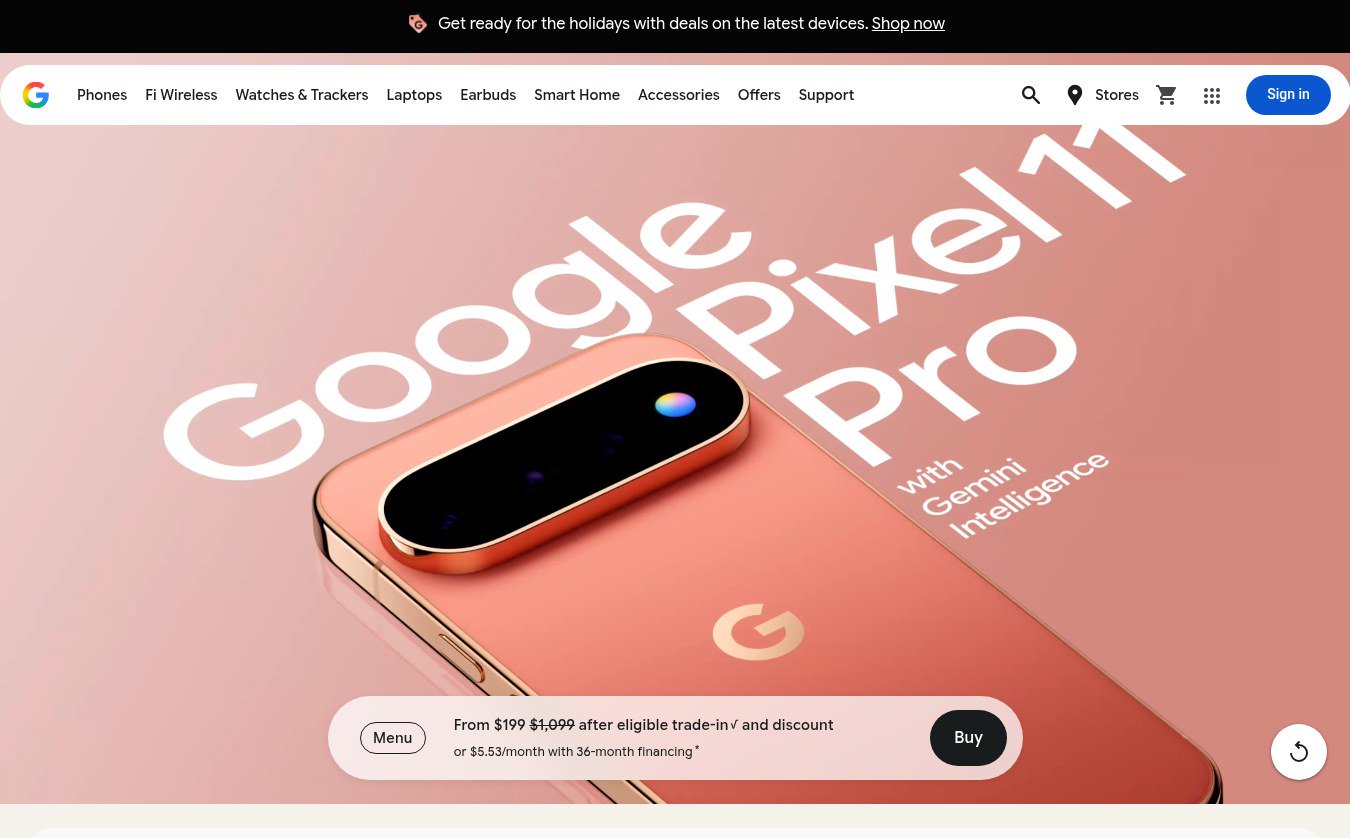 Google Store Cuts Pixel 11 Pro to $799 and Pixel 11 to $699 Through November 8 The U.S. Google Store has the unlocked Pixel 11 Pro at $799 (was $1,099), the Pixel 11 at $699 (was $899) and $350 off the Pixel 11 Pro XL until November 8, 2026 at 11:59 PM PST, p...