
How to Set Up Google Wallet on iPhone: Passes, Cards and the Tap-to-Pay Limit
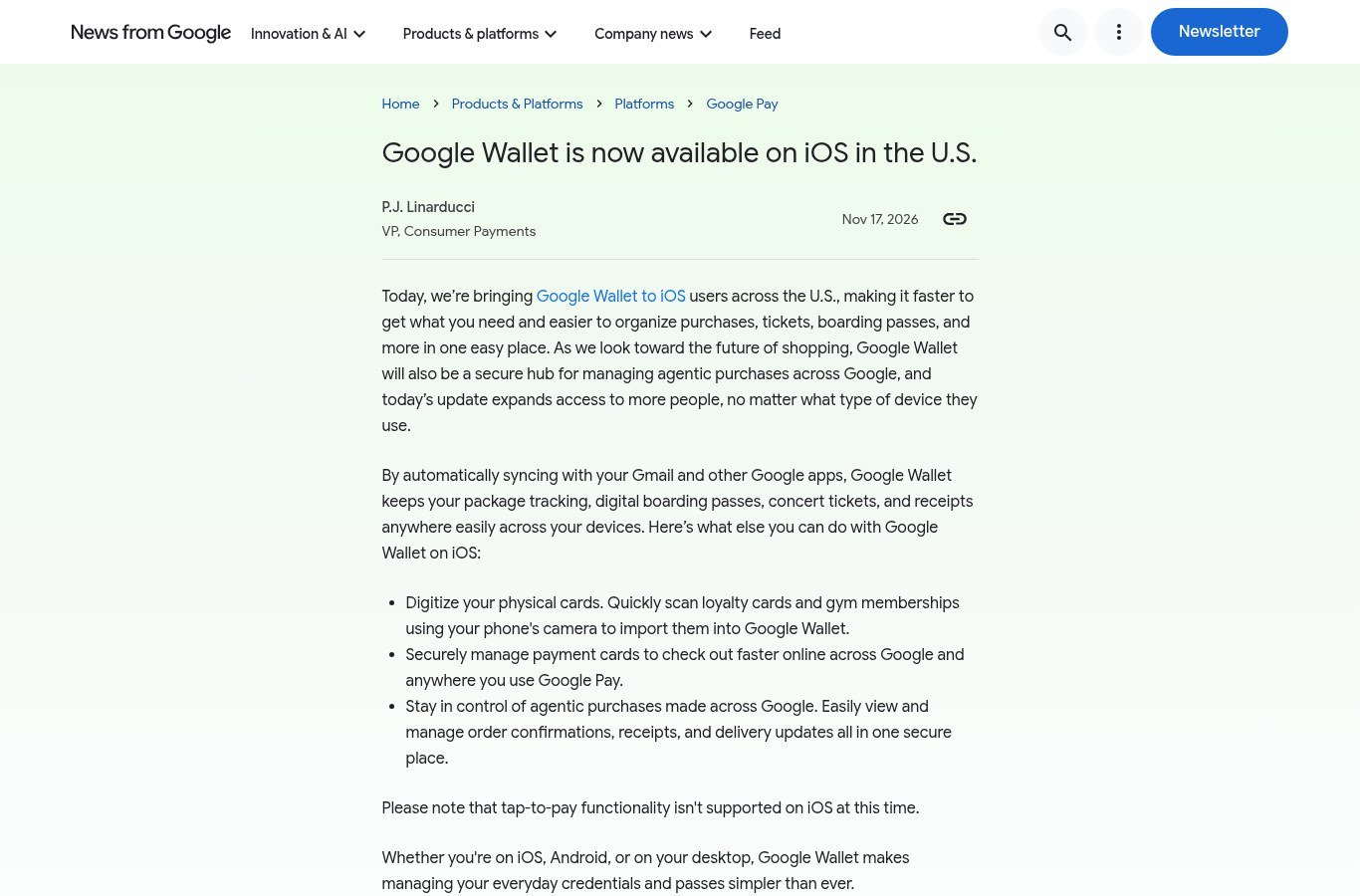
What Google's November 17, 2026 blog post says U.S. iOS users can do in Google Wallet: sync Gmail passes, scan loyalty and gym cards, manage payment cards for online Google Pay checkout, and view agentic-purchase receipts. Tap-to-pay is not supported on iOS at this time.
Disclosure: This page may contain affiliate links. They do not influence our editorial conclusions. Read the disclosure.
Our pick
- See price at Google Store
Top pick
Google Store
Google's online store for Pixel phones, Fitbit wearables, Nest devices and accessories.
Steps in this guide
Google's official November 17, 2026 blog post is the source for this guide. P.J. Linarducci, VP of Consumer Payments, wrote that Google Wallet is now available to iOS users in the United States. The post lists what Wallet can do on iPhone, and it states one limit just as clearly: tap-to-pay is not supported on iOS at this time. This article restates those official points so you can set expectations before you install or open the app. It is not a hands-on walk-through of every iOS screen, because Google did not publish a step-by-step setup manual in that announcement.
The iOS availability news records the launch. A separate, earlier topic — connecting Wallet to Gemini for personal finance — is covered in Google Wallet’s Gemini connected app and how to connect Google Wallet to Gemini. Those articles are about the Gemini connection. This guide is about the iOS availability announcement itself.

What Google actually announced
The official post says Google is "bringing Google Wallet to iOS users across the U.S.," so people can organize purchases, tickets, boarding passes "and more in one easy place." It also says Wallet "will also be a secure hub for managing agentic purchases across Google," and that the update "expands access to more people, no matter what type of device they use."
Two scope limits follow from that wording:
- The announcement is for iOS users in the United States. The blog does not, in the text we used, list other countries for this iOS release.
- "iOS" is the platform Google named. The post does not publish a minimum iOS version, a list of iPhone models, or an iPad-specific claim. Check the live App Store or official Wallet help pages for device compatibility before you treat a particular phone as supported.
The blog post we used also does not include an App Store URL or a price. We are not inventing either. If you look up the app, start from Google's official Wallet or Google Pay pages and the listing those pages link to, rather than from an unofficial store search result.
The limit to read first: no tap-to-pay on iOS
Google's own warning is short: "Please note that tap-to-pay functionality isn't supported on iOS at this time."
That means this iOS release is not, according to Google, a way to hold an iPhone to a store terminal and pay with Google Wallet the way many people already can on Android. If your main reason for wanting Wallet is in-store contactless payment on iPhone, the official announcement does not offer that feature today.
What the iOS app is for, in Google's official list, is managing passes, tickets, receipts and payment cards for online checkout across Google and anywhere you use Google Pay, plus viewing agentic-purchase records. Pay-in-store with a tap is a different feature, and Google says it is not supported on iOS at this time.
Sync with Gmail and other Google apps
Before the bullet list, the blog explains how passes get to the app. Google says that "by automatically syncing with your Gmail and other Google apps, Google Wallet keeps your package tracking, digital boarding passes, concert tickets, and receipts anywhere easily across your devices."
The official idea is that if a boarding pass, ticket, receipt or shipment notice is already in Gmail or another Google app, Wallet can surface it and keep it available across devices. The post does not spell out a manual toggle, a list of Gmail labels, or a delay. It does say the sync is automatic.
Practical implications that stay inside that official claim:
- A Google Account, and access to the Gmail or Google apps that hold those passes, is the obvious requirement for that sync to mean anything.
- Tickets or receipts that never reach Gmail or another Google app are not described in this sentence. The post has a separate feature for physical loyalty and gym cards, discussed below.
- "Across your devices" is Google's phrase. The same post says Wallet works on iOS, Android or desktop, so the official picture is a shared Wallet, not an iPhone-only silo.
If you use a non-Gmail mailbox for travel confirmations, the official blog does not say Wallet will find those messages through this Gmail sync.
Feature 1: digitize physical cards
The first official iOS bullet is: "Digitize your physical cards. Quickly scan loyalty cards and gym memberships using your phone's camera to import them into Google Wallet."
This is a camera scan of a physical card, then an import into Wallet. Google names two card types in that sentence: loyalty cards and gym memberships. The post does not say that driver's licenses, transit cards, health-insurance cards or event badges are included in this scan feature. We are not adding them.
If you hold a store loyalty card or a gym membership card that you still carry in a physical wallet, this is the official iOS method Google published: open Wallet, use the iPhone camera, and import the card. For the exact on-screen button names, use the app itself; the blog does not name them.
Feature 2: manage payment cards for online Google Pay checkout
The second official bullet is: "Securely manage payment cards to check out faster online across Google and anywhere you use Google Pay."
Two official details are doing work in that sentence:
- The job is to manage payment cards, not to tap the phone on a counter.
- The checkout context is "online across Google and anywhere you use Google Pay."
Together with the tap-to-pay warning, this is the official payments story on iOS: add and manage cards in Wallet so online Google and Google Pay checkouts can use them. It is not an official claim about paying in a physical store with iPhone.
The blog does not list supported card networks, whether a bank can decline adding a card, or whether Apple's own Wallet on the same iPhone is affected. Those questions belong to the live app, your bank, and Google Pay's official help, not to this summary.
Feature 3: agentic purchases, receipts and delivery updates
The third official bullet is: "Stay in control of agentic purchases made across Google. Easily view and manage order confirmations, receipts, and delivery updates all in one secure place."
"Agentic purchases" is Google's term in this post. The company describes Wallet as a secure hub for purchases made across Google, and it says you can view and manage confirmations, receipts and delivery updates there. The announcement does not define every agentic-shopping product in this same article, and it does not publish a list of merchants.
What you can take from the official text is the record-keeping role: if a purchase is made across Google in the way this post describes, Wallet on iOS is where Google says you can see the confirmation, the receipt and delivery updates together. If you do not use those Google shopping or agent flows, this bullet may simply not apply yet.

iOS, Android and desktop
The close of the official post says: "Whether you're on iOS, Android, or on your desktop, Google Wallet makes managing your everyday credentials and passes simpler than ever." That is the compatibility claim Google published: the same Wallet idea across those three surfaces, with the iOS-specific limit that tap-to-pay is not supported.
If you already use Wallet on Android or on the web, the official message is that iOS is now included for U.S. users, so passes and credentials can be managed there too. It is not an official claim that every Android-only feature has been copied to iPhone.
A short checklist based only on the official post
- Confirm you are an iOS user in the United States, which is the audience Google named.
- Get the app from an official Google Wallet or Google Pay path, and read the live listing for compatibility and any price, which the blog post itself does not state.
- Expect Gmail and other Google apps to sync package tracking, boarding passes, concert tickets and receipts across devices, according to Google.
- Use the camera to scan physical loyalty cards and gym memberships if you want those in Wallet.
- Use Wallet to manage payment cards for online Google and Google Pay checkout, not for tap-to-pay in stores.
- Look in Wallet for order confirmations, receipts and delivery updates from agentic purchases made across Google.
- If you also want the Gemini personal-finance connection, that is a different official feature, covered in our Gemini setup guide.
The official source for this iOS availability list is Google's November 17, 2026 blog post.
References
- P.J. Linarducci, "Google Wallet is now available on iOS in the U.S.," News from Google, November 17, 2026: https://blog.google/products-and-platforms/platforms/google-pay/wallet-available-ios-united-states/
Meet your guide
Lipeiguan
author
What to read next
 Google Adds Computer Use to the Gemini App for Mac in the U.S. On November 19, 2026, Google said computer use is available in the Gemini app for Mac, in English in the U.S. Official requirements include an Apple Silicon Mac on macOS Sequoia 15... How to Use Gemini Computer Use on a Mac: Official Requirements, Permissions and Examples Official Google requirements for computer use in the Gemini app for Mac: an Apple Silicon Mac on macOS Sequoia 15.0 or later, a personal Google account for people 18 or older, a Go...
 Google Brings the Gemini App to Eligible Android Go and Lower-Memory Phones On November 18, 2026, Google said the Gemini app is available on eligible Android (Go edition) devices after a re-architecture for lower-memory phones. Official help adds a 2GB RAM...