
How to Build a Sonos Surround Sound System: Soundbar, Sub and Rear Speakers
A step-by-step plan for a Sonos home theater: choosing the soundbar, Sub Mini vs Sub 4, Era 100 vs Era 300 rears, supported combinations and every official set price on sonos.com.

Disclosure: This page may contain affiliate links. They do not influence our editorial conclusions. Read the disclosure.
Our pick
- See price at Sonos
Top pick
Sonos
Santa Barbara, California audio company making wireless Wi-Fi speakers, soundbars, subwoofers, headphones and amplifiers controlled from the Sonos app.
What this guide covers
A Sonos home theater is built in layers: a soundbar first, then a wireless subwoofer for bass, then a pair of rear speakers for true surround. Each layer connects over your WiFi, so there are no speaker wires running across the room, but not every product pairs with every other, and the price climbs quickly. This guide walks through the build step by step, shows which combinations Sonos supports, and lists the official bundle prices so you can plan the whole system before buying the first piece.
How this guide was put together: it is based on Sonos's official product pages and its home theater set listings, checked on November 4, 2026. We did not set up these systems hands-on. Prices change often, and the set discounts below are the ones shown on sonos.com on that date.

The three layers of a Sonos system
| Layer | What it adds | Current options and prices |
|---|---|---|
| Soundbar | Front left, center and right channels, plus height on Atmos models | Ray $219, Beam (Gen 2) $499, Beam Ultra $699, Arc Ultra $1,099 |
| Subwoofer | Low bass the bar cannot reproduce | Sub Mini $499, Sub 4 $899 |
| Rear speakers | Sound from behind you for surround effects | Era 100 $219 each, Era 300 $499 each, or Play / Move 2 with Beam Ultra |
Sonos calls the bar plus a sub an "Entertainment" set, the bar plus rears a "Surround" set, and all three an "Immersive" set. You can buy any layer later; the system is designed to grow.
Step 1: Pick the soundbar that fits your TV and room
The soundbar decides everything else, so start here. Our roundup of the best Sonos soundbars compares all four in detail. In short:
- Ray ($219) connects by optical cable only and does not decode Dolby Atmos. It is the cheapest base, and it supports Stereo PCM, Dolby Digital and DTS Digital Surround.
- Beam (Gen 2) ($499) uses HDMI eARC, includes an optical adapter, and creates Atmos height virtually.
- Beam Ultra ($699) adds up-firing tweeters for what Sonos calls true 7.1.2 Dolby Atmos, aimed at TVs up to 65 inches.
- Arc Ultra ($1,099) is the flagship, rated by Sonos at 9.1.4 Dolby Atmos from 14 drivers, and the bar Sonos designs its biggest systems around.
Your TV needs HDMI eARC or ARC for the Beam, Beam Ultra and Arc Ultra. If it only has optical out, the Ray connects directly, and the Beam (Gen 2) works through its included adapter.
Step 2: Add a subwoofer
A soundbar has to fit under a TV, so it cannot move as much air as a dedicated subwoofer. Sonos offers two.

Sub Mini ($499). A compact cylinder with dual 6-inch woofers in a sealed enclosure. Sonos says it reaches down to 25 Hz, and it weighs 6.35 kg. Its product page lists Beam, Ray, Era 100, One and One SL as compatible, and Sonos sells Entertainment and Immersive sets that pair it with the Beam Ultra. It is designed for small and medium rooms. On November 4, 2026, sonos.com showed the Sub Mini as backordered with an estimated ship date of November 10.
Sub 4 ($899). The full-size option, with dual 5-by-8-inch woofers in a ported design. Sonos also quotes 25 Hz, it weighs 11.79 kg, and it supports WiFi 6. Its compatibility list includes Arc Ultra, Arc, Beam (Gen 2 and Gen 1), Ray, Five, Era 300 and Era 100. The Sub 4 page also notes that two subwoofers can be paired with Arc Ultra for even more bass.
Which sub to choose: Sonos only bundles the Sub 4 with Arc Ultra and Beam (Gen 2). It only bundles the Sub Mini with Beam Ultra, Beam and Ray. If you have an Arc Ultra and a large room, the Sub 4 is the natural partner. For a Beam Ultra, Beam or Ray in a smaller space, the Sub Mini costs $400 less.
Step 3: Add rear surround speakers
Rear speakers are what turn a soundbar into true surround sound, with effects coming from behind the listening position.

Era 100 ($219 each). The most common choice, used in almost every Sonos set listing. Each Era 100 is a stereo speaker with two angled tweeters and a midwoofer, and it works on its own as a music speaker in any room when it is not in use as a surround. Our Sonos Era 100 review covers it in depth.

Era 300 ($499 each). A spatial audio speaker with six drivers built for Dolby Atmos. Sonos's Era 300 page says it is designed to pair with Arc or Beam (Gen 2), adding "lateral and overhead channels" from behind the listener. In Sonos's current sets, Era 300s appear only with the Arc Ultra.
Play or Move 2 (with Beam Ultra). The Beam Ultra has a special option: Sonos says you can use a pair of Sonos Play or Move 2 portable speakers as rear surrounds, then take them out of the room as portable speakers when you are done watching. That is useful if you already own them or want speakers that do double duty.

Official set prices (November 4, 2026)
Buying a set on sonos.com usually costs less than the same products bought separately.
| Set | Products | Price |
|---|---|---|
| Surround Set with Ray | Ray + 2x Era 100 | $622 |
| Entertainment Set with Ray | Ray + Sub Mini | $678 |
| Surround Set with Beam | Beam + 2x Era 100 | $887 |
| Entertainment Set with Beam | Beam + Sub Mini | $948 |
| Premium Entertainment Set with Beam | Beam + Sub 4 | $1,328 |
| Immersive Set with Beam | Beam + Sub Mini + 2x Era 100 | $1,361 |
| Premium Immersive Set with Beam | Beam + Sub 4 + 2x Era 100 | $1,741 |
| Surround Set with Beam Ultra | Beam Ultra + 2x Era 100 | $1,082 (was $1,137) |
| Entertainment Set with Beam Ultra | Beam Ultra + Sub Mini | $1,138 (was $1,198) |
| Immersive Set with Beam Ultra | Beam Ultra + Sub Mini + 2x Era 100 | $1,556 (was $1,636) |
| Surround Set with Arc Ultra | Arc Ultra + 2x Era 100 | $1,457 |
| Premium Entertainment Set with Arc Ultra | Arc Ultra + Sub 4 | $1,898 |
| Premium Surround Set with Arc Ultra | Arc Ultra + 2x Era 300 | $2,002 |
| Premium Immersive Set with Arc Ultra | Arc Ultra + Sub 4 + 2x Era 100 | $2,311 |
| Ultimate Immersive Set with Arc Ultra | Arc Ultra + Sub 4 + 2x Era 300 | $2,846 (was $2,996) |
Already have a soundbar? Sonos also sells "completion" sets: Sub Mini plus two Era 100s for $887, Sub 4 plus two Era 100s for $1,267, and Sub 4 plus two Era 300s for $1,802.
Which order should you buy in?
If you are building over time, the order matters less than the plan, because every Sonos layer can be added later through the app. Still, there are a few useful rules:
- Choose the bar for the end system. If you know you want Era 300 rears and a Sub 4, the Arc Ultra is the bar Sonos designs that system around. Buying a Ray and later wanting Atmos means replacing the bar.
- Sub or rears next? A sub changes how full movies and music sound. Rears change how enveloping effects feel. Sonos's set names hint at the split: "Entertainment" adds the sub, "Surround" adds rears.
- Check compatibility before you buy. The Sub Mini is not bundled with the Arc Ultra, and Era 300s are only bundled with the Arc Ultra. Stick to combinations Sonos sells or lists on each product page.
- Compare the set price. On November 4, 2026, the Beam Ultra Immersive Set was $80 below its listed full price, and the Ultimate Immersive Set with Arc Ultra was $150 below. If you know the full system you want, a set can save money.
Setting it up
All Sonos home theater products are set up in the Sonos app. You add the soundbar first, then add the sub and rears to the same room. Trueplay room tuning then adjusts the sound for your room; on Beam Ultra and Arc Ultra it works from iOS or Android, while on Beam (Gen 2) and Ray Sonos says it needs a compatible iOS device. Every component needs mains power, so plan outlet positions for the sub and both rears.
Buying from Sonos
Sonos.com offers free shipping, a 30-day return window, price matching and optional Extend protection. Our Sonos shopping guide covers the return process, the warranty, Certified Refurbished products and the Upgrade Program.
Bottom line
For most rooms, the Immersive Set with Beam Ultra at $1,556 is the most complete system at a mid-range price, combining true Atmos height, a Sub Mini and two Era 100 rears. On a budget, a Ray or Beam with two Era 100s gets you real surround for $622 to $887. For a large room, the Arc Ultra with a Sub 4 and Era 300 rears is the top Sonos setup at $2,846.
References
- Sonos. "Home Theater" sets and prices. https://www.sonos.com/en-us/shop/home-theater (accessed November 4, 2026).
- Sonos. "Sub Mini" product page. https://www.sonos.com/en-us/shop/sub-mini (accessed November 4, 2026).
- Sonos. "Sub 4" product page. https://www.sonos.com/en-us/shop/sub-4 (accessed November 4, 2026).
- Sonos. "Era 100" product page. https://www.sonos.com/en-us/shop/era-100 (accessed November 4, 2026).
- Sonos. "Era 300" product page. https://www.sonos.com/en-us/shop/era-300 (accessed November 4, 2026).
- Sonos. "Beam Ultra" product page. https://www.sonos.com/en-us/shop/beam-ultra (accessed November 4, 2026).
- Sonos. "Arc Ultra" product page. https://www.sonos.com/en-us/shop/arc-ultra (accessed November 4, 2026).
Meet your guide
Lipeiguan
author
What to read next
 Best Bose Earbuds 2026: QuietComfort Ultra vs QuietComfort vs Ultra Open vs Sport Open vs Wired All five Bose earbuds compared on Bose's published specs and prices, from the $299 QuietComfort Ultra Earbuds (2nd Gen) and Ultra Open Earbuds (2nd Gen) to the $99 Noise Cancelling...
 How to Set Up Bose QuietComfort Ultra Earbuds (2nd Gen): Pairing, Fit, Multipoint and Reset Step-by-step setup for Bose QuietComfort Ultra Earbuds (2nd Gen) from Bose's owner's guide: app and Bluetooth pairing, Fast Pair, eartip and band fit, touch controls, multipoint, c...
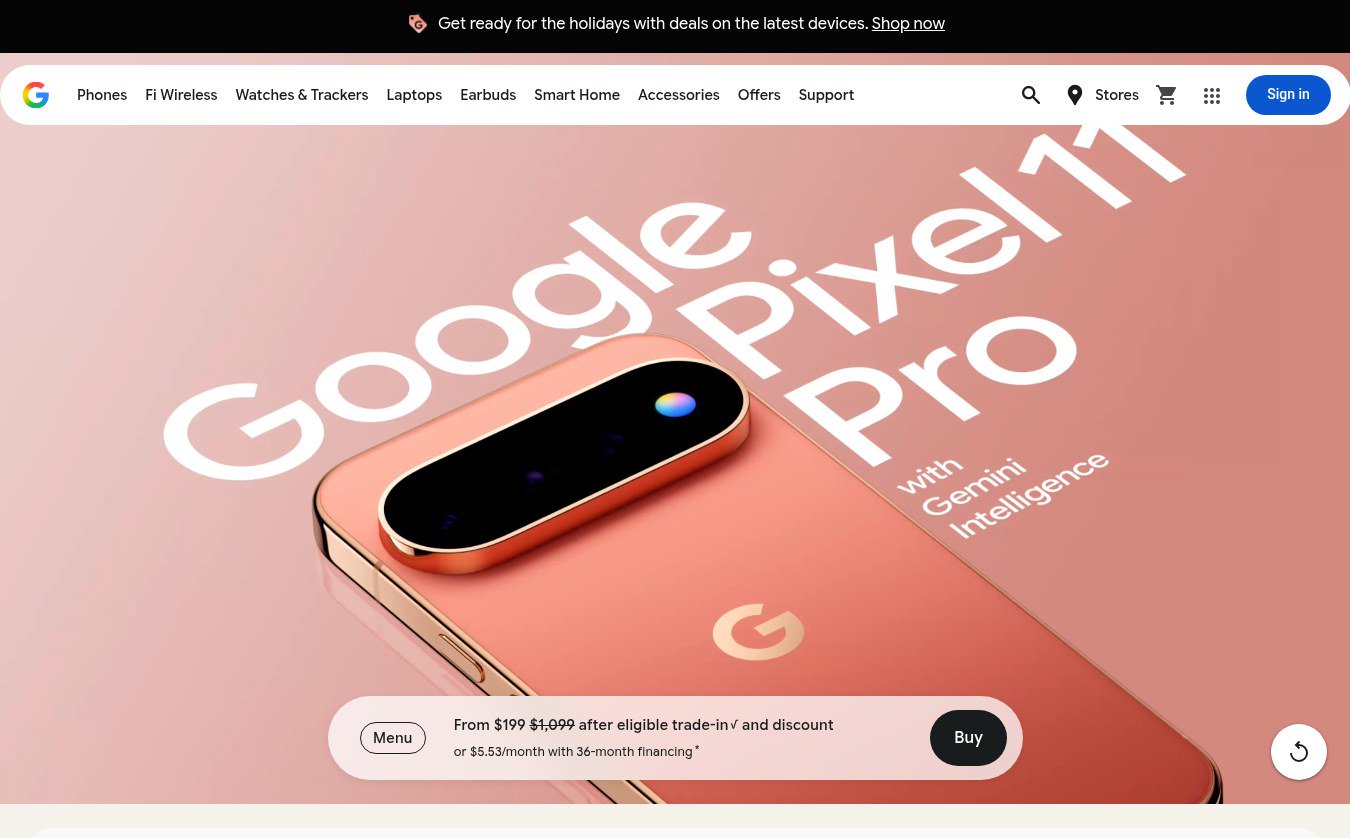 Google Store Cuts Pixel 11 Pro to $799 and Pixel 11 to $699 Through November 8 The U.S. Google Store has the unlocked Pixel 11 Pro at $799 (was $1,099), the Pixel 11 at $699 (was $899) and $350 off the Pixel 11 Pro XL until November 8, 2026 at 11:59 PM PST, p...