
How to Join Sonos 27voice Early Access: Requirements, Setup and Limits
Step-by-step instructions for requesting Sonos 27voice Early Access in the Sonos app, adding or upgrading to 27voice, switching back, and what the new assistant can and cannot do.
Disclosure: This page may contain affiliate links. They do not influence our editorial conclusions. Read the disclosure.
Our pick
- See price at Sonos
Top pick
Sonos
Santa Barbara, California audio company making wireless Wi-Fi speakers, soundbars, subwoofers, headphones and amplifiers controlled from the Sonos app.
Steps in this guide
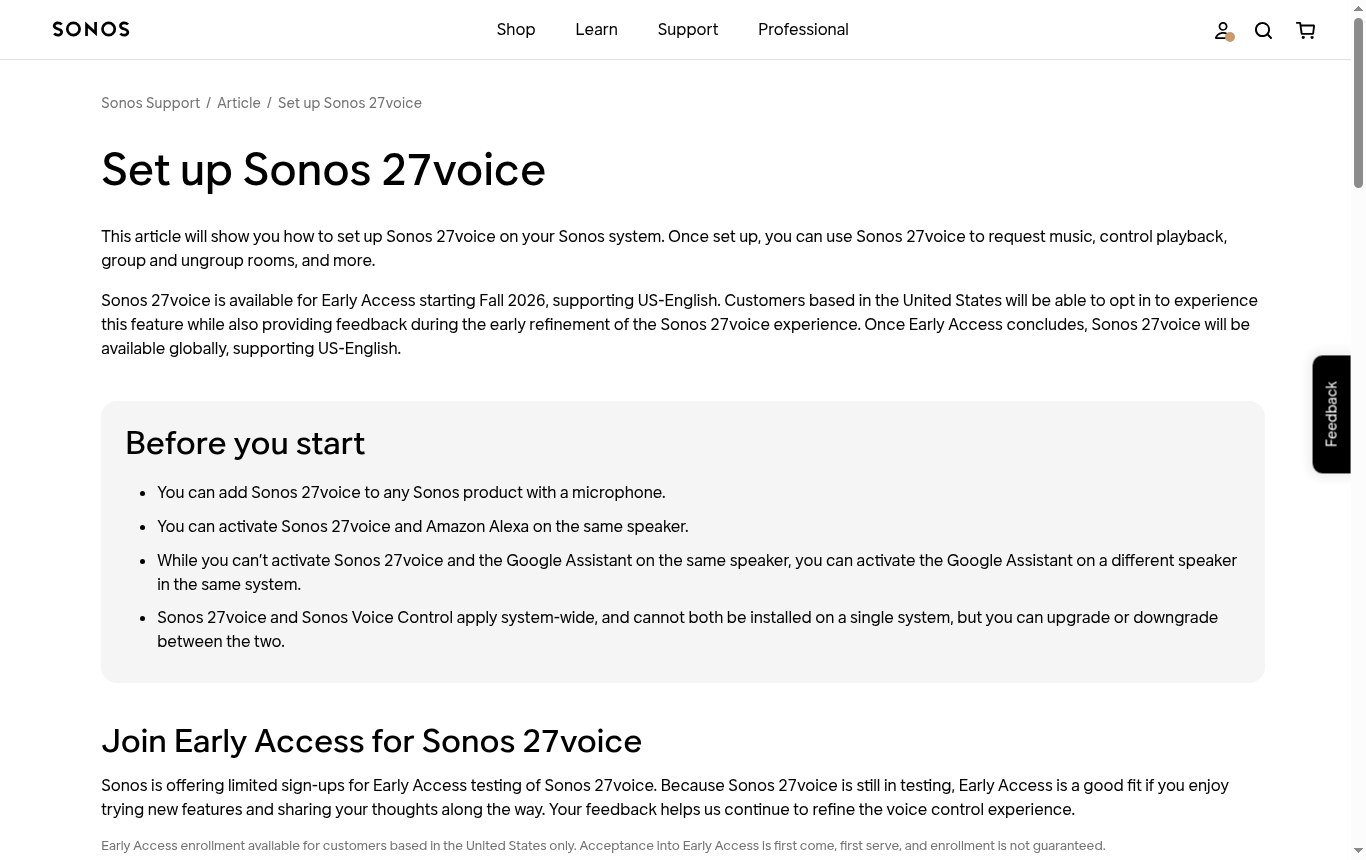
Sonos 27voice is Sonos's new AI voice assistant for music and system control, and US owners can now ask to try it through an Early Access program in the Sonos app. Engadget reports that Sonos is opening Early Access on November 6, 2026, alongside the Sonos app 27.3 update. This guide walks through who can join, what you need, how to request access, how to set it up or switch back, and what 27voice can and cannot do, using Sonos's own support articles and staff posts.

What Sonos 27voice is
Sonos describes 27voice as "a next-generation voice assistant purpose built for music and your Sonos system" that understands natural language. In a Sonos Community post, a Sonos staff member explains that it is an optional, opt-in upgrade to Sonos Voice Control, built on a large language model that Sonos fine-tuned for music and Sonos systems, together with select third-party AI models for some open-ended requests.
The existing assistant is not going away. Sonos Voice Control continues to process commands locally on the speaker, while 27voice runs in the cloud. In Early Access, Sonos says Sonos Voice Control will be renamed Classic Sonos Voice Control in the app to tell the two apart.
Who can join Early Access
According to Sonos's setup article and staff post:
- US only. Early Access enrollment is open to customers based in the United States.
- US English only. 27voice supports US English for now. Sonos says that after Early Access ends, 27voice will be available globally, still supporting US English at first.
- Limited spots. Acceptance is first come, first served and not guaranteed. Sonos warns there may be a delay between signing up and getting access.
- No extra cost. Sonos says 27voice is included at no extra cost on supported products.
Sonos's staff post also notes that households using Sonos Voice Control in French should stay on Sonos Voice Control, because the switch applies to the whole system and 27voice is English-only.
What you need
- A Sonos product with a microphone. Sonos says you can add 27voice to "any Sonos product with a microphone." Models sold without voice control, such as the Era 100 SL, will not work as a 27voice speaker.
- Wi-Fi and internet. 27voice relies on cloud processing, so it needs an active internet connection. Sonos notes that a portable speaker in Bluetooth mode away from Wi-Fi will not run 27voice.
- The Sonos app for iOS or Android, updated to the latest version. Sonos's release notes list Sonos 27.3 (iOS 91.00.41, Android 91.00.33), dated November 3, 2026, as the current version and mention 27voice availability.
- A Sonos 27 compatible system. Engadget notes that Sonos 27 itself is limited to hardware on Sonos's S2 platform.
If you are shopping for a speaker that supports 27voice, our Sonos Era 100 review covers Sonos's most popular compact speaker with a microphone.

How to request Early Access
Sonos's support article lists these steps:
- Open the Sonos app for iOS or Android.
- Go to Settings.
- Look for a tile titled Join Early Access for Sonos 27voice.
- Select Request Early Access and follow the on-screen prompts.
- After you apply, the tile on the Voice Assistants page changes to You're on the list.
- If you are approved, the tile changes to Set up Sonos 27voice.
Sonos says you "may see" the tile, which suggests it may appear gradually rather than for everyone at once.
How to add 27voice once approved
If you have never added Sonos Voice Control:
- Open the Sonos app and go to Settings, then General Settings.
- Select Voice Assistants, then Add a Voice Assistant.
- Choose Sonos 27voice and follow the in-app instructions.
If you already use Sonos Voice Control:
- Go to Settings > General Settings > Voice Assistants.
- Select Sonos Voice Control.
- Choose + Upgrade, then Continue, and follow the prompts.
Sonos recommends setting your default location in the app afterwards if you want weather answers, and setting your preferred music service as the default if you use more than one.
How to switch back
You can downgrade at any time. Sonos's steps: go to Settings > General Settings > Voice Assistants, select Sonos 27voice, choose Downgrade under Sonos 27voice Settings, and follow the prompts. To remove it entirely, use Sonos's guide to removing a voice assistant.
Rules for mixing assistants
Sonos sets a few limits on how 27voice coexists with other assistants:
- One Sonos voice per system. 27voice and Sonos Voice Control apply system-wide, so you cannot run one in the kitchen and the other in the bedroom.
- Alexa is fine. You can activate 27voice and Amazon Alexa on the same speaker.
- Google Assistant is not. You cannot activate 27voice and Google Assistant on the same speaker, but Google Assistant can run on a different speaker in the same system.
What you can ask
You wake 27voice with "Hey Sonos." Sonos says the status light glows brighter while it listens and a tone confirms it understood. Sonos's examples include:
- Natural music requests: "Play that Bowie album about an adventure in space" or "Play the album with a sardine tin on the cover."
- Multi-room commands in one sentence: grouping speakers, playing different music in different rooms, or "jazz everywhere except the TV room."
- Follow-ups and corrections without repeating the wake word, such as "No, the acoustic version."
- Queue actions: add to queue and play next.
- Non-music requests: timers, weather, supported smart home products (Sonos lists Hue and Lutron) and general knowledge questions.

What it will not do
Sonos's staff post is unusually direct about limits in Early Access:
- No alarms (timers are supported), no announcements or intercom, no routines, no calls and no shopping.
- The queue is add and play only; it will not remove, reorder or save a queue as a playlist.
- It cannot search your local music library by artist, album or track, though Sonos says Sonos Playlists that include library tracks can be played by voice.
- Sonos asks users not to use it for account numbers, passwords, medical data or other sensitive information.
Privacy, in Sonos's words
Sonos says wake-word detection still happens on the speaker and your voice is not sent to the cloud until it hears "Hey Sonos." After that, requests go to Sonos's cloud for speech recognition and language processing, with third-party AI services used for some capabilities. Sonos states it does not save voice recordings or transcripts and deletes them once a request is fulfilled. You can also disconnect the microphones with the physical switch on supported speakers such as the Era 100.
Troubleshooting checklist
If something does not look right, these checks follow from Sonos's own requirements:
- No Early Access tile? Update the Sonos app to the latest version and check Settings again. Sonos says you "may see" the tile, and enrollment is limited.
- "You're on the list" for a while? Sonos warns there may be a delay between sign-up and access, and acceptance is not guaranteed.
- Speaker not offered as an option? Confirm it has a microphone and that the microphones are switched on.
- Assistant not answering on a portable speaker? Make sure it is on Wi-Fi, not in Bluetooth mode, since 27voice needs internet.
- Google Assistant on the same speaker? Move Google Assistant to a different speaker; Sonos does not allow both on one device.
Other features in the same update
The Sonos app 27.3 release also adds Presets for one-tap playback in chosen rooms at a set volume, a Featured section for reordering Sonos Favorites on Home, swipe-to-skip on Now Playing and the mini player, and on iOS a System Health feature. Our Sonos 27voice and app 27.3 news story has the details, and our Sonos shopping guide explains Sonos.com shipping and returns if you are buying a mic-equipped speaker.
References
- Sonos Support, "Set up Sonos 27voice," support.sonos.com, accessed November 4, 2026.
- Sonos Support, "Control Sonos with Sonos 27voice," support.sonos.com, accessed November 4, 2026.
- Sonos Community, "Straight Talk: Everything You Need to Know About Sonos 27voice," Sonos staff post, October 2026.
- Sonos Support, "Release notes - Sonos app updates," support.sonos.com, accessed November 4, 2026.
- Engadget, "Sonos' new voice assistant is launching in early access on November 6," November 3, 2026.
Meet your guide
Lipeiguan
author
What to read next
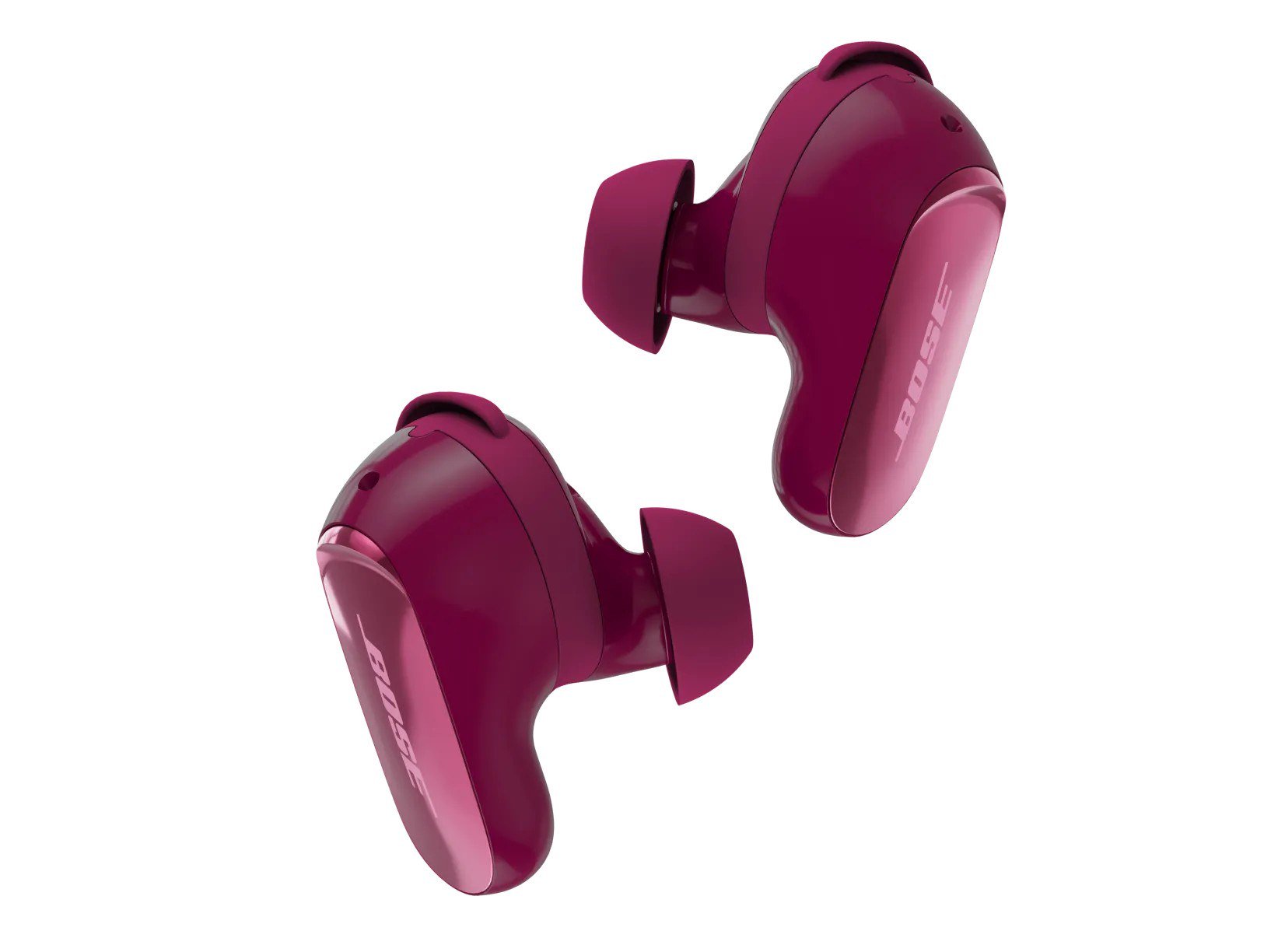 Best Bose Earbuds 2026: QuietComfort Ultra vs QuietComfort vs Ultra Open vs Sport Open vs Wired All five Bose earbuds compared on Bose's published specs and prices, from the $299 QuietComfort Ultra Earbuds (2nd Gen) and Ultra Open Earbuds (2nd Gen) to the $99 Noise Cancelling...
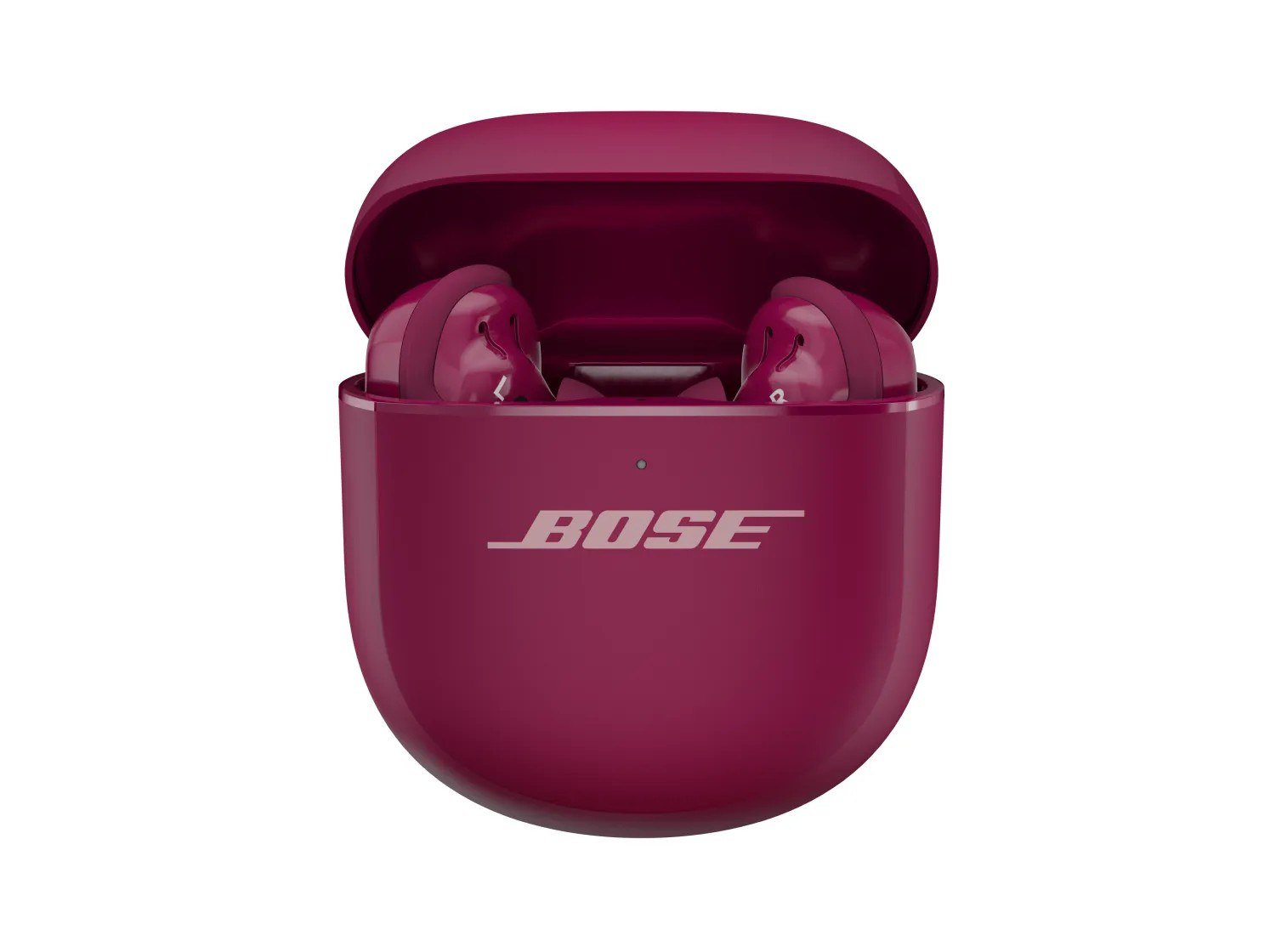 How to Set Up Bose QuietComfort Ultra Earbuds (2nd Gen): Pairing, Fit, Multipoint and Reset Step-by-step setup for Bose QuietComfort Ultra Earbuds (2nd Gen) from Bose's owner's guide: app and Bluetooth pairing, Fast Pair, eartip and band fit, touch controls, multipoint, c...
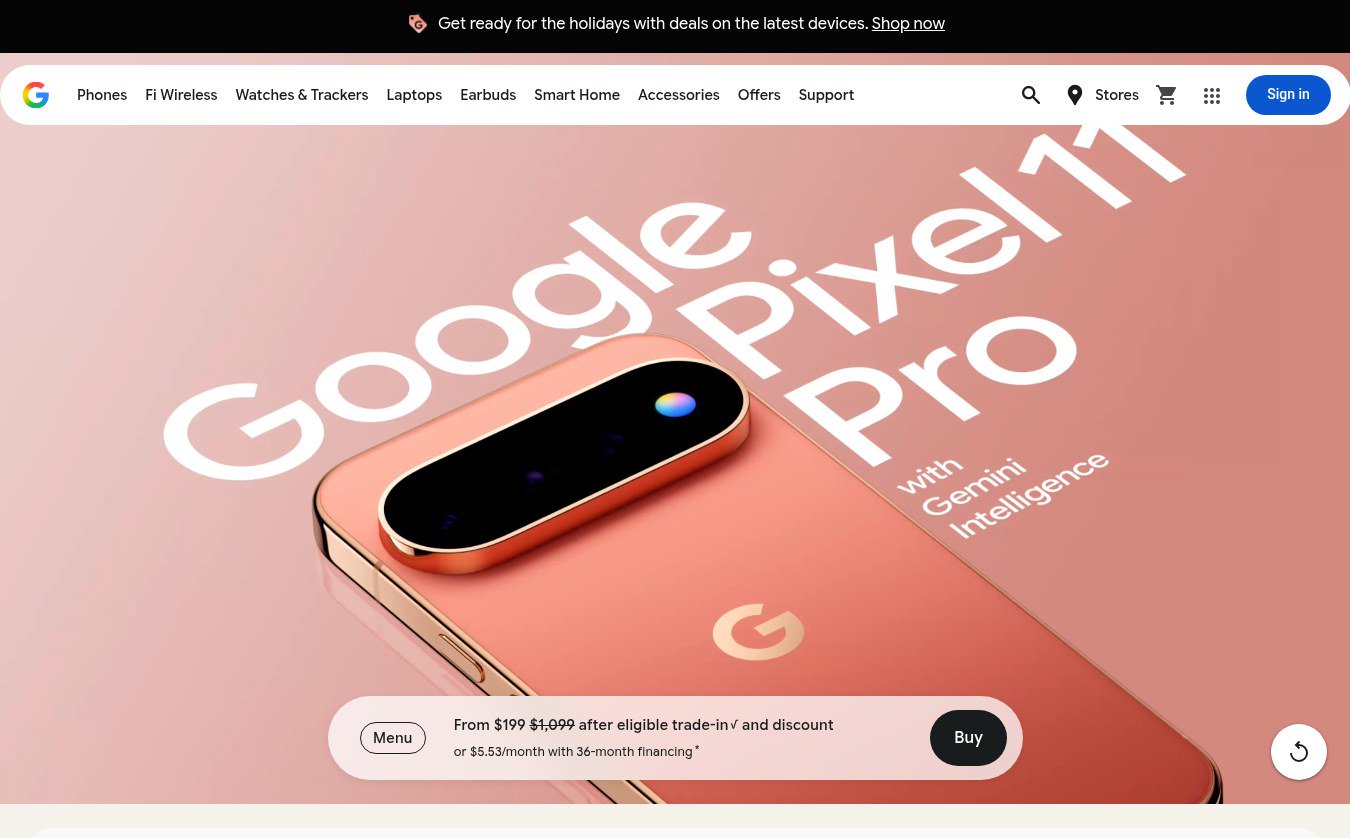 Google Store Cuts Pixel 11 Pro to $799 and Pixel 11 to $699 Through November 8 The U.S. Google Store has the unlocked Pixel 11 Pro at $799 (was $1,099), the Pixel 11 at $699 (was $899) and $350 off the Pixel 11 Pro XL until November 8, 2026 at 11:59 PM PST, p...