
How to Use and Care for a ThermoWorks Thermapen ONE
A research-based Thermapen ONE how-to as of November 18, 2026: official unfold-to-on operation, ice-bath accuracy window, MENU/SET settings, battery, cleaning and storage from ThermoWorks manuals and Help Center pages.
Disclosure: This page may contain affiliate links. They do not influence our editorial conclusions. Read the disclosure.
Our pick
- See price at ThermoWorks
Top pick
ThermoWorks
Utah-based maker of cooking thermometers including Thermapen and the RFX wireless probe system.
Steps in this guide
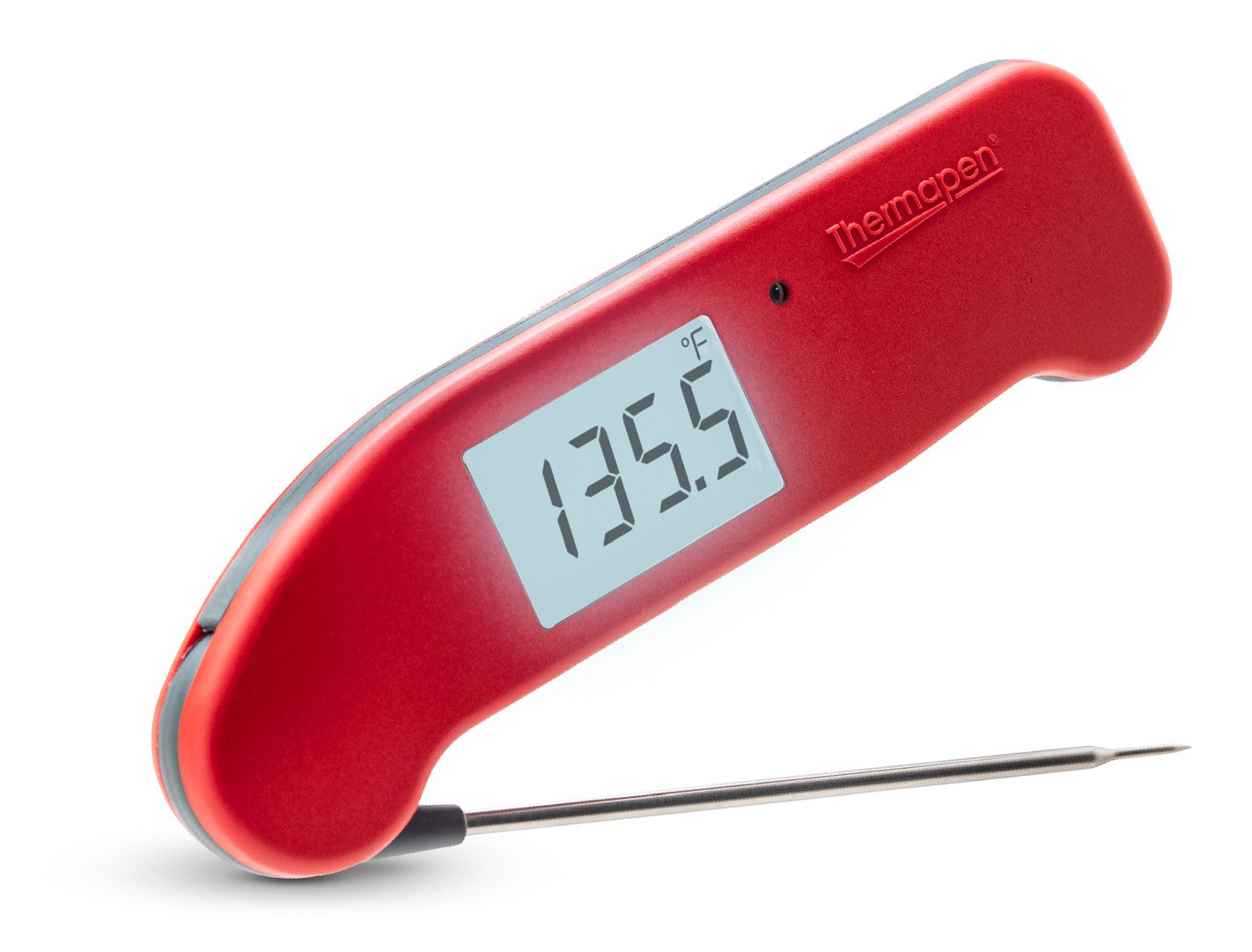
The ThermoWorks Thermapen ONE is a folding instant-read thermometer: unfold the probe to switch it on, take a reading at the tip, then fold the probe away to switch it off. This is a research-based how-to drawn from ThermoWorks' official operating instructions, product specifications, ice-bath accuracy test and care notes as of November 18, 2026, not a hands-on test. On that date the U.S. product page listed Thermapen ONE as a closeout, still in stock, at $74.00 with a compare-at price of $115.00. Confirm the live listing before you buy. Shipping, returns, warranty and calibration service are covered in the ThermoWorks shopping guide. For model comparisons, see the Thermapen and probe buyer's FAQ and the RFX Meat vs RFX Meat Mini comparison.

Unfold, measure at the tip, then fold it closed
ThermoWorks' official operating instructions are straightforward. Unfold the thermocouple probe until the display comes on. Fold the probe away and lightly press the tip into the rubber probe retainer at the bottom rear of the instrument to turn it off. Store the probe in the closed position when you are not using it. Do not force the probe past 180 degrees when opening it, or you can damage the rotating hub.
The sensor sits at the tip of the probe shaft. Minimum immersion is only 1/8 inch (3 mm). For the best reading, put the tip where you actually want the temperature — in food, that is normally the center of the thickest part. Do not immerse the probe all the way to the plastic rotating hub, and keep flour, moisture and oil off the hub itself. ThermoWorks notes that an O-ring seal is there, but oils can still work past it and accumulate inside the hub. The probe tip is sharp. The manual says to use steady force on meats or semi-solids, avoid bone, and not to stab the food or use the tip to lift or flip heavy pieces. The probe shaft is hollow and contains the sensor; if you bend it, it may fail.

According to the product specifications on ThermoWorks' U.S. page, Thermapen ONE's measurement range is -58 to 572°F (-50 to 300°C). Accuracy is ±0.5°F from -4 to 248°F (±0.3°C from -20 to 120°C) and ±1.8°F (±1.0°C) outside that band, within the full range. Response time is listed as one second. The body is IP67-rated, NSF certified, and includes a NIST-traceable calibration certificate. It runs on one AAA battery for up to 2,000 hours of typical use. The probe is 4.3 inches long and 0.12 inches in diameter, narrowing to 0.06 inches at the tip. The body measures 6.1 x 1.7 x 0.74 inches. The display is 1 x 1.54 inches, with a 180-degree rotating probe and a 360-degree auto-rotating display. Motion-sensing power management turns the unit on when you pick it up (with the probe open) and off when you set it down. Auto-off/sleep is user-selectable from 10 to 180 seconds, and the operating range of the body is -4 to 122°F (-20 to 50°C). The limited warranty is five years.
An intelligent backlight is built in. The operating instructions describe a small round light sensor just to the right of the main display that monitors ambient light and turns the backlight on as it gets darker. Covering the sensor can also turn the backlight on, except in well-lit areas. The backlight stays on for a minimum of 10 seconds, and its brightness is reduced when the low-battery symbol is showing.
Check accuracy in a proper ice bath
ThermoWorks' Help Center says an ice-bath test is the quickest way to check a digital thermometer at home, because it is a standard laboratory test that is easy to repeat. For Thermapen ONE, a passing reading is within ±0.5°F of 32°F — that is, 31.5 to 32.5°F. If the reading is inside that band, ThermoWorks says you can treat the thermometer as accurate in food and at higher temperatures, and you should not adjust it just because it is not exactly 32.0.
The official ice-bath method, from ThermoWorks' "Create a Proper Ice Bath" page, is more precise than a glass of ice water, which the company says can be 12 or more degrees too high:
- Fill a container to the top with ice. Crushed ice is ideal because it packs more densely.
- Add water until it sits about 1/2 inch below the top of the ice. Let the slurry sit for a minute. If the ice rises off the bottom, remove some water and add more ice; water sitting under the ice will be warmer than 32°F.
- Put the probe tip in the center of the slurry and mix gently, without letting the tip touch ice, the container walls or the bottom.
- Read the display against the 31.5 to 32.5°F window for Thermapen ONE.

If the reading is outside the published accuracy band, follow ThermoWorks' adjustment instructions (a separate calibration-trim document is linked from the Thermapen ONE Help Center) or contact the company's Utah-based tech support rather than guessing at a trim. Each Thermapen ONE ships with a NIST-traceable calibration certificate, which ThermoWorks describes as a record that that specific unit was tested in its calibration lab and that those measurements are traceable through an unbroken chain to NIST.
Settings, battery, cleaning and storage
You can change factory defaults from two small buttons, MENU and SET, inside the battery compartment. The official steps are: loosen the battery-cover screw with a Phillips screwdriver, remove the cover, open the probe to turn the unit on, then use MENU to cycle through settings and SET to change them. Settings are saved when END is displayed; closing the probe aborts. The menu covers:
- Temperature units, °F or °C
- Display resolution, 1° or 0.1° (the product page lists 1 as the default and 0.1 as optional)
- Screen rotation: 360° (four-way), 180° (horizontal only), or locked ("Loc")
- Sleep interval: 10 to 180 seconds in 10-second steps, or off
When you are done, replace the cover and tighten the screw until it is snug on the seal — do not overtighten. If the probe is open and the instrument is asleep, any motion wakes it.
The unit ships with a pre-installed AAA (1.5V) battery. When the battery symbol lights, ThermoWorks says the thermometer will still measure accurately, but you should replace the battery soon; backlight brightness is already reduced in that state. When the battery is too low to display readings, the display shows "Flat" then "Bat" and shuts down. Replace with a single AAA battery, noting the polarity, and again do not overtighten the cover screw.
Cleaning is both a care step and a food-safety step. After each use, wipe the probe. ThermoWorks recommends sanitizing wipes or a damp paper towel with an antimicrobial cleaner for the body and rotating hub, and says to take extra care on the hub and the probe-retention groove. Avoid wipes or solutions with a high concentration of isopropyl alcohol; the operating instructions warn that IPA and other solvents may damage the case and screen. Do not put Thermapen ONE in a dishwasher. It is protected from dust and from immersion in water to 39 inches for up to 30 minutes (IP67), but you should not rotate the probe while the body is submerged or under a stream of water.
Keep the body out of ovens, grills, smokers, microwaves and prolonged direct sun. The probe must stay at or below 572°F (300°C); do not put it on hot coals or into an open flame. ThermoWorks' care article's rule of thumb is that if the heat is too high for your bare hand, it is probably too hot for the thermometer body. A silicone boot is offered for short-term protection from radiant or contact heat. Store the Thermapen away from sharp knives in a drawer; ThermoWorks suggests a zip wallet or a wall-mount bracket.
If something goes wrong, the display may show "Lo" below the measurement range, "Hi" above it, or "Err" if the probe develops a fault. A "C.Lo" message means the unit is trying to enter calibration mode, which the Help Center says usually indicates an internal problem that should go to tech support. If the unit only turns on when the probe is fully open, foreign matter in the rotating hub is a common cause and typically needs a factory look. Out-of-warranty repairs were listed at $40 including return shipping on the June 5, 2024 Help Center troubleshooting page; confirm the current fee with ThermoWorks. Battery-cover replacements have been offered at no charge through tech support. Contact techsupport@thermoworks.com or 1-385-330-0591.
Used as the manual describes — tip in the thickest part, hub kept clean and dry, body kept out of the oven, and accuracy checked in a proper ice bath against the ±0.5°F window — Thermapen ONE is a straightforward instant-read tool with a five-year warranty and a NIST-traceable certificate included in the box.
References
- ThermoWorks, "Thermapen ONE" product page (accessed November 18, 2026). https://www.thermoworks.com/products/thermapen-one
- ThermoWorks, "Thermapen ONE Operating Instructions" (PDF). https://cdn.shopify.com/s/files/1/0662/7999/7602/files/thermapen-one-operating-instructions.pdf
- ThermoWorks, "How to Test Thermometer Accuracy With a Flawless Ice Bath." https://www.thermoworks.com/pages/thermapen101-creating-an-icebath
- ThermoWorks Help Center, "How to Test a Digital Thermometer for Accuracy." https://help.thermoworks.com/knowledge-base/test-digital-thermometer-accuracy/
- ThermoWorks Help Center, "Troubleshooting: Thermapen ONE," June 5, 2024. https://help.thermoworks.com/knowledge-base/troubleshooting-thermapen-one/
- ThermoWorks, "3 Simple Habits to Extend the Life of Your Thermapen," Martin Earl, December 4, 2025. https://blog.thermoworks.com/3-simple-habits-extend-life-thermapen/
Meet your guide
Lipeiguan
author
What to read next
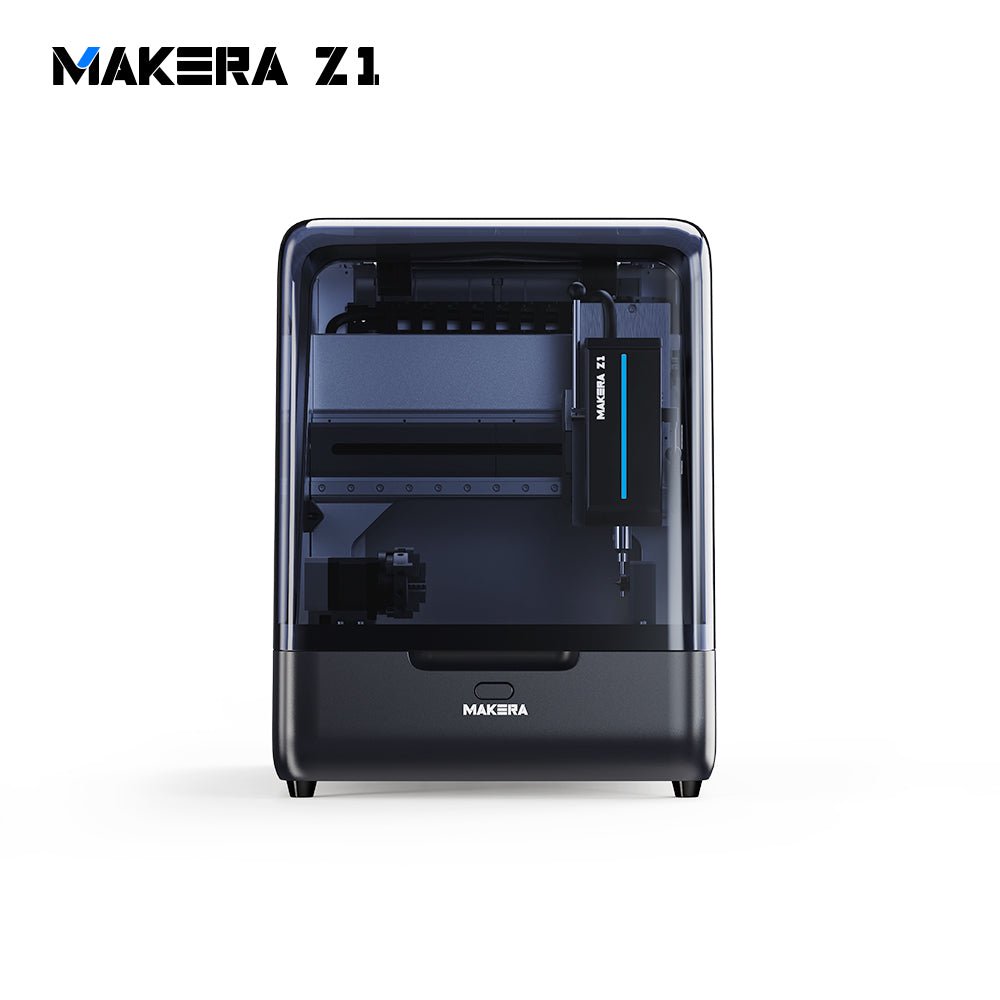 Best Makera CNC Machines (2026): Z1, Carvera Air, A1S and Carvera A research-based 2026 guide to official Makera Z1, Z1 Pro, Carvera Air, A1S and Carvera desktop CNC specs and November 20, 2026 U.S. prices, including work areas, tool changers, in...
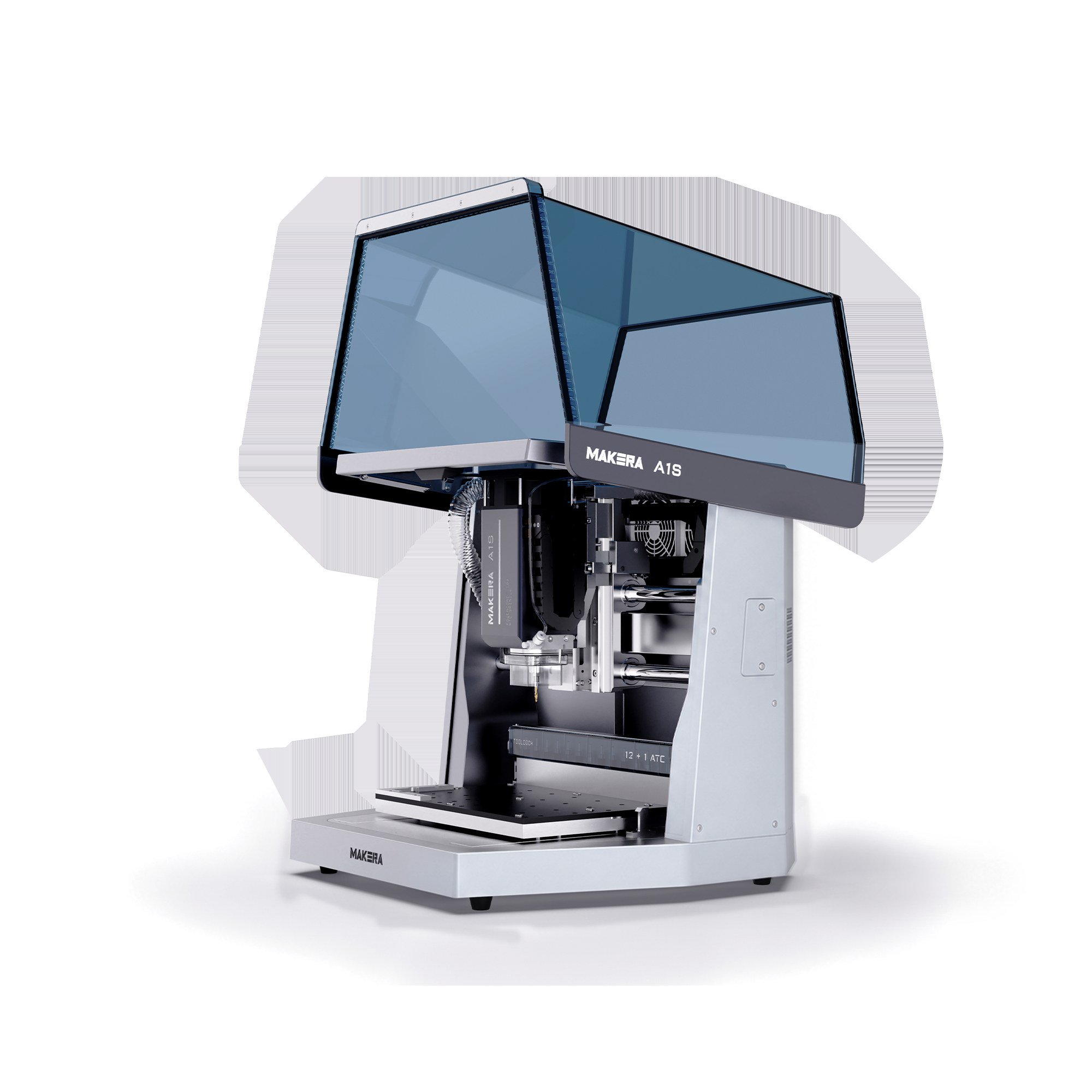 Makera A1S vs TwoTrees ED1: 600W Desktop CNC Specs, Pre-Order Prices and Shipping Compared A research-based comparison of official Makera A1S and TwoTrees ED1 600W enclosed desktop CNC specifications, November 20, 2026 pre-order prices, work areas, tool changers, and shi...
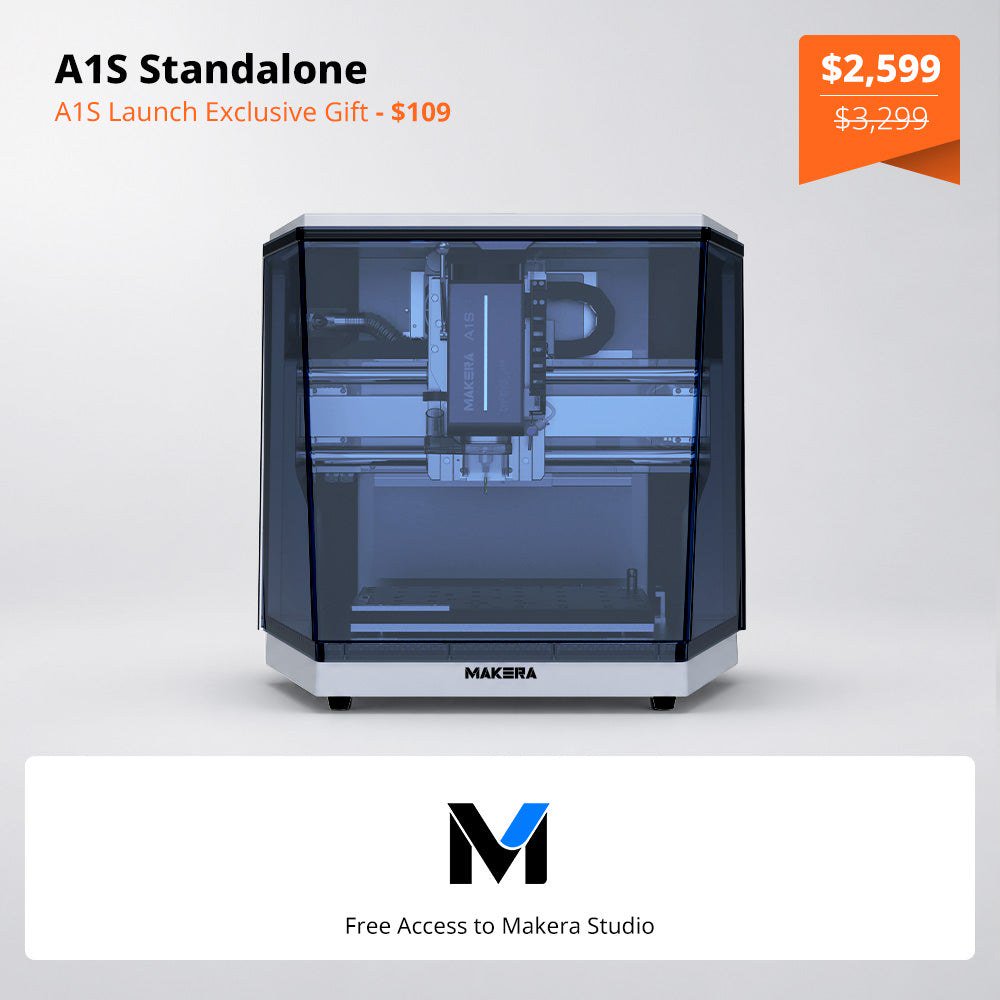 Makera Opens Official U.S. A1S Pre-Orders at $2,599, or $3,499 for the ATC Model Makera opened official A1S pre-orders on November 18, 2026. On November 20, the U.S. product page listed the standalone A1S at $2,599 (was $3,299) and the A1S ATC at $3,499 (was $4...