
MacPaw Adds Email Cleanup for Gmail and Browser Care for Chrome to CleanMyMac
MacPaw announced Email Cleanup and Browser Care for CleanMyMac on November 5, 2026. The tools clear Gmail clutter and manage heavy Chrome tabs, at no extra cost for active subscribers.
Disclosure: This page may contain affiliate links. They do not influence our editorial conclusions. Read the disclosure.
Key facts
- Announced
- November 5, 2026
- Cost
- No extra cost with an active CleanMyMac subscription
- Email Cleanup
- Gmail only; deleted mail recoverable in Gmail Trash for 30 days, drafts deleted permanently
- Browser Care
- Chrome extension; macOS 12+, Chrome 150.0.7871.125+, CleanMyMac 5.7.2+
- In the app since
- Email Cleanup 5.7.0 (Sept 25, 2026); Browser Care 5.7.2 (Oct 15, 2026)
MacPaw has added two tools to CleanMyMac that reach beyond the Mac itself. Email Cleanup clears clutter from Gmail inboxes, and Browser Care manages memory-hungry Google Chrome tabs. MacPaw announced both on November 5, 2026, and says they come at no additional cost for anyone with an active CleanMyMac subscription.

Email Cleanup: bulk inbox cleanup for Gmail
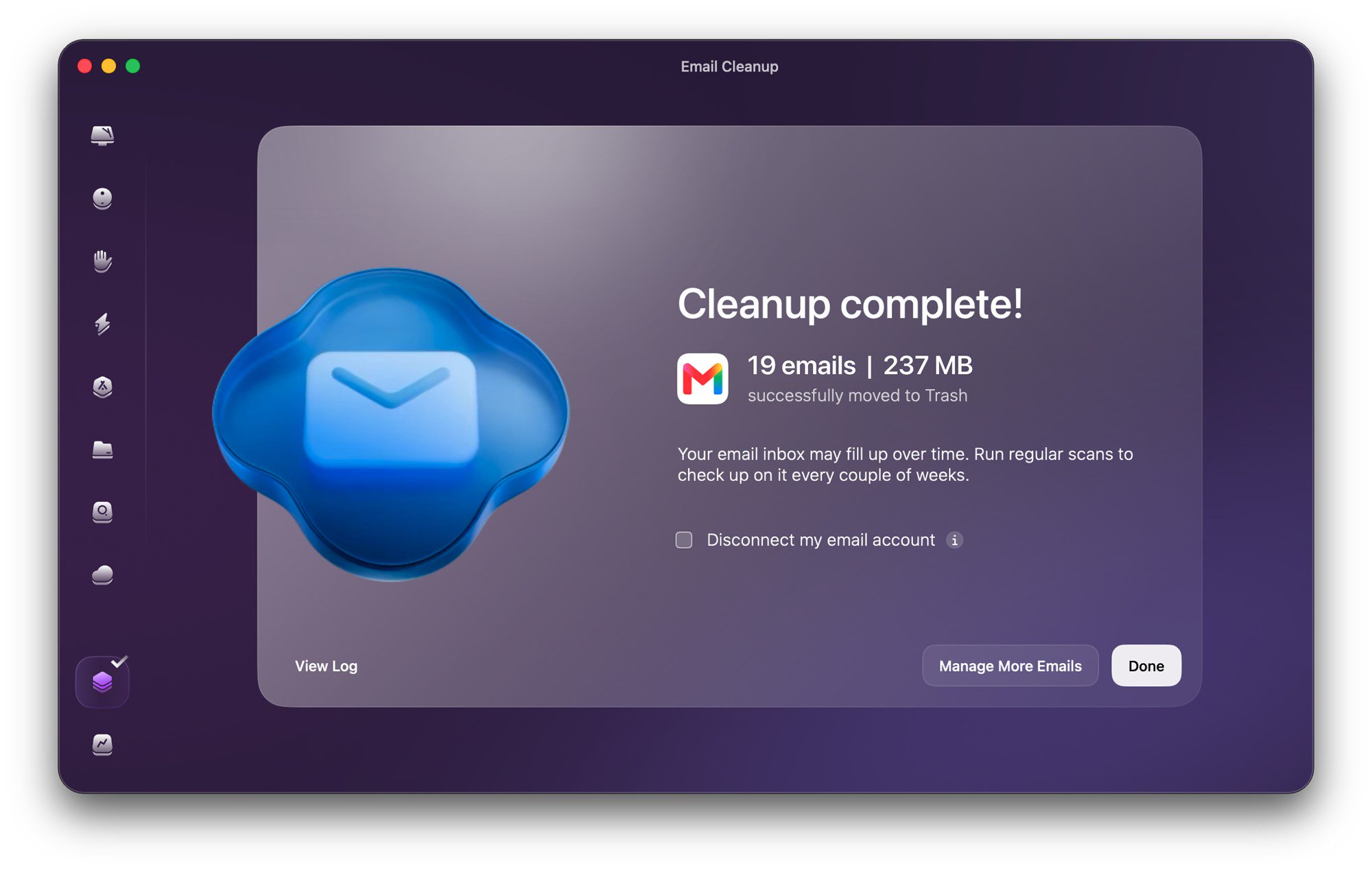
Email Cleanup scans a connected Gmail account and groups mail into categories such as newsletters and promotions, subscriptions, spam, drafts and senders, with a Smart Cleanup view that suggests what to clear first. MacPaw says users can review mail by sender, category, year or attachment size, unsubscribe from several mailing lists at once, and see potential savings in the storage Gmail shares with Google Drive and Google Photos.
MacPaw lists a few safeguards. Deleted emails go to Gmail Trash, where they stay recoverable for 30 days, but deleted drafts are removed permanently. Storage is freed only once mail is permanently deleted from Trash. The app asks for confirmation before deleting, archiving or unsubscribing, connects through standard Google sign-in, and can be disconnected at any time. MacPaw's support page says the tool analyzes email metadata rather than message content. Only Gmail is supported for now.
MacPaw also cited its own March 2026 survey of CleanMyMac users with Gmail accounts. In it, 61% called inbox clutter a moderate or serious problem, and 47% said they delete unwanted emails one by one.
Browser Care: a Chrome extension for heavy tabs
Browser Care connects a Chrome extension to CleanMyMac. It shows near real-time memory and CPU use by tab, lets you pause or close resource-heavy tabs, finds duplicates across windows and collects tabs left open for hours or days. MacPaw says page content, titles and browsing history stay on the Mac. Its support page lists macOS 12 or later, Chrome 150.0.7871.125 or later and CleanMyMac 5.7.2 or later as requirements. Browser Care works only in Chrome and within one Chrome profile.

Timing
MacPaw's release notes show the features reached the app ahead of the formal announcement. Email Cleanup arrived in CleanMyMac 5.7.0 on September 25, 2026, and Browser Care in 5.7.2 on October 15. The latest update listed when we checked was 5.7.4 from November 6.
Who it suits
The update matters most to CleanMyMac subscribers who use Gmail and Chrome every day, especially anyone near their Google storage limit. Safari, Firefox and non-Gmail users get no benefit yet.
For setup steps, see our guide to using Email Cleanup and Browser Care. To weigh the app as a whole, read our CleanMyMac review and the CleanMyMac buying guide.
References
- MacPaw via PR Newswire, "MacPaw Introduces Email Cleanup and Browser Care in CleanMyMac to Keep Your Whole Workday Clutter-Free," Nov 5, 2026: https://www.prnewswire.com/news-releases/macpaw-introduces-email-cleanup-and-browser-care-in-cleanmymac-to-keep-your-whole-workday-clutter-free-302930673.html
- MacPaw, CleanMyMac What's New (release notes): https://macpaw.com/cleanmymac/whats-new
- MacPaw Support, "Get started with email cleanup": https://macpaw.com/support/cleanmymac/knowledgebase/email-cleanup-get-started
- MacPaw Support, "Browser Care": https://macpaw.com/support/cleanmymac/knowledgebase/browser-care
Launch
Where to go next
Meet your guide
SurfGirl
author
What to read next
 Google Adds Computer Use to the Gemini App for Mac in the U.S. On November 19, 2026, Google said computer use is available in the Gemini app for Mac, in English in the U.S. Official requirements include an Apple Silicon Mac on macOS Sequoia 15... How to Use Gemini Computer Use on a Mac: Official Requirements, Permissions and Examples Official Google requirements for computer use in the Gemini app for Mac: an Apple Silicon Mac on macOS Sequoia 15.0 or later, a personal Google account for people 18 or older, a Go...
 How to Choose an LG Monitor in 2026: UltraGear, UltraFine, UltraWide and Smart Models A research-based 2026 guide to choosing an LG monitor, using official LG.com specs and listed U.S. prices as of November 19, 2026, for UltraFine and UltraWide work displays, webOS...