
How to Choose a Razer Keyboard: Huntsman vs BlackWidow vs DeathStalker vs Ornata
Razer's keyboard families explained: analog optical Huntsman, mechanical BlackWidow, low-profile DeathStalker and budget Ornata, with switch types, sizes and razer.com prices.
Disclosure: This page may contain affiliate links. They do not influence our editorial conclusions. Read the disclosure.
Our pick
- See price at Razer
Top pick
Razer
Gaming hardware and lifestyle brand founded in 2005, known for Razer mice, keyboards, headsets, Blade laptops, Kishi and Raiju controllers and Synapse software.
What this guide covers
Razer's keyboard lineup can look confusing at first: four main families, each with full-size, tenkeyless and compact versions, and several types of switch underneath. The good news is that the family name tells you most of what you need. Huntsman means analog or magnetic esports switches, BlackWidow means traditional mechanical switches, DeathStalker means ultra-slim low-profile optical keys, and Ornata means a budget-friendly mecha-membrane hybrid. This guide explains each family, the switch types, the size options and the prices on razer.com, so you can narrow down to the right board quickly.
How this guide was put together: it is based on Razer's official keyboard category page and product pages, checked on November 4, 2026. We did not test these keyboards hands-on. Prices are the ones shown on razer.com on that date and change often.

The four families at a glance
| Family | Switch type | Who it suits | razer.com price range (Nov 4, 2026) |
|---|---|---|---|
| Huntsman V3 Pro | Analog optical with adjustable actuation | Competitive FPS players | $179.99 to $269.99 |
| BlackWidow V4 | Mechanical (clicky, linear or tactile) | All-round gaming and typing | From $139.99 (75%) to $249.99 (V4 Pro) |
| DeathStalker V2 | Low-profile optical | Slim desk setups, laptop-style typing | $199.99 to $249.99 |
| Ornata V3 | Mecha-membrane or membrane | Budget buyers | $39.99 to $119.99 |
Step 1: Understand the switch types
The switch under each key decides how a keyboard feels and how fast it registers a press.

Mechanical switches (BlackWidow). Each key has a physical metal contact. Razer's main options are Green (clicky, with an audible click and tactile bump), Yellow (linear and quiet, with a smooth press) and Orange (tactile, with a bump but no click). The full-size BlackWidow V4 comes with Green or Yellow switches; the BlackWidow V4 75% comes with Orange Tactile Gen-3 switches that Razer says are factory-lubed with Krytox.
Analog optical switches (Huntsman V3 Pro). These use light rather than metal contact and measure how far a key is pressed. On the Huntsman V3 Pro, Razer's Analog Optical Switches Gen-2 let you set the actuation point anywhere from 0.1 to 4.0 mm. They support Rapid Trigger, where a key resets as soon as you start lifting it, which helps with fast strafing in shooters. Razer rates them at 40 g actuation force and 100 million keystrokes.
Low-profile optical switches (DeathStalker V2). Optical switches in a much shorter key, available as linear or clicky. Razer rates them at 70 million keystrokes. The keys feel closer to a laptop keyboard than a traditional gaming board.
Mecha-membrane (Ornata V3). Razer's hybrid of a soft membrane with a mechanical click, used on the Ornata V3 and Ornata V3 Tenkeyless. This is the most affordable way into a Razer keyboard.
Hall Effect magnetic (Huntsman V3 HE). Razer also lists Huntsman V3 HE Magnetic models, described as Hall Effect magnetic esports keyboards, alongside the analog optical Huntsman V3 Pro.
Step 2: Pick the family that matches how you play
Huntsman V3 Pro: for competitive shooters

The Huntsman V3 Pro is Razer's esports keyboard. The adjustable actuation and Rapid Trigger let you tune how sensitive keys are, which is why it targets players of fast tactical shooters. It also supports Snap Tap, which Razer says prioritizes the latest input when two keys are pressed together, by default for the A and D strafing keys, toggled with FN plus Left Shift. Other details from Razer's page include doubleshot PBT keycaps, an aluminum top plate and a magnetic wrist rest.
On November 4, 2026, razer.com listed the Huntsman V3 Pro from $179.99 to $269.99, the Huntsman V3 Pro TKL at $219.99, the Huntsman V3 Pro Mini at $179.99, and 8KHz versions of the full-size and TKL boards at $249.99 and $219.99.
BlackWidow V4: the all-rounder
The BlackWidow is Razer's long-running mechanical keyboard line, and the one to pick if you want a traditional mechanical feel for both gaming and typing.
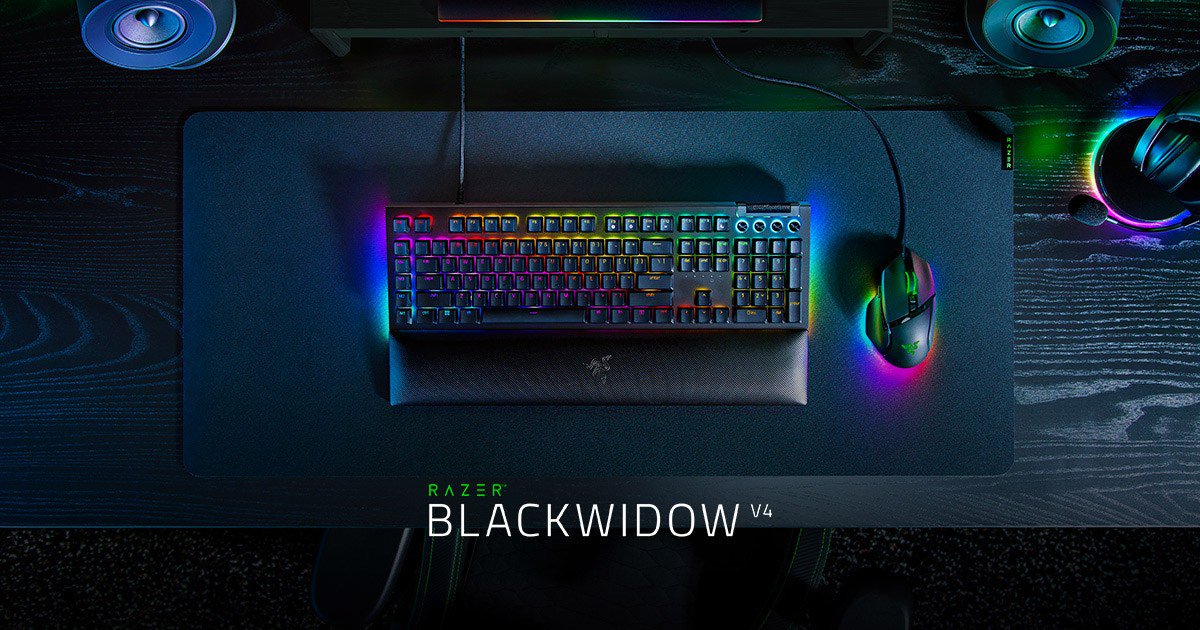
The full-size BlackWidow V4, listed from $169.99 on its product page, offers Green or Yellow switches, six dedicated macro keys, an 8000 Hz polling rate, doubleshot ABS keycaps, a multi-function roller with media keys and a magnetic wrist rest. Razer rates its switches at 100 million keystrokes, and it supports Snap Tap through Razer Synapse 4. The BlackWidow V4 Pro is listed at $249.99.

The BlackWidow V4 75% is the enthusiast option in the family. It is hot-swappable, so you can replace switches with 3-pin or 5-pin mechanical switches without soldering, and it uses a gasket-mounted FR4 plate. Razer also sells a barebones version without switches or keycaps for people who want to build their own. The product page showed it starting from US$139.99 on November 4, 2026.

If you want a slimmer mechanical board, Razer also lists the BlackWidow V4 Low-Profile HyperSpeed ($199.99 to $229.99) and the BlackWidow V4 Low-Profile TKL HyperSpeed ($199.99).
DeathStalker V2: slim and low-profile

The DeathStalker V2 family uses low-profile optical switches in an ultra-slim body with an aluminum top plate. The keycaps are laser-etched with what Razer calls an ultra-durable coating. Razer notes that its PBT and Phantom keycap upgrade sets do not fit the DeathStalker V2 because of its low-profile keys. Pick it if you want a sleek desk or prefer a short key travel. On November 4, 2026, razer.com listed the DeathStalker V2 at $199.99, the DeathStalker V2 Pro at $249.99 and the DeathStalker V2 Pro TKL at $219.99.
Ornata V3: budget RGB
The Ornata V3 line is Razer's entry point. Razer lists the Ornata V3 from $79.99 to $119.99, the Ornata V3 Tenkeyless at $79.99, and the Ornata V3 X at $39.99. These keyboards suit casual gaming, students and anyone who wants Razer Chroma RGB lighting without paying mechanical-keyboard prices.
Step 3: Choose a size
Most families come in several sizes:
- Full-size includes a number pad. It is best if you enter numbers often or use the macro keys on the BlackWidow V4.
- Tenkeyless (TKL) drops the number pad. The board is narrower, which leaves more room for wide mouse movements. Huntsman V3 Pro, BlackWidow V4 Low-Profile, DeathStalker V2 Pro and Ornata V3 all have TKL versions.
- 75% and smaller compacts the layout further. Razer offers the BlackWidow V4 75%, the Huntsman V3 Pro Mini and the new Reclusa Mini 65%, which Razer lists as a wireless enthusiast keyboard with hot-swappable switches.
Quick recommendations
- Competitive FPS player: Huntsman V3 Pro or Huntsman V3 Pro TKL for adjustable actuation and Rapid Trigger.
- Mechanical feel for gaming and typing: BlackWidow V4, with Yellow switches for quiet or Green for clicky.
- Enthusiast who likes to tinker: BlackWidow V4 75%, hot-swappable with a gasket-mounted plate.
- Slim, laptop-style typing: DeathStalker V2.
- Tight budget: Ornata V3 X at $39.99 or Ornata V3 TKL at $79.99.
Pair it with the right mouse
A keyboard upgrade often goes with a new mouse. Our best Razer gaming mice guide covers the Viper, DeathAdder, Basilisk, Cobra and Naga lines. If you are looking for a premium headset too, read our Razer BlackShark V3 Pro review.
Buying from Razer
The keyboards covered here come with up to two years of warranty, and RazerStore offers 14-day returns and free standard US shipping on orders over US$99. Our Razer shopping guide explains returns, warranty claims, RazerCare protection and Razer Silver rewards.
Bottom line
Start with how you play. Choose a Huntsman for the fastest, most adjustable esports response, a BlackWidow for a classic mechanical feel, a DeathStalker for a slim low-profile board and an Ornata for the lowest price. Then pick the size that fits your desk and decide whether you need a number pad.
References
- Razer. "Gaming Keyboards and Keypads" category page and price list. https://www.razer.com/pc/gaming-keyboards-and-keypads (accessed November 4, 2026).
- Razer. "Razer Huntsman V3 Pro" product page. https://www.razer.com/gaming-keyboards/razer-huntsman-v3-pro (accessed November 4, 2026).
- Razer. "Razer BlackWidow V4" product page. https://www.razer.com/gaming-keyboards/razer-blackwidow-v4 (accessed November 4, 2026).
- Razer. "Razer BlackWidow V4 75%" product page. https://www.razer.com/gaming-keyboards/razer-blackwidow-v4-75 (accessed November 4, 2026).
- Razer. "Razer DeathStalker V2" product page. https://www.razer.com/gaming-keyboards/razer-deathstalker-v2 (accessed November 4, 2026).
Meet your guide
Lipeiguan
author
What to read next
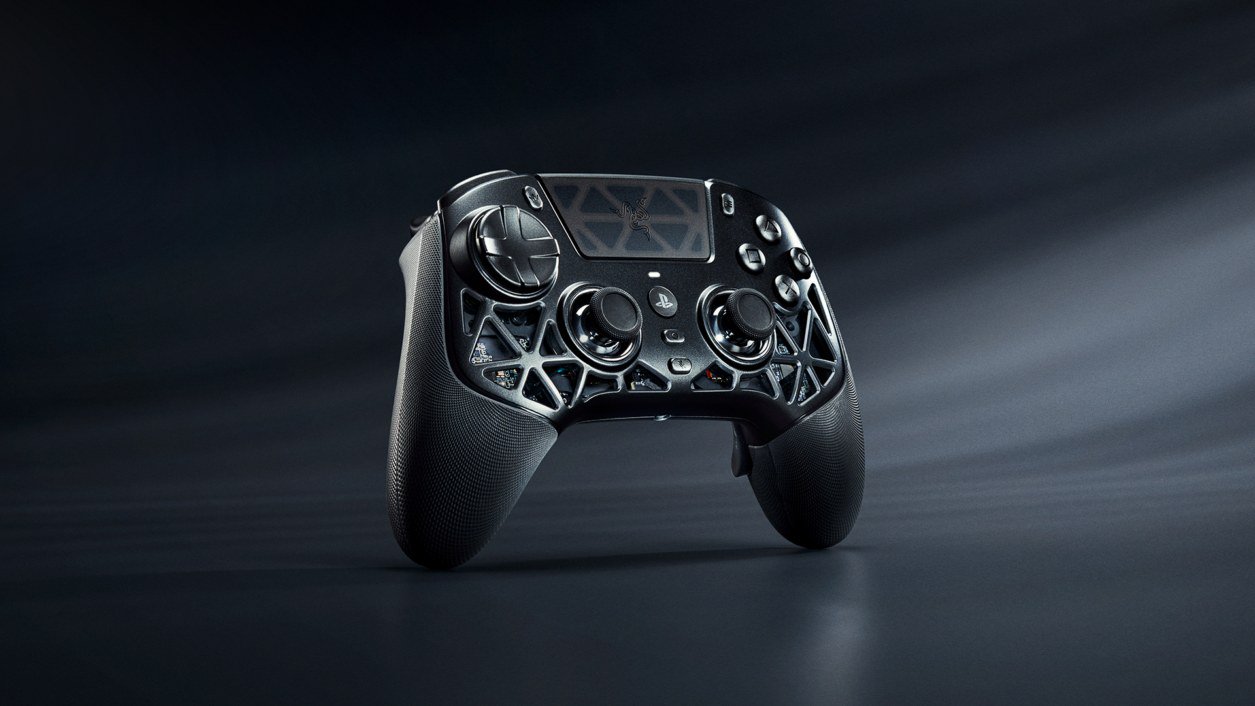 Razer Raiju V3 Pro Signature Edition: $349.99, 1,337 Units, Drops From November 10 Razer's serialized Raiju V3 Pro Signature Edition PS5 controller costs $349.99 and launches in regional drops from November 10 on Razer.com and select RazerStores, limited to 1,337...
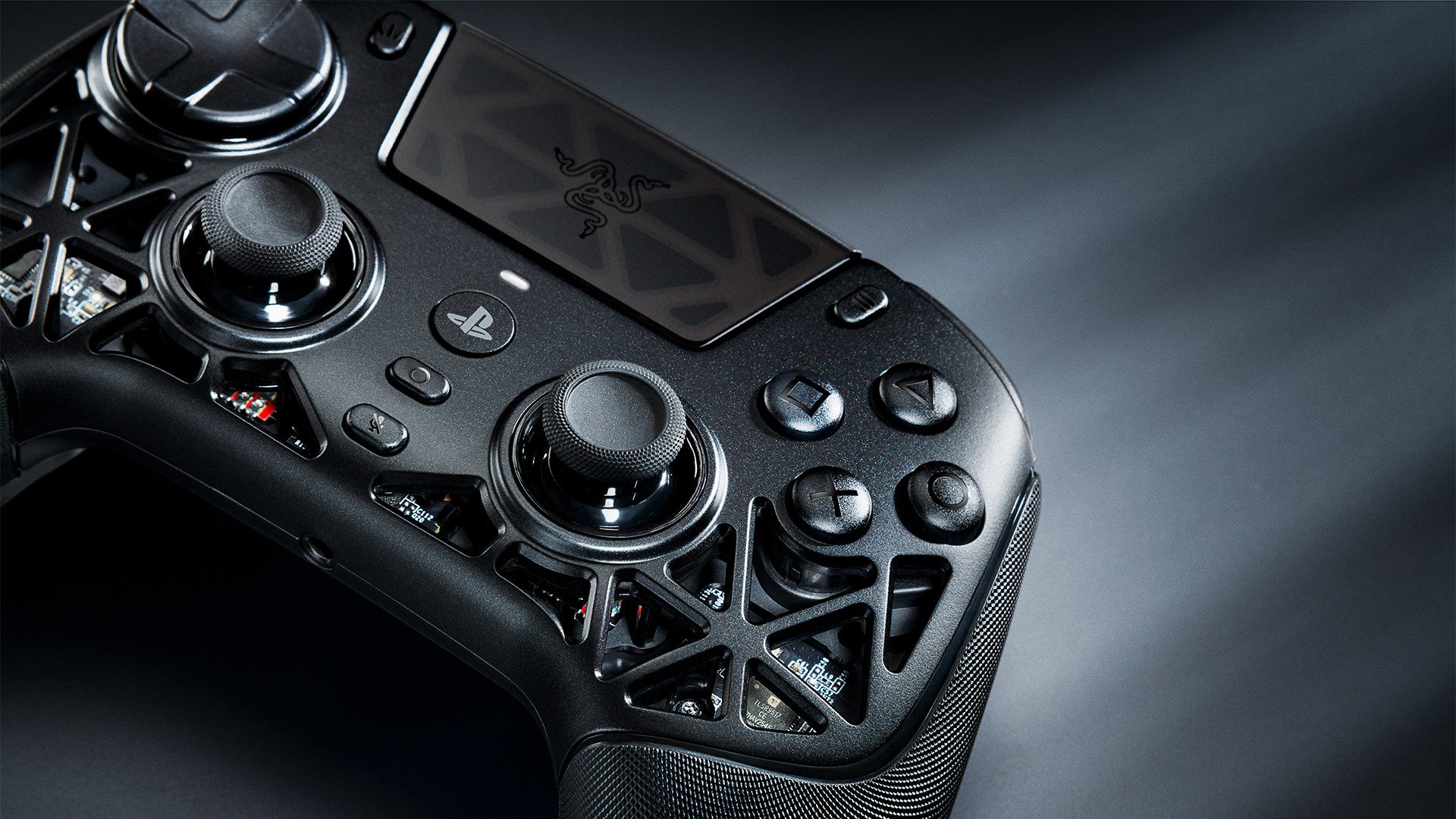 Razer Raiju V3 Pro Signature Edition vs DualSense Edge: Which PS5 Pro Controller? Razer's limited Raiju V3 Pro Signature Edition and Sony's DualSense Edge take opposite approaches to a premium PS5 controller. We compare sticks, buttons, haptics, battery, PC use... Razer Raiju V3 Pro Signature Edition Review: Specs, Price and Who It's For A research-based look at Razer's $349.99, 1,337-unit Raiju V3 Pro Signature Edition: its magnesium alloy shell, TMR sticks, accessories, how it compares with the $219.99 standard m...