
Razer DeathAdder V4 Pro vs Logitech G PRO X Superlight 2: Specs, Shape and Price
A research-based comparison of the Razer DeathAdder V4 Pro and Logitech G PRO X Superlight 2 on shape, weight, sensor, switches, battery, software, price and store policies.
Disclosure: This page may contain affiliate links. They do not influence our editorial conclusions. Read the disclosure.
Our pick
- See price at Razer
Top pick
Razer
Gaming hardware and lifestyle brand founded in 2005, known for Razer mice, keyboards, headsets, Blade laptops, Kishi and Raiju controllers and Synapse software.
The Razer DeathAdder V4 Pro and the Logitech G PRO X Superlight 2 are two of the most popular wireless esports mice on sale, and on paper they look very close: both are around 60 grams, both offer 8000 Hz wireless polling, and both sit in the US$150 to US$180 range. The real differences are in shape, battery life, switch design, software and the store policies that come with each. This comparison lays them side by side using the official Razer and Logitech G product pages, checked on November 4, 2026.
How we compared: this is a research-based comparison. We did not test either mouse hands-on. Specifications, prices, ratings and policies come from the brands' own pages, and we note where a figure is not published.

Quick comparison
| Razer DeathAdder V4 Pro | Logitech G PRO X Superlight 2 | |
|---|---|---|
| Shape | Right-handed ergonomic (per Razer FAQ) | Not labeled on Logitech's store page |
| Weight | 56 g (57 g White, 58 g Esports Green) | 60 g |
| Dimensions | Not stated on the pages we checked | 125 x 63.5 x 40 mm |
| Sensor | Razer Focus Pro 45K Optical Sensor Gen-2 | HERO 2 |
| Max DPI | Up to 45,000 | Up to 44,000 in feature copy; spec table lists 100-32,000 |
| Max speed / acceleration | 900 IPS / 85 G | Over 888 IPS / over 88 G |
| Wireless polling | Up to 8000 Hz (HyperSpeed Wireless Gen-2) | Up to 8000 Hz (LIGHTSPEED) |
| Switches | Razer Optical Mouse Switches Gen-4, rated over 100 million clicks | LIGHTFORCE hybrid optical-mechanical, rated 70 million clicks |
| Scroll wheel | Razer Optical Scroll Wheel | Not specified as optical |
| Buttons | 8 programmable controls | 5 buttons |
| Battery | Up to 150 hours (latest firmware) | 95 hours constant motion |
| Software | Razer Synapse | Logitech G HUB |
| Warranty | Up to 2 years | 2-year limited hardware warranty |
| Brand store price (Nov 4, 2026) | US$179.99 list, shown at US$152.99 | US$159.99 |
| Brand store rating | 4.9/5 from 35 reviews | About 4.7/5 from 524 reviews |
Prices on both stores change often. The DeathAdder V4 Pro was showing a 15% discount on Razer.com when we checked, so the gap between the two may be wider or narrower when you shop.
Shape and fit: the deciding factor
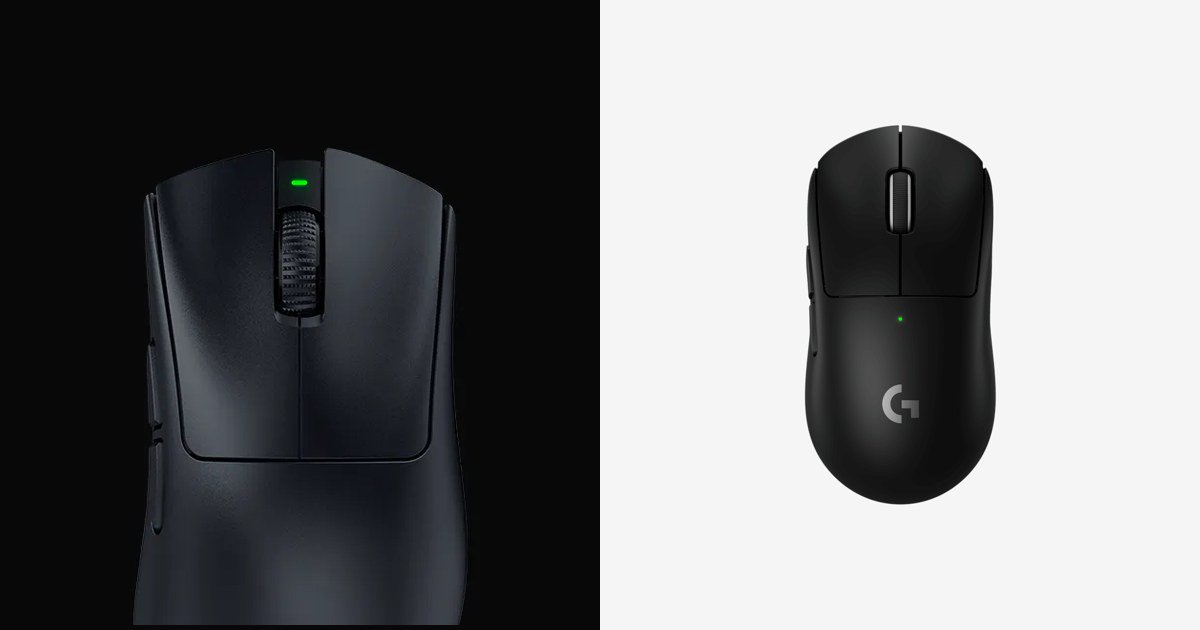
For most buyers, shape matters more than any number in the table. Razer's FAQ is explicit that the DeathAdder V4 Pro has a right-handed ergonomic shape. Razer says it kept the same shape as the previous DeathAdder, which it describes as award-winning and loved by pros, and changed the internals and finish instead. The mouse has a smooth-touch coating that Razer says stays easy to grip.
The Superlight 2 is a different kind of shell. Logitech's official top-down image shows a narrow, rounded body with a single centered scroll wheel and no thumb rest, and the spec sheet gives its size as 125 mm long, 63.5 mm wide and 40 mm high. Logitech does not describe the shape as ergonomic or ambidextrous on the store page, so check the dimensions against a mouse you already own.
A simple rule from these descriptions: if you like a mouse that fills the palm and slopes toward the right, the DeathAdder is built for that. If you prefer a narrower, more neutral shell, the Superlight 2 is the closer match. Left-handed players should look elsewhere for the DeathAdder, since Razer only lists it as right-handed.

Weight
At 56 grams for the black version, the DeathAdder V4 Pro is 4 grams lighter than the 60-gram Superlight 2. Razer says the V4 Pro is more than 10% lighter than its predecessor. The White and Esports Green editions weigh 57 g and 58 g. A difference of a few grams is small, but it is notable that Razer's ergonomic shape comes in lighter than Logitech's simpler-looking design.
Sensor and wireless
Both mice use their makers' current flagship sensors and both support 8000 Hz polling over wireless, so the spec sheets are close.
- Razer lists the Focus Pro 45K Optical Sensor Gen-2 with up to 45,000 DPI, 900 IPS and 85 G, and claims 99.8% resolution accuracy. Its HyperSpeed Wireless Gen-2 system is, according to Razer, capable of true 8000 Hz polling with 37% lower latency than the previous generation. The receiver is a new hemispherical dongle with a weighted base, a longer antenna and three LED indicators that show battery, connection status and polling rate by default.
- Logitech lists the HERO 2 sensor with tracking over 888 IPS and acceleration over 88 G. The feature copy on the page says up to 44,000 DPI, while the technical specifications table on the same page lists 100 to 32,000 DPI, so the figure you see depends on which part of the page you read. LIGHTSPEED wireless supports up to 8 kHz polling, and Logitech says it is designed for reliability in tournament RF environments. The spec sheet also lists a 32-bit ARM microprocessor and zero smoothing, acceleration or filtering.
Few players will notice the difference between 44,000 and 45,000 DPI, since most esports players use settings well under 3,200. The factory DPI stages on the DeathAdder V4 Pro, for example, are 400, 800, 1600 (default), 3200 and 6400.

Switches, scroll wheel and buttons
This is where the two mice differ most clearly.
Razer has moved the DeathAdder V4 Pro to an all-optical design: Razer Optical Mouse Switches Gen-4 rated for over 100 million clicks, and a Razer Optical Scroll Wheel that Razer says is 3.3 times more reliable than mechanical designs. Razer calls it the first esports mouse with an optical sensor, scroll wheel and switches together.
Logitech uses LIGHTFORCE hybrid switches, which it describes as combining the speed and reliability of optical switches with the low power use and clicky feel of a traditional mechanical microswitch. They are rated for 70 million clicks.
On buttons, the DeathAdder V4 Pro has 8 programmable controls plus Razer HyperShift, which lets you activate a second set of keybinds and a DPI stage with one button. The Superlight 2 has 5 buttons. If you want extra binds without moving to an MMO-style mouse, the DeathAdder gives you more room.
Battery life
Razer says the DeathAdder V4 Pro runs for up to 150 hours on the latest firmware, up from the 120 hours printed on its original packaging. Logitech lists 95 hours of constant motion for the Superlight 2 and notes that battery life varies with use. Neither page says which polling rate these figures assume, so treat both as the makers' own best-case numbers.
On these official numbers, the DeathAdder lasts about 55 hours longer per charge.
Software and onboard memory
The DeathAdder V4 Pro uses Razer Synapse. Razer lists Dynamic Sensitivity, a Rotation Tool for horizontal swipes, 1 DPI step adjustments, a Sensitivity Matcher that ports DPI settings from your current mouse, Motion Sync, Smart Tracking, and an asymmetric cut-off with up to 26 lift-off and landing levels. A Smart Polling Rate Switcher can change the polling rate automatically by game. The mouse stores 1 onboard profile based on your last-used Synapse profile.
The Superlight 2 uses Logitech G HUB, and Logitech notes that advanced features need it. The page lists system requirements of a PC with Windows 10 or later and a USB 2.0 port, plus internet access for G HUB.

Price, warranty and returns
On November 4, 2026, Razer.com listed the DeathAdder V4 Pro at US$179.99, with a sale price of US$152.99 shown on the page. Logitech G listed the Superlight 2 at US$159.99. At full price the Logitech is US$20 cheaper; on the day we checked, the Razer was cheaper.
Store policies differ:
- Razer.com: free standard shipping to the United States on orders over US$99, up to 2 years of warranty, and 14 days of risk-free returns when you buy directly from RazerStore. Our Razer.com shopping guide covers returns, RazerCare and Razer Silver in more detail.
- Logitech G store: free shipping (3-5 business days) on all orders, free returns within 30 days of purchase, and a 2-year limited hardware warranty.
The longer free return window at Logitech is useful if you are unsure about the shape, since you have more time to decide.
Buyer ratings
On the brand stores, the DeathAdder V4 Pro showed 4.9 out of 5 from 35 reviews, and the Superlight 2 showed about 4.7 out of 5 from 524 reviews. The Superlight 2 has far more reviews, so its average is based on more buyers. One five-star Logitech reviewer made a point that applies to both mice: if you like the shape you will like the mouse, and if you do not, specs will not fix it.
Which should you buy?
Choose the Razer DeathAdder V4 Pro if you want a right-handed ergonomic shape, the lightest weight of the two, longer rated battery life, optical switches and scroll wheel, and more programmable controls. It also comes with a dongle that shows battery and polling status at a glance.
Choose the Logitech G PRO X Superlight 2 if you prefer a narrower, more neutral shell, want the lower full price, or value a 30-day free return window and the larger pool of buyer reviews.
If neither shape sounds right, our best Razer gaming mice roundup covers the symmetrical Viper V4 Pro, the smaller Cobra Pro and the button-heavy Basilisk and Naga lines.
References
- Razer. "Razer DeathAdder V4 Pro" product page, FAQ and store listing. https://www.razer.com/gaming-mice/razer-deathadder-v4-pro (accessed November 4, 2026).
- Logitech G. "PRO X SUPERLIGHT 2 LIGHTSPEED Wireless Gaming Mouse" store page and specifications. https://www.logitechg.com/en-us/shop/p/pro-x2-superlight-wireless-mouse.910-006636 (accessed November 4, 2026).
- Razer. "Returns and Refunds Policy." https://www.razer.com/legal/returns-refunds (accessed November 4, 2026).
- Razer. "Gaming Mice" category page. https://www.razer.com/pc/gaming-mice (accessed November 4, 2026).
Meet your guide
Lipeiguan
author
What to read next
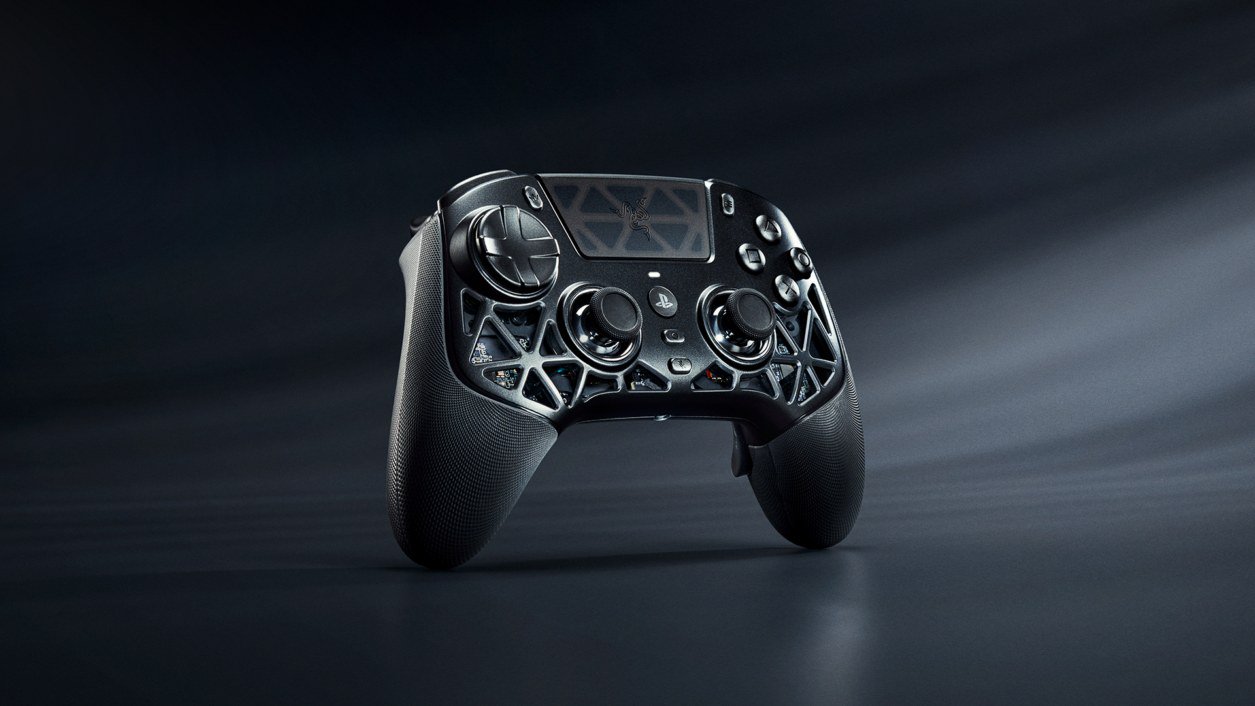 Razer Raiju V3 Pro Signature Edition: $349.99, 1,337 Units, Drops From November 10 Razer's serialized Raiju V3 Pro Signature Edition PS5 controller costs $349.99 and launches in regional drops from November 10 on Razer.com and select RazerStores, limited to 1,337...
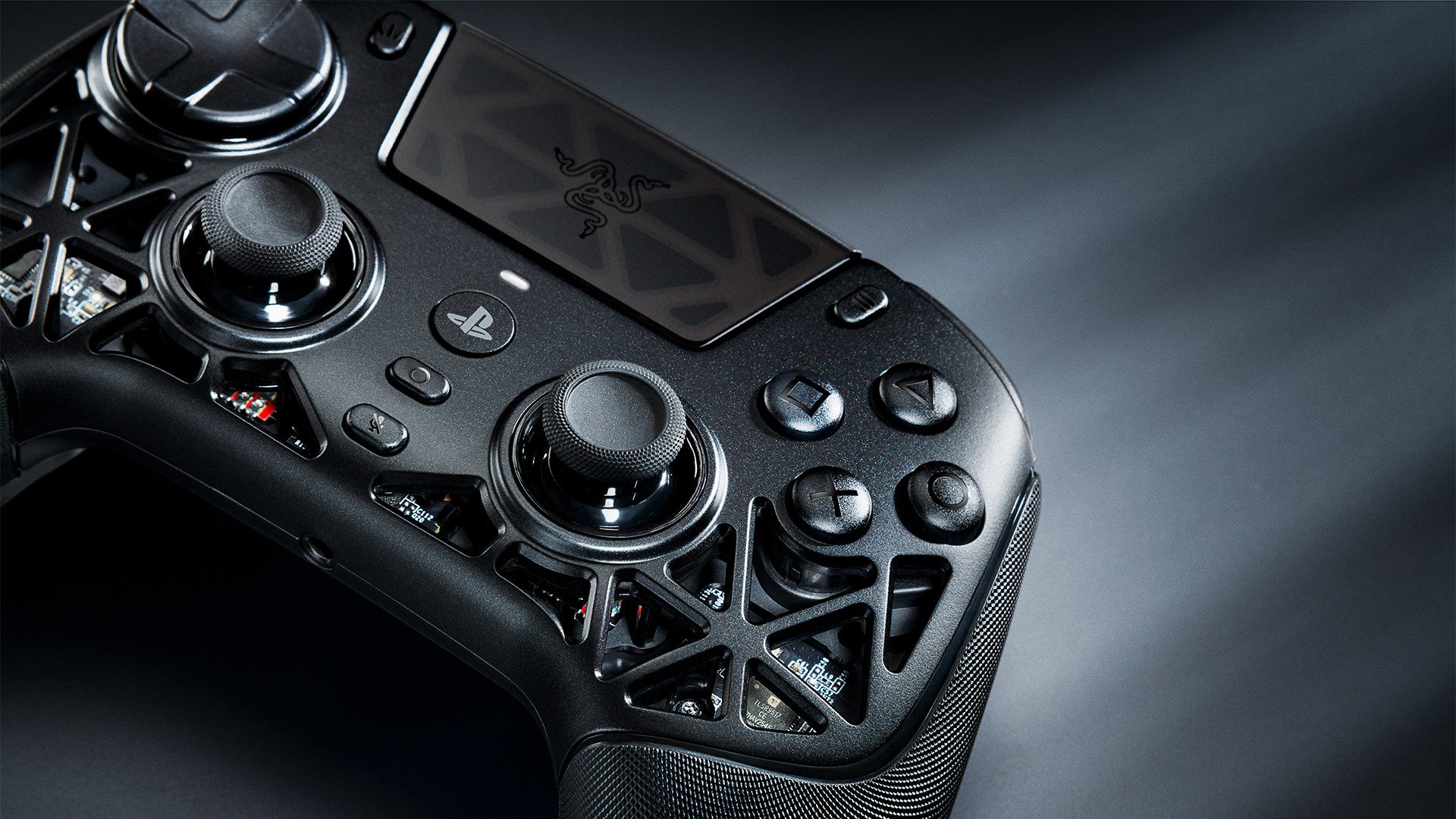 Razer Raiju V3 Pro Signature Edition vs DualSense Edge: Which PS5 Pro Controller? Razer's limited Raiju V3 Pro Signature Edition and Sony's DualSense Edge take opposite approaches to a premium PS5 controller. We compare sticks, buttons, haptics, battery, PC use... Razer Raiju V3 Pro Signature Edition Review: Specs, Price and Who It's For A research-based look at Razer's $349.99, 1,337-unit Raiju V3 Pro Signature Edition: its magnesium alloy shell, TMR sticks, accessories, how it compares with the $219.99 standard m...